A robot coffee kiosk distributor marketing plan has roughly 90 days to prove whether a territory can produce buyers. The version that works treats weeks 1 to 30 as pipeline construction, weeks 31 to 60 as buyer qualification, and weeks 61 to 90 as multi-unit conversion. The target is one anchor client and three qualified pilot commitments. That proof set can then scale into a real territory. This article maps that sequence for distributors and B2B sales teams selling COFE+ robot coffee kiosks to property owners, retail groups, and transit operators. Each section gives concrete actions, not broad theory.

Robot Coffee Kiosk Distributor Pipeline Building in Weeks 1 to 30
Most distributor marketing plans start with paid ads and a brand video. That is backwards for a robot coffee kiosk distributor because the first closing depends on site fit, not general awareness. Spend the first 30 days turning your territory into a qualified property list: shopping malls, transit hubs, airports, hospitals, universities, hotels, and large office campuses. For each site, record daily foot traffic, available power, water, drainage, internet access, and the landlord’s approval cycle.
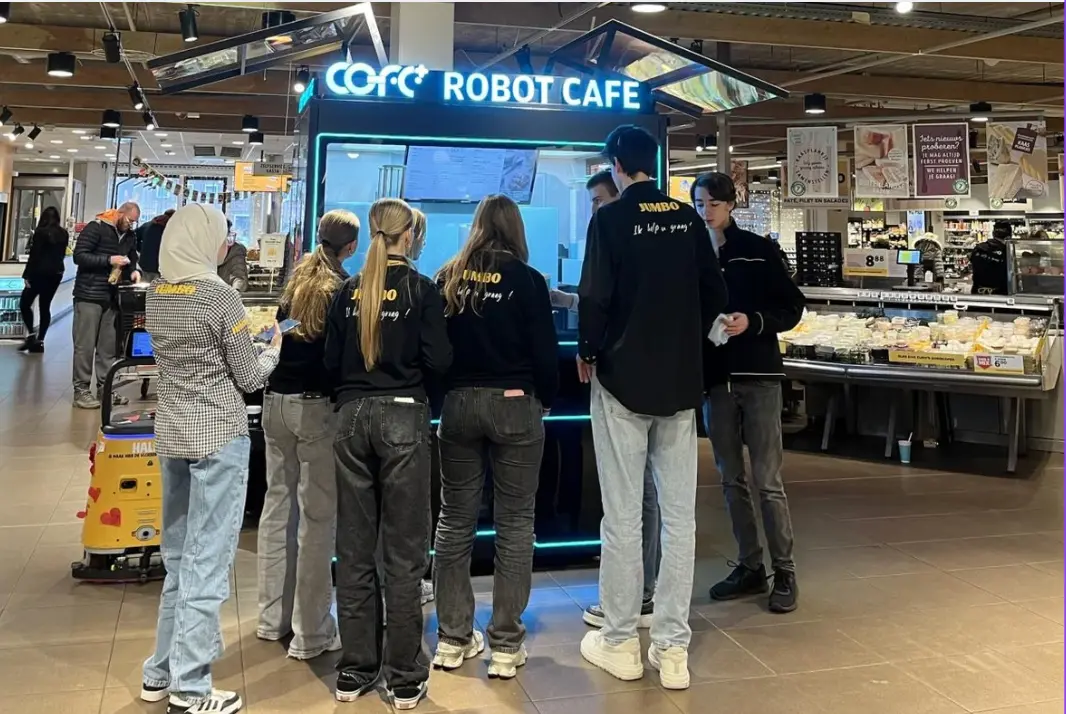
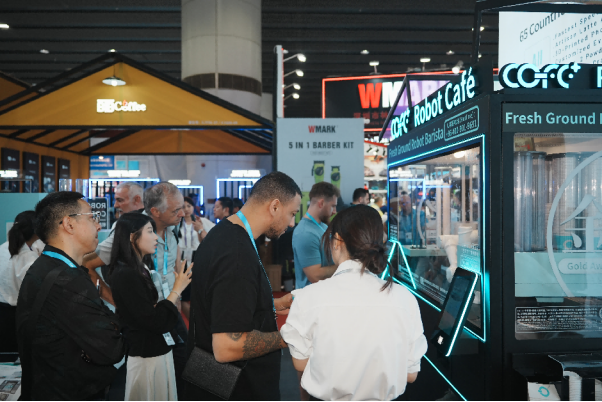
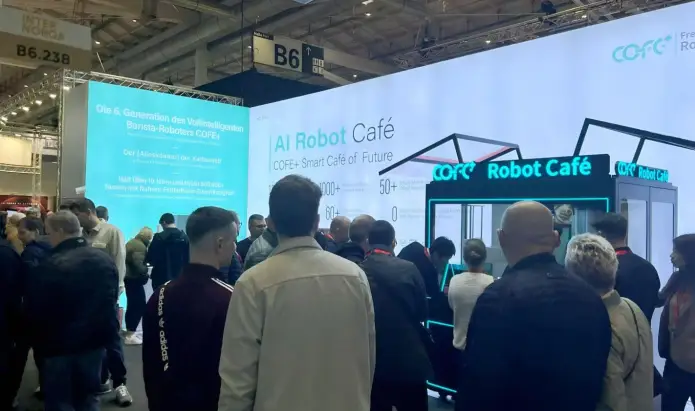
By day 15, select one high visibility demo site where the operator wants a working unit, not a brochure. A strong demo can be placed near a mall entrance, a transit waiting area, or a hotel lobby. The goal is to convert a curious property owner into a pilot commitment. That gives the rest of the 90 day window a live proof point for every later sales conversation.
| Window | Primary Objective | Key Actions | Exit Criterion |
|---|
| Weeks 1 to 30 | Build a qualified property list | Map 50 candidate sites, select one demo site, confirm utility readiness | Three signed pilot commitments |
| Weeks 31 to 60 | Qualify buyers and avoid wasted demos | Run a five point scorecard, confirm budget authority, schedule live demos | Four qualified meetings per week |
| Weeks 61 to 90 | Convert pilots into multi-unit commitments | Review pilot data, propose multi-site rollout, negotiate territory terms | One anchor order or three additional units |
Buyer Qualification for Robot Coffee Kiosk Distributors in Weeks 31 to 60
A distributor’s most expensive mistake is spending demo hours on property owners who cannot approve a purchase. In weeks 31 to 60, run every lead through a five point scorecard before scheduling a physical demo. The five points are budget authority, site approval process, expected daily cups, power and drainage readiness, and willingness to sign a pilot agreement. A lead that scores low on budget authority will stall no matter how good the demo is.
Use the first contact to ask four questions: Who signs the purchase order? How many sites do you manage? What is the highest traffic hour at the proposed location? Can the facility team provide power and water drawings within ten days? These questions do more than filter; they show the property owner that you are evaluating the site as seriously as they are.
A practical qualifier at this stage is expected volume. If a proposed location cannot realistically produce at least 80 cups per day, it may still work as a marketing showcase, but it should not consume a distributor’s best sales hours early in the quarter. Focus demo scheduling on locations where the operator controls multiple sites or has a stated expansion plan.
If your territory includes outdoor transit sites or locations with freezing winters, it is worth confirming the kiosk’s all-weather operating range and utility requirements before finalizing your shortlist. Send the site address, available power, and drainage details to sales@hi-dolphin.com.
Pilot Conversion and Multi-Unit Robot Coffee Kiosk Commitments in Weeks 61 to 90
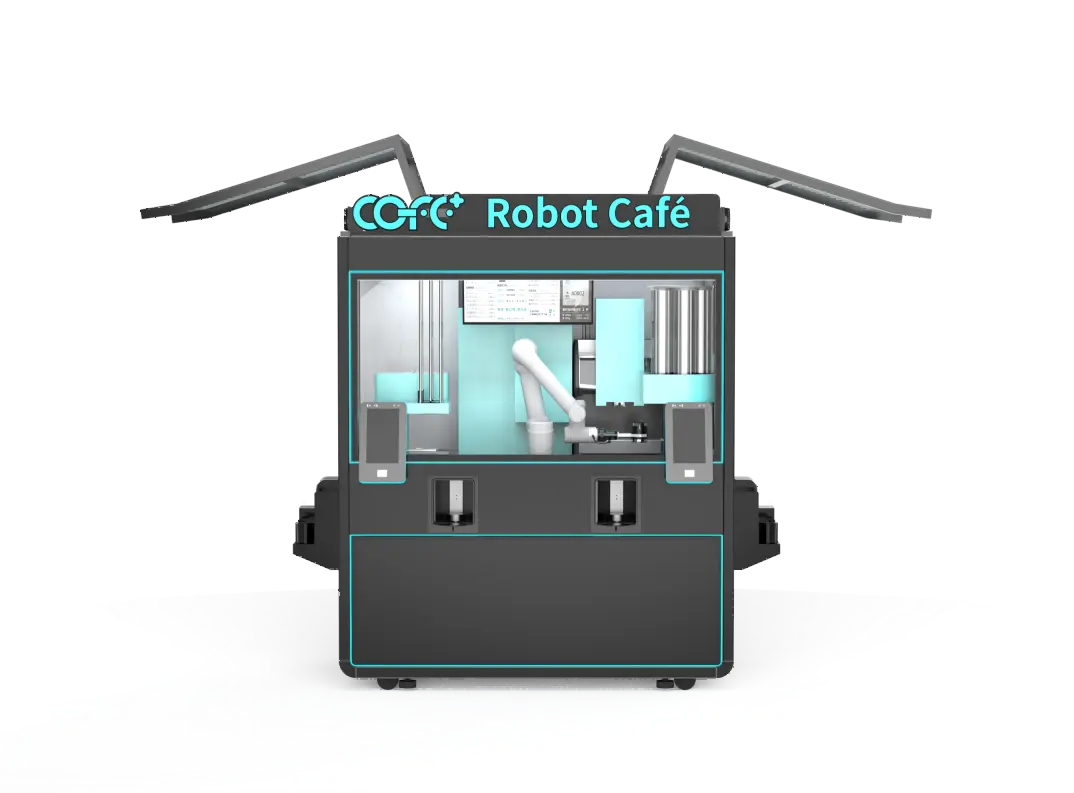
The final 30 days should convert pilot performance into purchase decisions. Pull three numbers from the pilot site: cups served per day, uptime percentage, and repeat customer rate. Then put those numbers in a one page summary for the property owner. A COFE+ indoor kiosk can serve roughly 1,000 cups per day with a cycle time of 43 to 60 seconds, so underperformance is usually a location problem, not a machine problem. That distinction changes the sales conversation from product doubt to placement optimization.
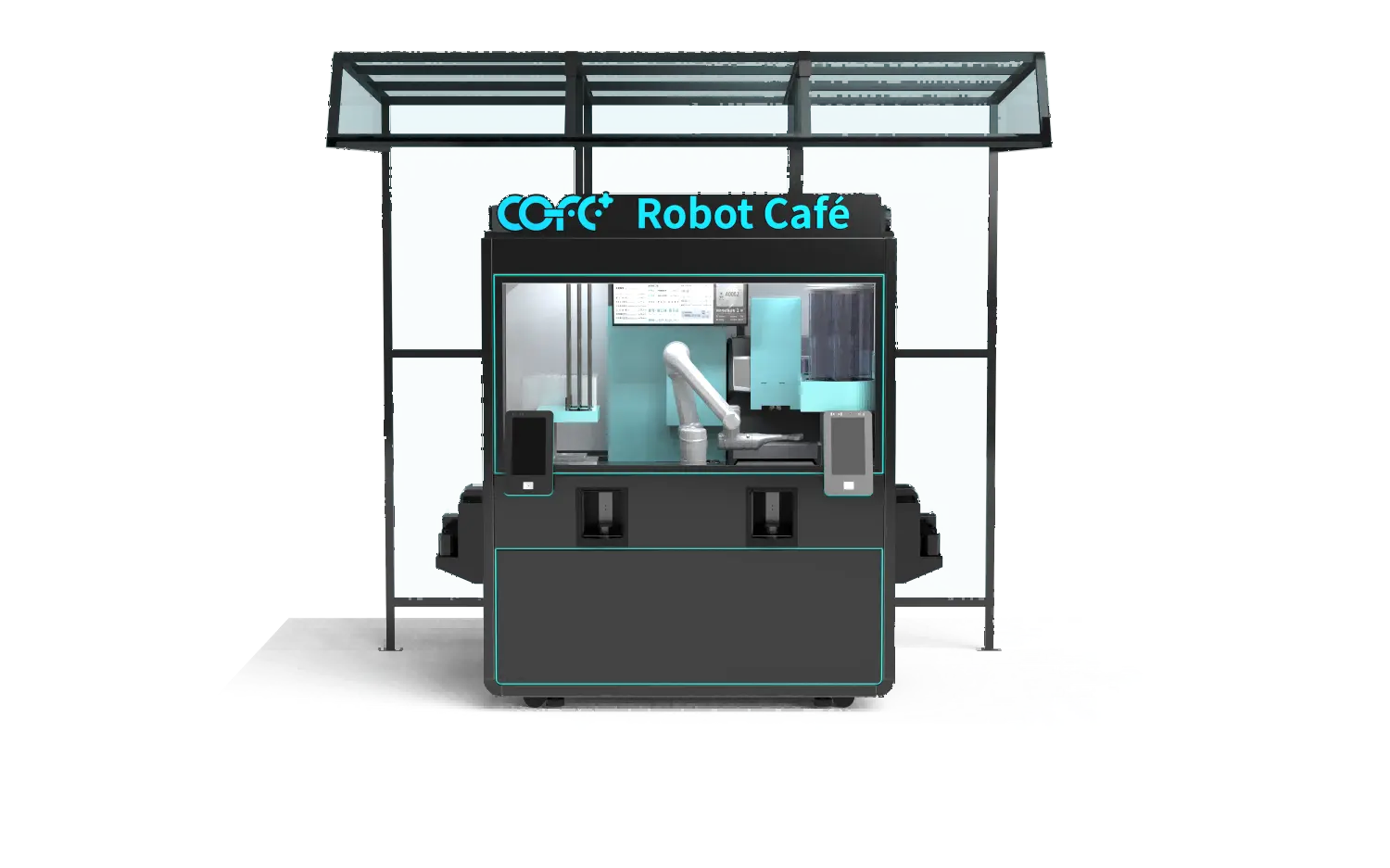
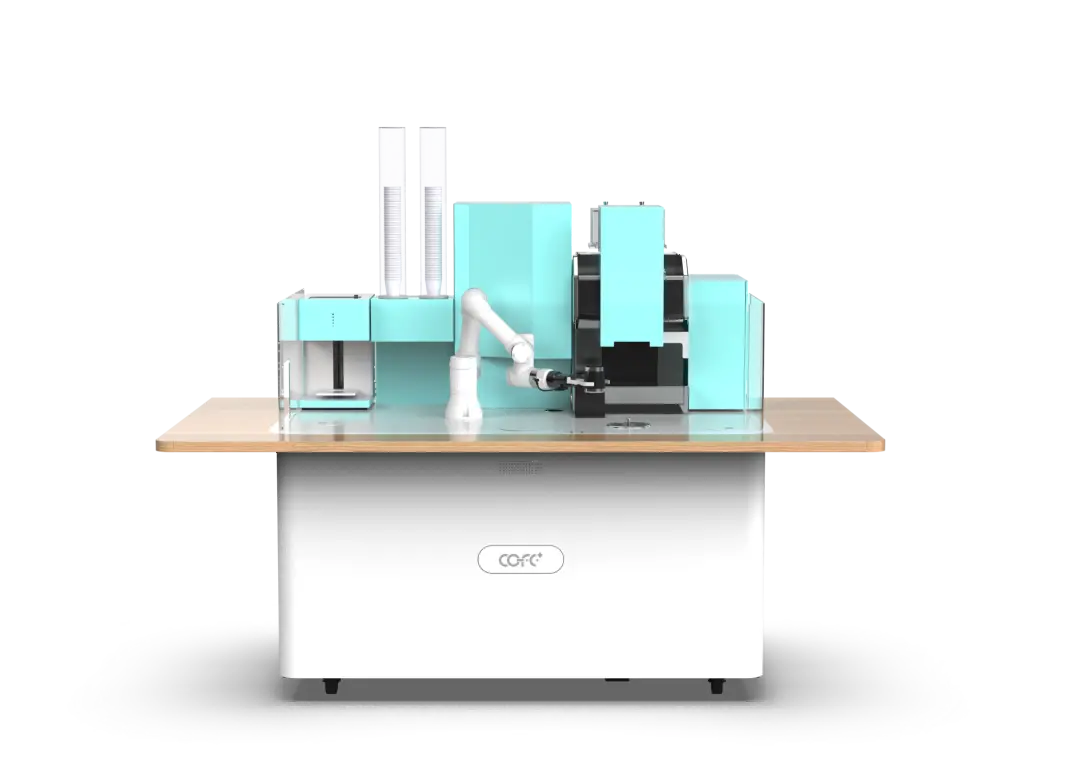
For multi-unit proposals, structure the rollout by site type. A distributor should show the buyer how one model works in a shopping mall, another works in a transit hub, and a coffee bar format fits a hotel lobby. This lets the buyer commit to two or three formats without feeling locked into one footprint. It also positions the distributor as a system supplier rather than a single machine vendor.
The strongest conversion move at this stage is the 30 day pilot data packet. Include daily sales, peak hour throughput, maintenance alerts, and customer feedback. When the buyer sees stable operation and no staffing requirement, the discussion moves away from whether a robot coffee kiosk can work and toward how many sites the buyer should launch next.
Marketing Assets That Shorten the Robot Coffee Kiosk Distributor Sales Cycle
Most sales cycles stall because distributors lack the right asset at the right moment. A 30 second video of the robotic arm and 3D latte art can close the novelty gap. A one page site survey covers power, water, drainage, and internet, so the landlord’s facility team can approve the plan without a second meeting. An ROI sheet tied to local cup prices turns a technical conversation into a property yield conversation.
The table below gives a simple reference for matching the product format to the buyer’s site type.
| Format | Fußabdruck | Tägliche Kapazität | Beste Platzierung |
|---|
| Indoor-Kiosk | 2.35 m2 | about 1,000 cups | Shopping malls, offices, hospitals |
| Outdoor-Kiosk | compact all-weather unit | about 1,000 cups | Transit hubs, parks, stadiums |
| Roboter-Kaffeebar | about 2 m2 folded | 24/7 unbeaufsichtigt | Hotels, Flughäfen, Co-Working-Spaces |
| Roboter-Kaffeetheke | about 2 m2 | 24/7 unbeaufsichtigt | cURL Too many subrequests by single Worker invocation. To configure this limit, refer to https://developers.cloudflare.com/workers/wrangler/configuration/#limits |
cURL Too many subrequests by single Worker invocation. To configure this limit, refer to https://developers.cloudflare.com/workers/wrangler/configuration/#limits
cURL Too many subrequests by single Worker invocation. To configure this limit, refer to https://developers.cloudflare.com/workers/wrangler/configuration/#limits
cURL Too many subrequests by single Worker invocation. To configure this limit, refer to https://developers.cloudflare.com/workers/wrangler/configuration/#limits
cURL Too many subrequests by single Worker invocation. To configure this limit, refer to https://developers.cloudflare.com/workers/wrangler/configuration/#limits
cURL Too many subrequests by single Worker invocation. To configure this limit, refer to https://developers.cloudflare.com/workers/wrangler/configuration/#limits
cURL Too many subrequests by single Worker invocation. To configure this limit, refer to https://developers.cloudflare.com/workers/wrangler/configuration/#limits
cURL Too many subrequests by single Worker invocation. To configure this limit, refer to https://developers.cloudflare.com/workers/wrangler/configuration/#limits
cURL Too many subrequests by single Worker invocation. To configure this limit, refer to https://developers.cloudflare.com/workers/wrangler/configuration/#limits
cURL Too many subrequests by single Worker invocation. To configure this limit, refer to https://developers.cloudflare.com/workers/wrangler/configuration/#limits
cURL Too many subrequests by single Worker invocation. To configure this limit, refer to https://developers.cloudflare.com/workers/wrangler/configuration/#limits
cURL Too many subrequests by single Worker invocation. To configure this limit, refer to https://developers.cloudflare.com/workers/wrangler/configuration/#limits
cURL Too many subrequests by single Worker invocation. To configure this limit, refer to https://developers.cloudflare.com/workers/wrangler/configuration/#limits