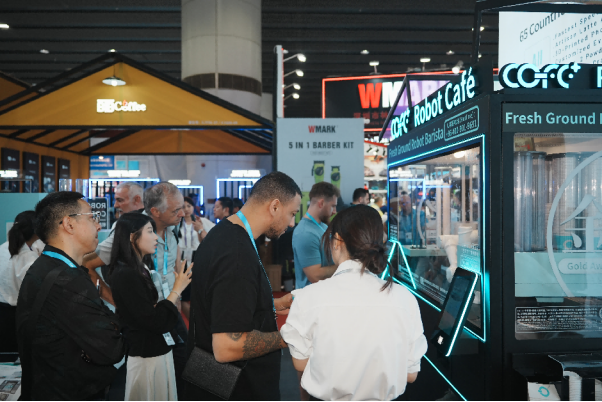
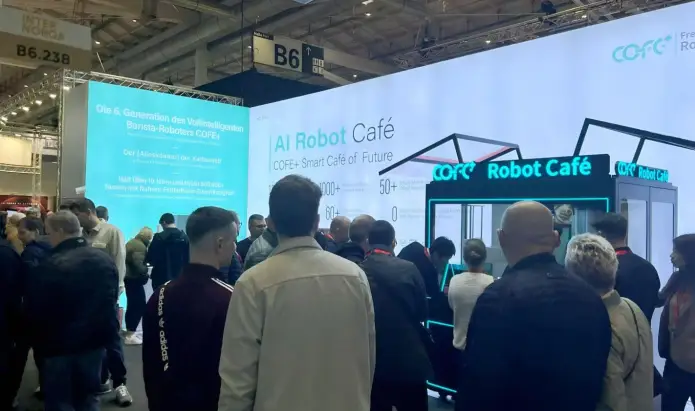
Robot coffee kiosks change how industrial park operators think about employee amenities, because a good campus plan treats coffee service as a distributed utility rather than a single café. When a park spans multiple buildings and runs morning, swing, and night shifts, the real constraint is not whether a machine can make a cup well. It is whether the machine sits close enough to the people who actually need it. This article sets out the demand patterns, placement logic, utility requirements, and operating model we use when advising industrial park teams on unmanned coffee service, so facility managers can plan a network instead of buying a novelty.
Robot Coffee Kiosk Demand Patterns in Industrial Parks
Industrial parks do not have one demand curve. They have three or four overlapping ones. A manufacturer running 6am to 2pm and 2pm to 10pm shifts produces a surge before each shift begins, a smaller bump at lunch, and almost no traffic overnight. An office-heavy campus peaks between 8am and 10am, then again after lunch. A distribution hub with continuous loading docks can generate steady demand at 3am because night crews take breaks just like day crews.
This matters because a single coffee counter in the main entrance building captures only the employees who pass it on their commute. Anyone working in building C at the far end of the campus will not walk eight minutes for a coffee on a 15 minute break. In our planning conversations, I ask facility managers to map not just headcount but shift start times and walking distance from each building to the nearest break area. Those two variables explain most of the variance in daily cup volume.
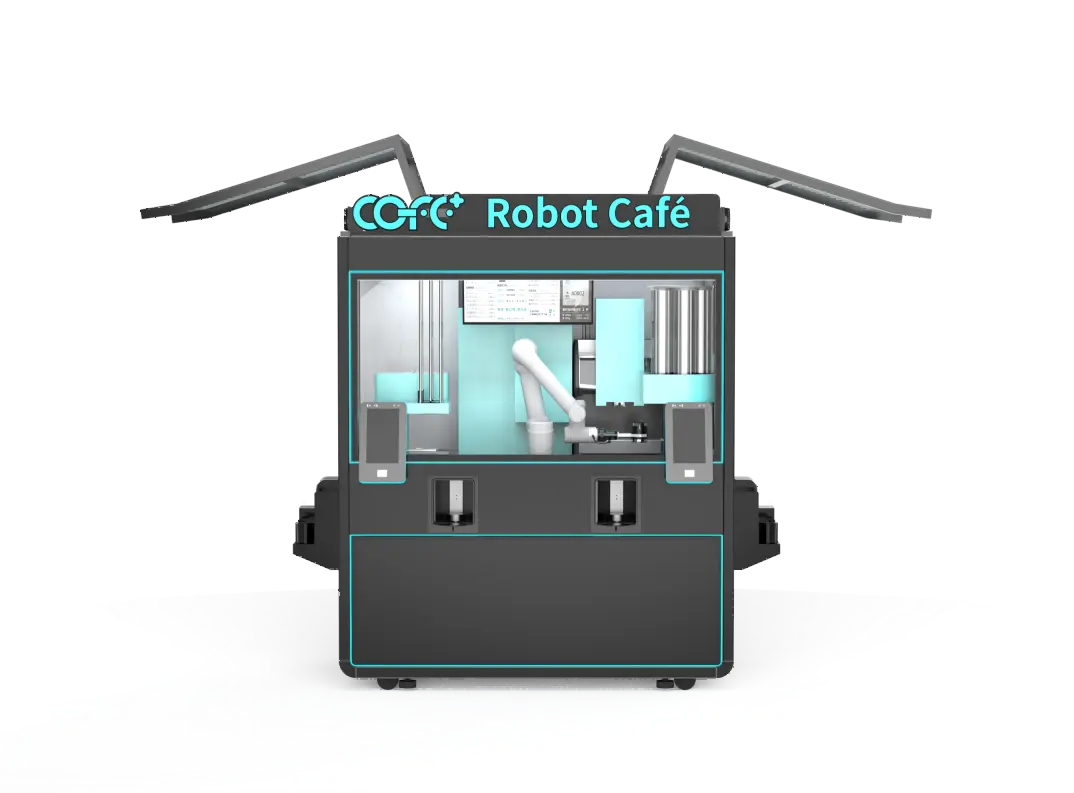
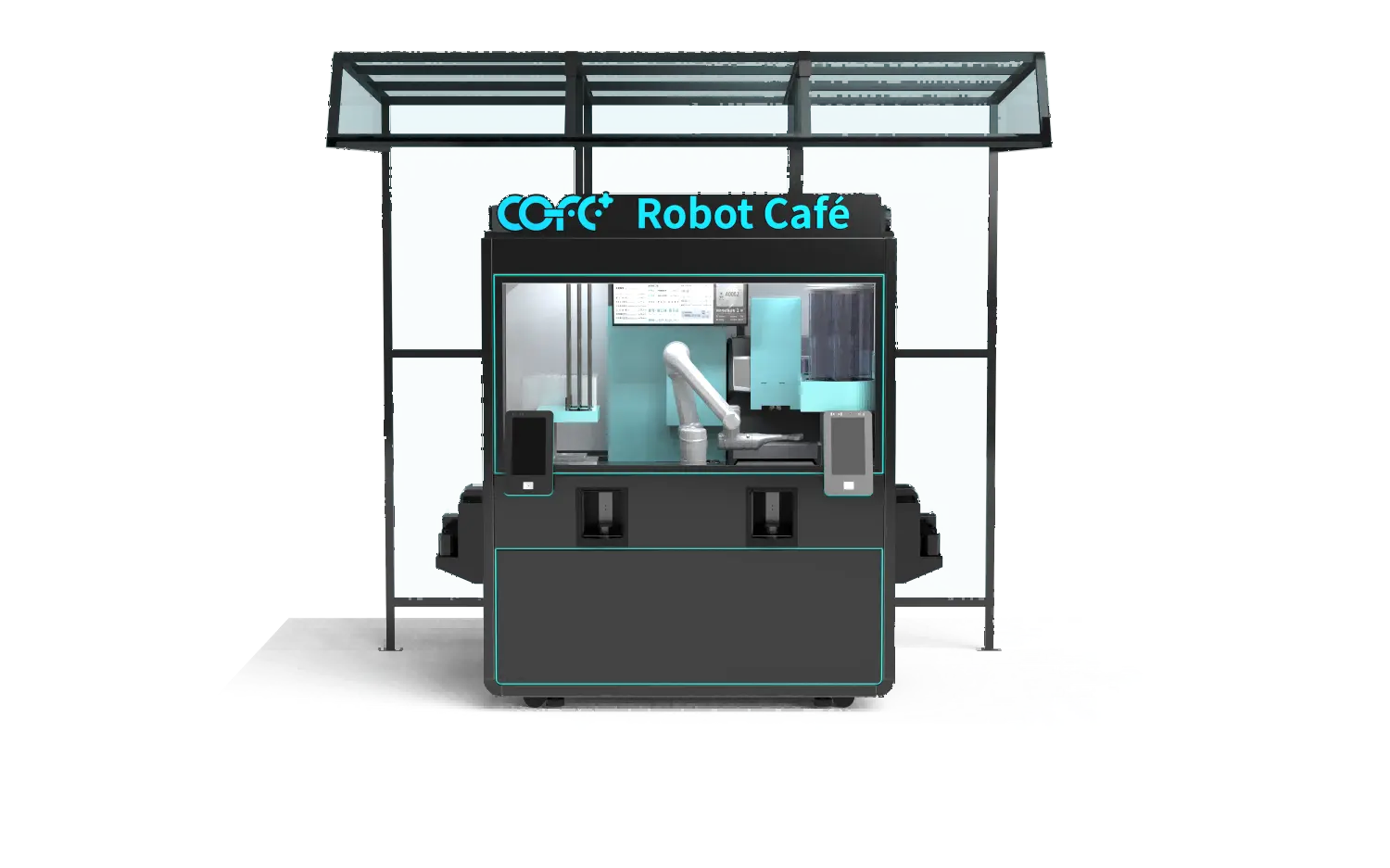
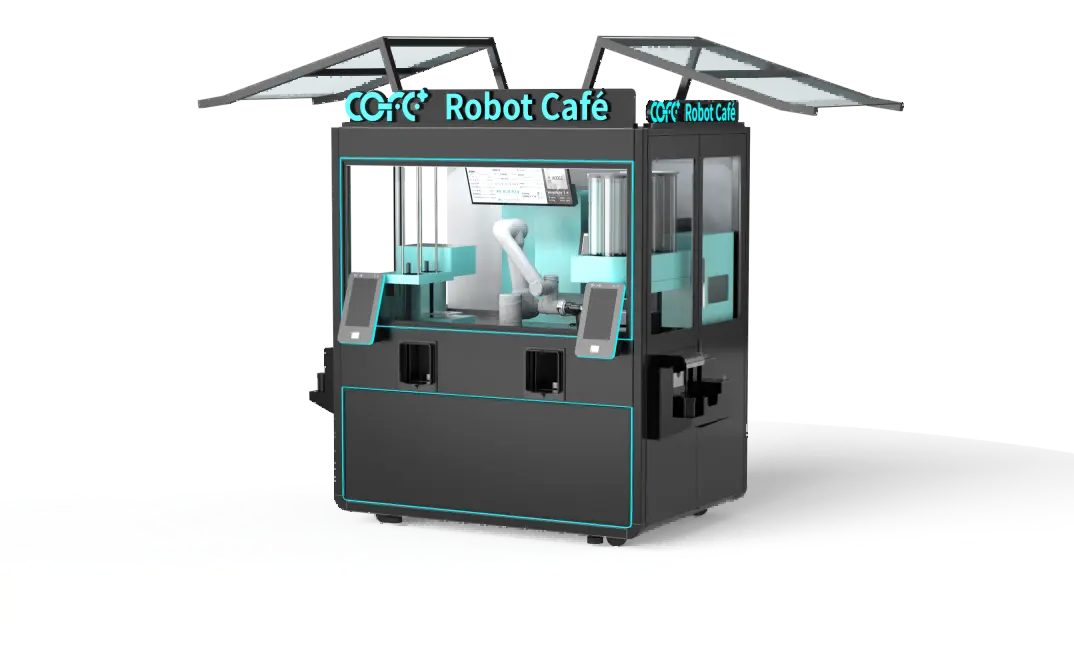
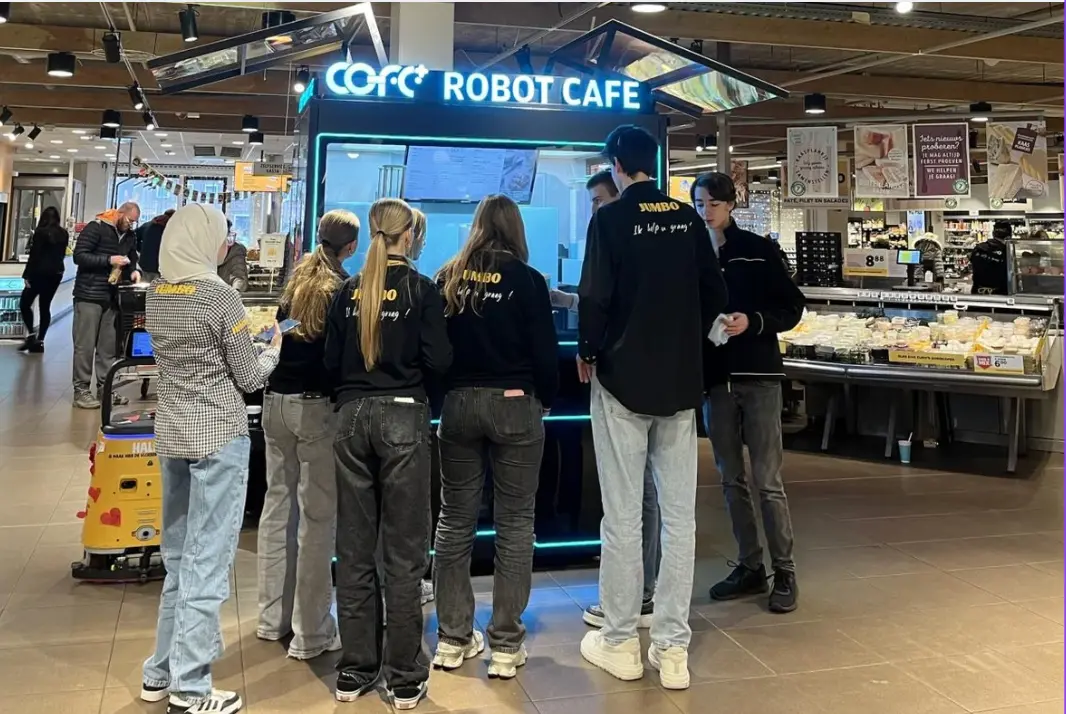
A robot coffee kiosk is well suited to this pattern because it can operate 24/7 without staffing and hold a menu large enough to serve different tastes across shifts. The COFE+ indoor model we position for industrial campuses produces a cup in 43 to 60 seconds and can handle roughly 1,000 cups per day. That output is enough for most mid-sized parks when placement is right. The machine does not get tired on the third shift, and it does not close between buildings.
Yet capacity on paper does not translate automatically into cups sold. Employees only change their behavior when the machine is visibly close and reliably stocked. I have seen operators put a kiosk with high capacity in a central cafeteria and then wonder why night shift sales are weak. The reason is usually simple: the cafeteria closes at 8pm, and the kiosk sits behind a locked door. Demand in an industrial park is a function of access hours, not just total headcount.
Robot Coffee Kiosk Placement Across Multiple Industrial Buildings
The first decision is whether to install one robot coffee kiosk in a central hub or place smaller units inside multiple buildings. A compact park with buildings around a shared canteen can start with a single central unit. A campus where buildings are separated by roads, warehouses, or security gates will underperform with one central machine, because distance and gate access discourage walking.
We use four variables before recommending a count: the number of employees per building by shift, whether each building has a usable break room or lobby, walking time from the furthest workstation to the proposed kiosk, and access hours. If the walk exceeds three minutes, most employees will skip it on a short break. If the lobby locks after 6pm, the kiosk serves only one shift.

A distributed network often works better for parks with more than three occupied buildings. Instead of forcing everyone to the cafeteria, the operator places one robot coffee kiosk in the two or three buildings with the highest shift headcount and leaves lower-density buildings served by the nearest unit. This keeps each machine busy enough to justify its space and consumables while cutting walking time for the largest employee groups.
The table below compares the two approaches for typical industrial park conditions.
| Фактор | Central Kiosk | Distributed Kiosks |
|---|
| Лучшее для | Compact campuses, shared canteen | Spread-out campuses, locked buildings |
| Walking time | Longer for far buildings | Shorter for most shifts |
| Consumables management | One restock point | Multiple restock points |
| Machine utilization | High if canteen access is long | Even across shifts |
| Typical fit | Under about 1,500 employees, one central hub | Over about 1,500 employees or three plus shift waves |
Shift timing changes the math. A building full of office workers may not need a dedicated machine if they all arrive at 9am and can walk to the central unit during normal hours. A building with a 4pm to midnight operations team needs a nearby kiosk more, because that team cannot leave the building while the line is running. In these cases I recommend placing the robot coffee kiosk inside the building or directly at the staff entrance rather than at a shared amenity area.
Placement is easier to correct before installation than after. Concrete work, power drops, and water connections cost real money to move. When I walk a site with an operator, I ask them to stand at the proposed location during a shift change and count how many employees actually pass within sight of the spot. That ten-minute observation usually changes the recommended wall or corner more than any floor plan.
If your park includes buildings with different shift schedules or restricted access, the placement decision is easier to settle before any site work begins. Send your building count, shift times, and a simple floor plan to sales@hi-dolphin.com, and we will confirm the kiosk configuration and count that fits your employee flow.
Utility and Space Requirements for Industrial Park Coffee Kiosks
Industrial buildings usually have the power and water a robot coffee kiosk needs, but not always in the right place. Facility teams should confirm four utilities before signing a site plan: power, water, drainage, and internet. The COFE+ indoor kiosk runs on standard 110V or 220V systems, which covers most industrial parks in Asia, Europe, and North America. A dedicated circuit is preferable because the machine heats water and runs components on a repeating cycle. Sharing a circuit with heavy production equipment can cause voltage drops that trigger faults.
Water needs to be clean and connected to the machine inlet. Drainage matters more than most operators expect, because every cup, rinse cycle, and cleaning pass produces liquid that must go somewhere. Sites without a floor drain can still work if the machine sits near a sink line or an existing utility chase, but adding drainage after installation is expensive. Internet is the fourth requirement. The kiosk uses cloud monitoring for stock levels, temperature, system status, and remote diagnostics, so a stable connection is needed. In facilities with metal-clad walls that block signals, a wired drop is the safer choice.
Space is usually the easiest part. The indoor kiosk occupies about 2.35 square meters, roughly 25 square feet, and fits in a lobby, break room, or covered walkway. The outdoor robot coffee kiosk is built for all-weather operation from minus 20 degrees Celsius to 45 degrees Celsius, with an IP54 rating for dust and water resistance. An industrial park with outdoor loading areas may prefer the outdoor unit so truck crews and yard workers can get coffee without entering a controlled building.
The site checklist I return to is short: verify a dedicated power circuit, confirm water pressure at the point of connection, identify a drainage path, test internet signal strength, and measure the final footprint with surrounding clearance. Missing any one of these turns a two-day installation into a two-week delay.
Operating and Budgeting a Robot Coffee Kiosk Network
cURL Too many subrequests by single Worker invocation. To configure this limit, refer to https://developers.cloudflare.com/workers/wrangler/configuration/#limits
cURL Too many subrequests by single Worker invocation. To configure this limit, refer to https://developers.cloudflare.com/workers/wrangler/configuration/#limits
cURL Too many subrequests by single Worker invocation. To configure this limit, refer to https://developers.cloudflare.com/workers/wrangler/configuration/#limits
cURL Too many subrequests by single Worker invocation. To configure this limit, refer to https://developers.cloudflare.com/workers/wrangler/configuration/#limits
cURL Too many subrequests by single Worker invocation. To configure this limit, refer to https://developers.cloudflare.com/workers/wrangler/configuration/#limits
cURL Too many subrequests by single Worker invocation. To configure this limit, refer to https://developers.cloudflare.com/workers/wrangler/configuration/#limits
cURL Too many subrequests by single Worker invocation. To configure this limit, refer to https://developers.cloudflare.com/workers/wrangler/configuration/#limits
cURL Too many subrequests by single Worker invocation. To configure this limit, refer to https://developers.cloudflare.com/workers/wrangler/configuration/#limits
cURL Too many subrequests by single Worker invocation. To configure this limit, refer to https://developers.cloudflare.com/workers/wrangler/configuration/#limits
cURL Too many subrequests by single Worker invocation. To configure this limit, refer to https://developers.cloudflare.com/workers/wrangler/configuration/#limits
cURL Too many subrequests by single Worker invocation. To configure this limit, refer to https://developers.cloudflare.com/workers/wrangler/configuration/#limits
cURL Too many subrequests by single Worker invocation. To configure this limit, refer to https://developers.cloudflare.com/workers/wrangler/configuration/#limits
cURL Too many subrequests by single Worker invocation. To configure this limit, refer to https://developers.cloudflare.com/workers/wrangler/configuration/#limits
cURL Too many subrequests by single Worker invocation. To configure this limit, refer to https://developers.cloudflare.com/workers/wrangler/configuration/#limits
cURL Too many subrequests by single Worker invocation. To configure this limit, refer to https://developers.cloudflare.com/workers/wrangler/configuration/#limits
cURL Too many subrequests by single Worker invocation. To configure this limit, refer to https://developers.cloudflare.com/workers/wrangler/configuration/#limits
cURL Too many subrequests by single Worker invocation. To configure this limit, refer to https://developers.cloudflare.com/workers/wrangler/configuration/#limits
cURL Too many subrequests by single Worker invocation. To configure this limit, refer to https://developers.cloudflare.com/workers/wrangler/configuration/#limits
cURL Too many subrequests by single Worker invocation. To configure this limit, refer to https://developers.cloudflare.com/workers/wrangler/configuration/#limits
cURL Too many subrequests by single Worker invocation. To configure this limit, refer to https://developers.cloudflare.com/workers/wrangler/configuration/#limits