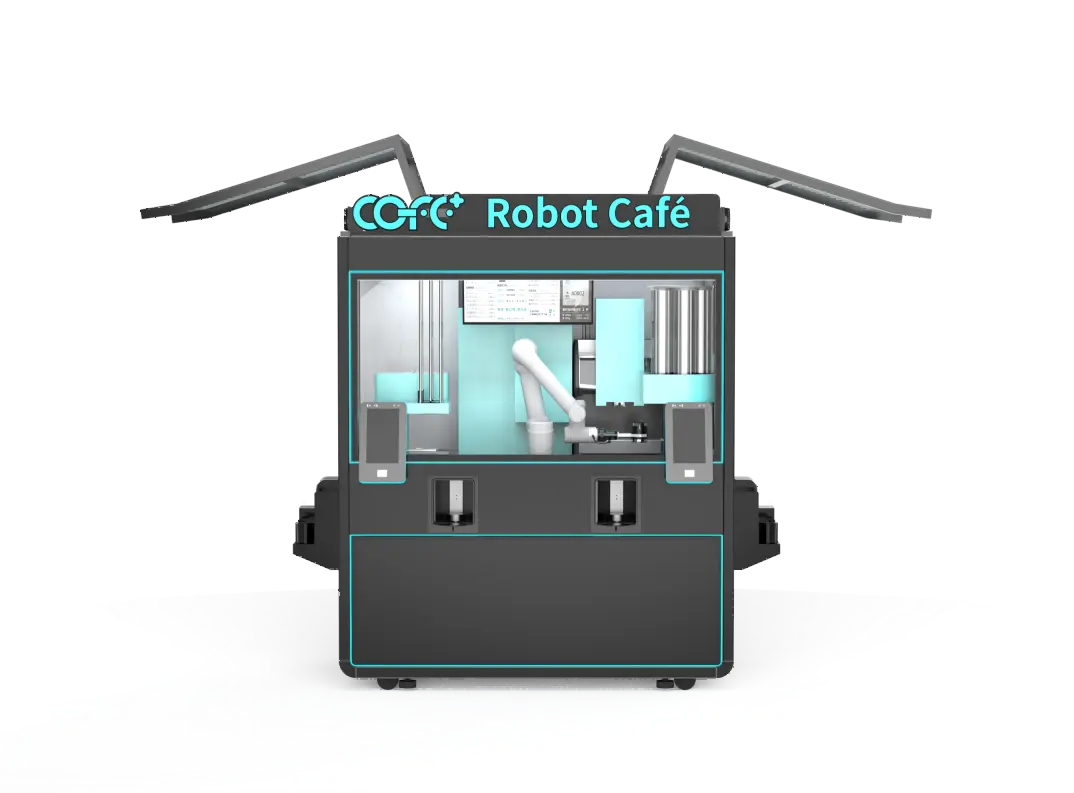
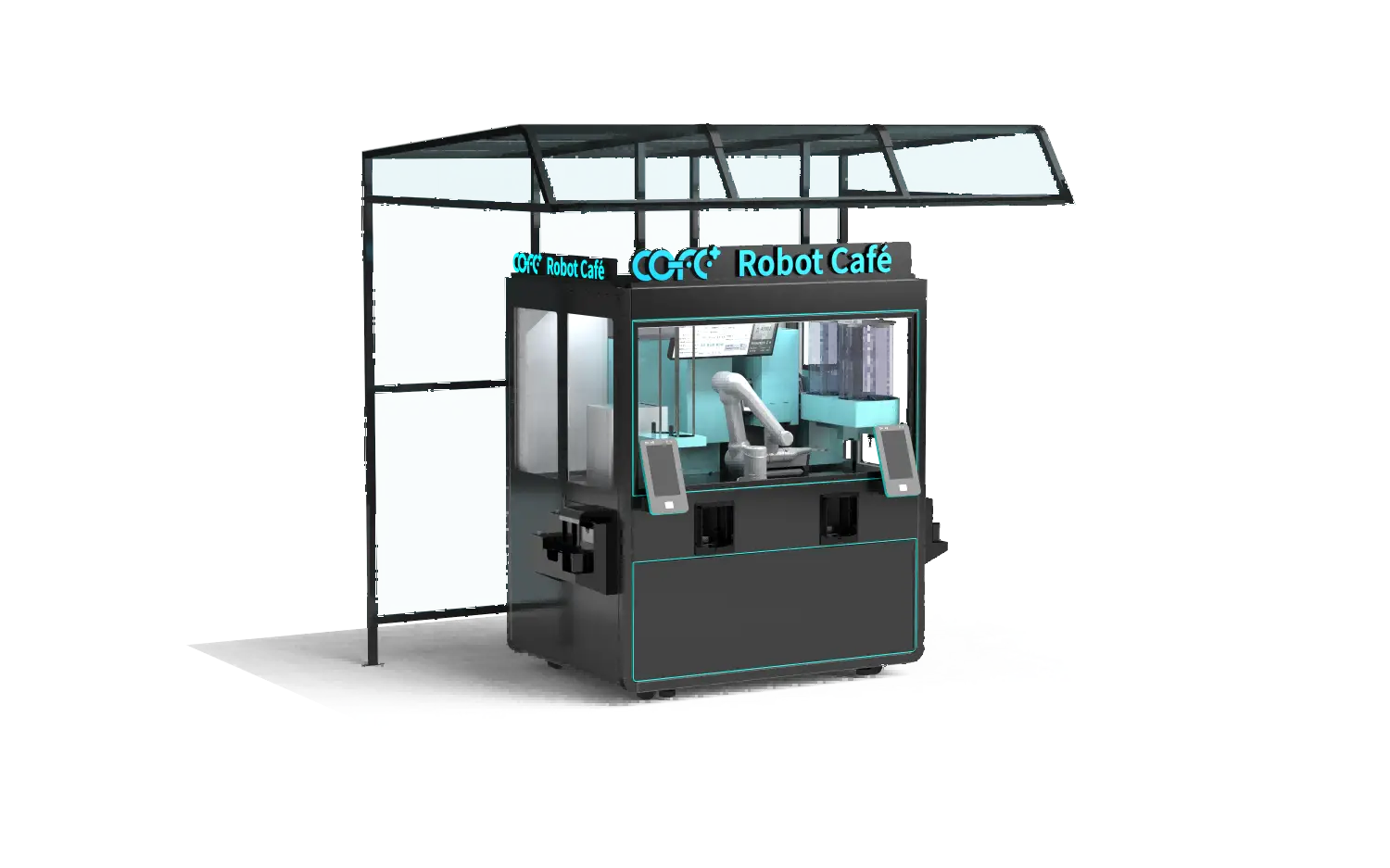
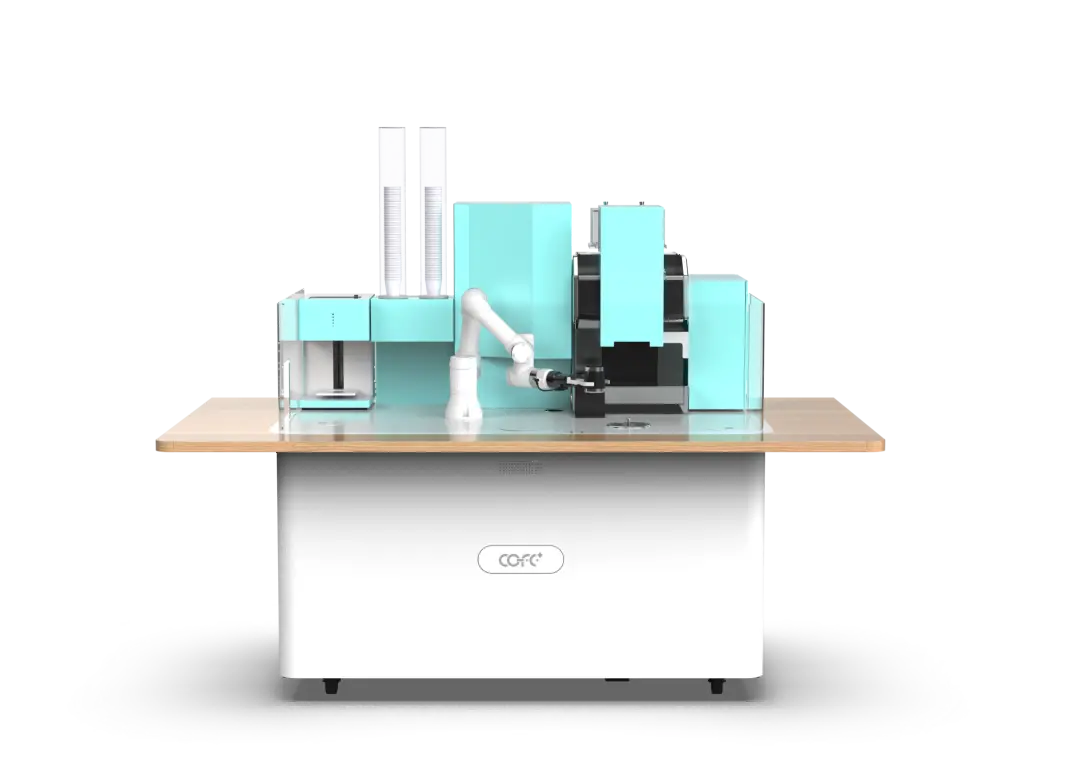
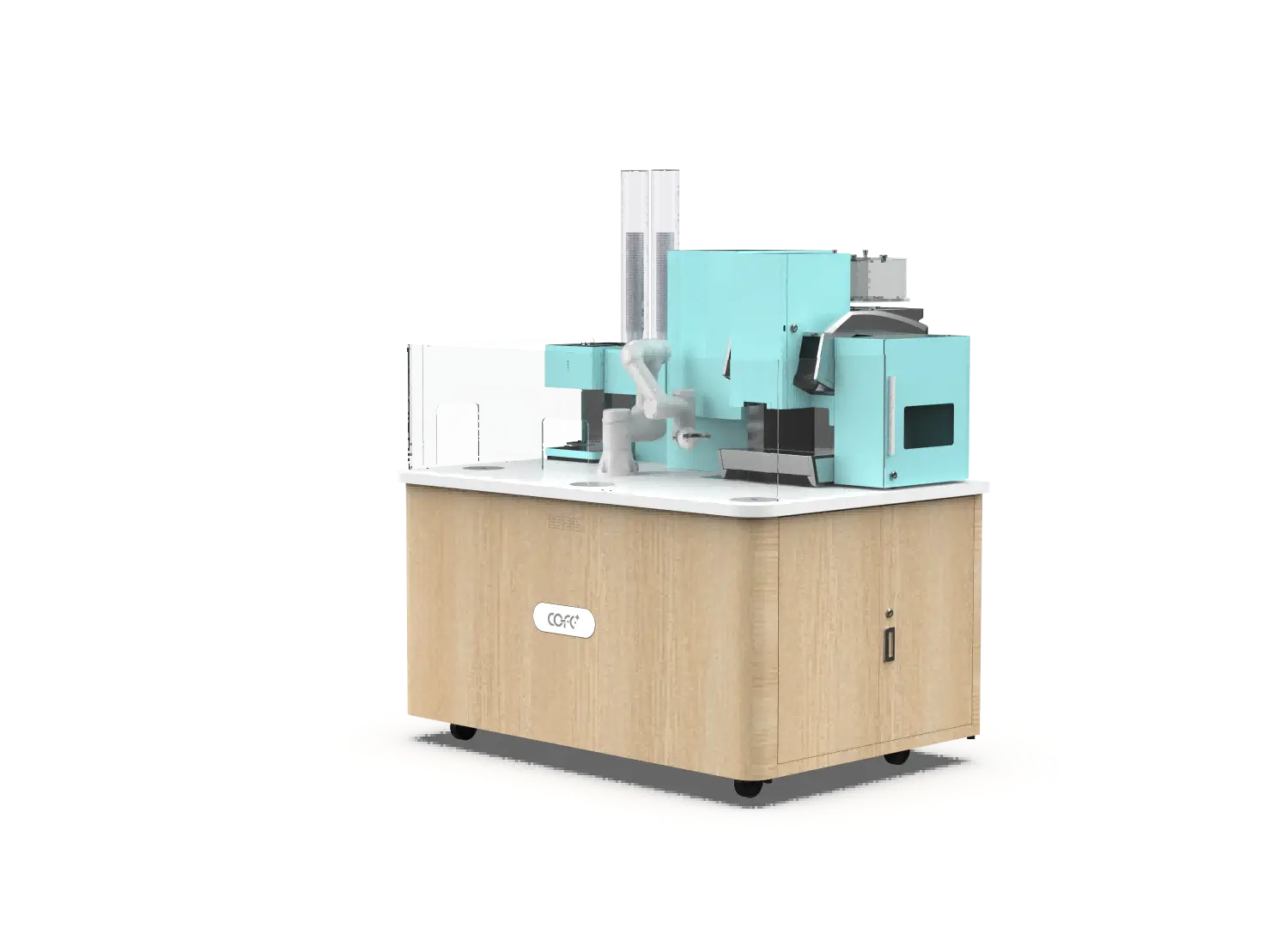
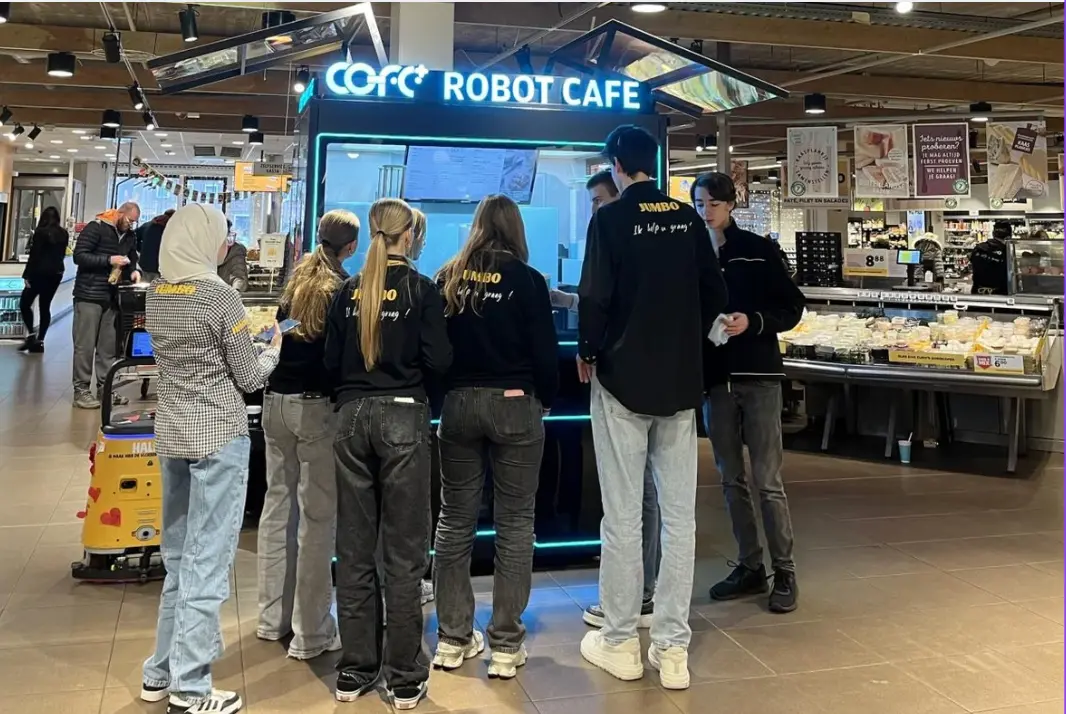
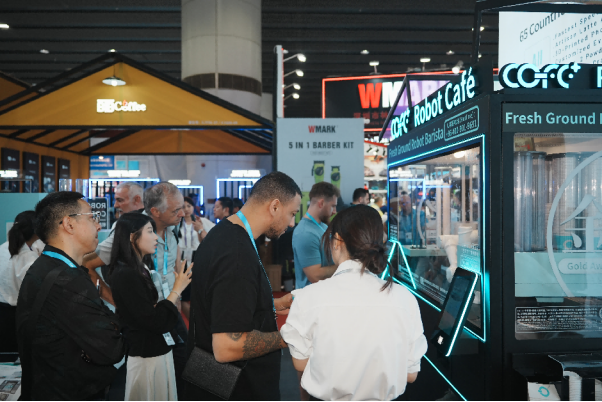
Launching limited‑time drinks on robot coffee kiosks can lift daily revenue by 15–30% without adding permanent menu complexity. Unlike traditional cafes where seasonal promotions require retraining baristas and reconfiguring equipment, a smart robot coffee kiosk digitizes every recipe, making it possible to deploy a new pumpkin spice latte or a local mango smoothie across multiple locations in hours. I have seen operators turn a simple syrup switch into a measurable profit jump, but only when the back‑end workflow matched the front‑end marketing. This guide walks through the full process: recipe development, ingredient logistics, digital promotion, and the operational steps that keep quality consistent across every cup.
Why Limited-Time Drinks Drive More Revenue on Robot Coffee Kiosks
A limited‑time drink creates urgency and curiosity. Passersby who might ignore a standard latte stop when they see “Pistachio Rose Latte — available this month only” on the kiosk screen. The price can carry a premium, and the novelty pulls in customers who would otherwise walk past.
On a robot coffee kiosk, the payoff is even sharper because there is no barista training overhead. You are not teaching anyone how to froth a new milk or layer a syrup. You adjust a digital recipe once, and the machine executes it identically every time. A COFE+ 7th generation robot kiosk stores over 300 drink recipes and 5,000 custom combinations, so adding one seasonal drink does not displace your core menu. The incremental cost to launch is a fraction of what a human‑staffed café would spend on recipe R&D and staff practice. And because the kiosk runs 24/7, the LTO sells across every shift without overtime or wage spikes.

How to Develop and Digitize a Limited‑Time Recipe for a Robot Coffee Kiosk
The recipe development path is shorter than you might expect. You decide the liquid profile — coffee‑to‑milk ratio, syrup type, topping — and then translate it into parameters the cloud platform can read. I typically start with a manual tasting session using the same beans and syrups the machine will pour, then convert that into milliliter‑precise inputs.
The digitization step matters more than the tasting because the robot does not have a human’s judgment. You set the extraction time, milk temperature, syrup pump count, and cup size through the cloud management system. Once entered, the recipe can be pushed to one kiosk or a whole fleet with a single sync. Here is a tight sequence that works in deployment:
- Finalize a taste‑tested recipe with precisely measured ingredients.
- Transliterate those measurements into the machine’s recipe builder: grams of coffee, milliliters of milk and syrup, seconds of steaming.
- Upload the recipe to the cloud platform and assign it to target kiosks.
- Run five to ten test pours on‑site, checking weight, temperature, and layer separation.
- Calibrate pump speed or milk foam time if the test pour deviates from the taste benchmark.
If your kiosk is a COFE+ model, the smart‑store brain automatically logs every pour, so you can see whether the first day’s output matches the lab‑bench recipe without visiting the machine.
Ingredient Sourcing and Inventory Logic for Short‑Run Drinks
Ingredient supply is where most LTO launches stumble. A robot kiosk has finite internal slots — typically two or three syrup pumps and a limited number of hoppers for toppings or powders. To introduce a seasonal syrup, you may need to temporarily replace a slow‑moving flavor. That means looking at the last three months of consumption data and picking the lowest‑volume syrup for substitution.
Order enough stock for the expected run but do not over‑commit. Limited‑time ingredients often have shorter shelf lives, and a robot kiosk’s refrigeration only buys time, not indefinite storage. Set re‑order thresholds lower than you would for permanent items so the cloud alert triggers before the Saturday rush, not after.
One practical table that helps when evaluating syrups and toppings:
| Ingredient type | Storage requirement | Kiosk pump compatibility | Typical shelf life after opening |
|---|
| Pump‑grade syrup (water‑thin) | Ambient or refrigerated | Standard peristaltic pump | 90 days |
| Thick sauce (caramel, mocha) | Refrigerated; may require agitation | Heavy‑duty piston pump | 30–45 days |
| Powder mix (matcha, chai) | Dry hopper, ambient | Rotating auger dispenser | 180 days sealed |
| Fresh milk alternative (oat, almond) | Refrigerated | Dedicated milk line; requires chilled circuit | 7–10 days open |
| Topping (crushed nuts, sprinkles) | cURL Too many subrequests by single Worker invocation. To configure this limit, refer to https://developers.cloudflare.com/workers/wrangler/configuration/#limits | cURL Too many subrequests by single Worker invocation. To configure this limit, refer to https://developers.cloudflare.com/workers/wrangler/configuration/#limits | cURL Too many subrequests by single Worker invocation. To configure this limit, refer to https://developers.cloudflare.com/workers/wrangler/configuration/#limits |
cURL Too many subrequests by single Worker invocation. To configure this limit, refer to https://developers.cloudflare.com/workers/wrangler/configuration/#limits
cURL Too many subrequests by single Worker invocation. To configure this limit, refer to https://developers.cloudflare.com/workers/wrangler/configuration/#limits
cURL Too many subrequests by single Worker invocation. To configure this limit, refer to https://developers.cloudflare.com/workers/wrangler/configuration/#limits
cURL Too many subrequests by single Worker invocation. To configure this limit, refer to https://developers.cloudflare.com/workers/wrangler/configuration/#limits
cURL Too many subrequests by single Worker invocation. To configure this limit, refer to https://developers.cloudflare.com/workers/wrangler/configuration/#limits
cURL Too many subrequests by single Worker invocation. To configure this limit, refer to https://developers.cloudflare.com/workers/wrangler/configuration/#limits
cURL Too many subrequests by single Worker invocation. To configure this limit, refer to https://developers.cloudflare.com/workers/wrangler/configuration/#limits
cURL Too many subrequests by single Worker invocation. To configure this limit, refer to https://developers.cloudflare.com/workers/wrangler/configuration/#limits
cURL Too many subrequests by single Worker invocation. To configure this limit, refer to https://developers.cloudflare.com/workers/wrangler/configuration/#limits
- cURL Too many subrequests by single Worker invocation. To configure this limit, refer to https://developers.cloudflare.com/workers/wrangler/configuration/#limits
- cURL Too many subrequests by single Worker invocation. To configure this limit, refer to https://developers.cloudflare.com/workers/wrangler/configuration/#limits
- cURL Too many subrequests by single Worker invocation. To configure this limit, refer to https://developers.cloudflare.com/workers/wrangler/configuration/#limits
- cURL Too many subrequests by single Worker invocation. To configure this limit, refer to https://developers.cloudflare.com/workers/wrangler/configuration/#limits
- cURL Too many subrequests by single Worker invocation. To configure this limit, refer to https://developers.cloudflare.com/workers/wrangler/configuration/#limits
- cURL Too many subrequests by single Worker invocation. To configure this limit, refer to https://developers.cloudflare.com/workers/wrangler/configuration/#limits
- cURL Too many subrequests by single Worker invocation. To configure this limit, refer to https://developers.cloudflare.com/workers/wrangler/configuration/#limits
- cURL Too many subrequests by single Worker invocation. To configure this limit, refer to https://developers.cloudflare.com/workers/wrangler/configuration/#limits
- cURL Too many subrequests by single Worker invocation. To configure this limit, refer to https://developers.cloudflare.com/workers/wrangler/configuration/#limits
- cURL Too many subrequests by single Worker invocation. To configure this limit, refer to https://developers.cloudflare.com/workers/wrangler/configuration/#limits
cURL Too many subrequests by single Worker invocation. To configure this limit, refer to https://developers.cloudflare.com/workers/wrangler/configuration/#limits
cURL Too many subrequests by single Worker invocation. To configure this limit, refer to https://developers.cloudflare.com/workers/wrangler/configuration/#limits
cURL Too many subrequests by single Worker invocation. To configure this limit, refer to https://developers.cloudflare.com/workers/wrangler/configuration/#limits
cURL Too many subrequests by single Worker invocation. To configure this limit, refer to https://developers.cloudflare.com/workers/wrangler/configuration/#limits
cURL Too many subrequests by single Worker invocation. To configure this limit, refer to https://developers.cloudflare.com/workers/wrangler/configuration/#limits
cURL Too many subrequests by single Worker invocation. To configure this limit, refer to https://developers.cloudflare.com/workers/wrangler/configuration/#limits
cURL Too many subrequests by single Worker invocation. To configure this limit, refer to https://developers.cloudflare.com/workers/wrangler/configuration/#limits
cURL Too many subrequests by single Worker invocation. To configure this limit, refer to https://developers.cloudflare.com/workers/wrangler/configuration/#limits
cURL Too many subrequests by single Worker invocation. To configure this limit, refer to https://developers.cloudflare.com/workers/wrangler/configuration/#limits
cURL Too many subrequests by single Worker invocation. To configure this limit, refer to https://developers.cloudflare.com/workers/wrangler/configuration/#limits
cURL Too many subrequests by single Worker invocation. To configure this limit, refer to https://developers.cloudflare.com/workers/wrangler/configuration/#limits
cURL Too many subrequests by single Worker invocation. To configure this limit, refer to https://developers.cloudflare.com/workers/wrangler/configuration/#limits