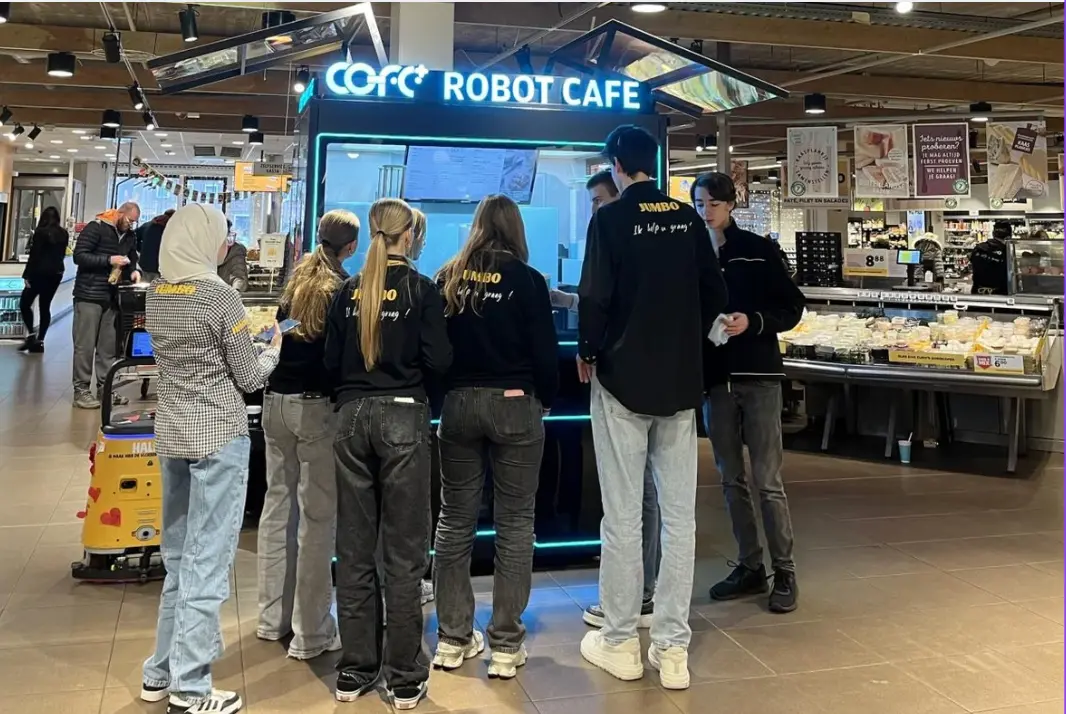
The Rise of Professional Robotic Café Technology: What COFE+ Is and Why It Matters
TL;DR — COFE+ is a fully automated robotic coffee kiosk that grinds fresh beans, brews espresso and lattes, creates latt……

Launching limited‑time drinks on robot coffee kiosks can lift daily revenue by 15–30% without adding permanent menu complexity. Unlike traditional cafes where seasonal promotions require retraining baristas and reconfiguring equipment, a smart robot coffee kiosk digitizes every recipe, making it possible to deploy a new pumpkin spice latte or a local mango smoothie across multiple locations in hours. I have seen operators turn a simple syrup switch into a measurable profit jump, but only when the back‑end workflow matched the front‑end marketing. This guide walks through the full process: recipe development, ingredient logistics, digital promotion, and the operational steps that keep quality consistent across every cup.
A limited‑time drink creates urgency and curiosity. Passersby who might ignore a standard latte stop when they see “Pistachio Rose Latte — available this month only” on the kiosk screen. The price can carry a premium, and the novelty pulls in customers who would otherwise walk past.
On a robot coffee kiosk, the payoff is even sharper because there is no barista training overhead. You are not teaching anyone how to froth a new milk or layer a syrup. You adjust a digital recipe once, and the machine executes it identically every time. A COFE+ 7th generation robot kiosk stores over 300 drink recipes and 5,000 custom combinations, so adding one seasonal drink does not displace your core menu. The incremental cost to launch is a fraction of what a human‑staffed café would spend on recipe R&D and staff practice. And because the kiosk runs 24/7, the LTO sells across every shift without overtime or wage spikes.
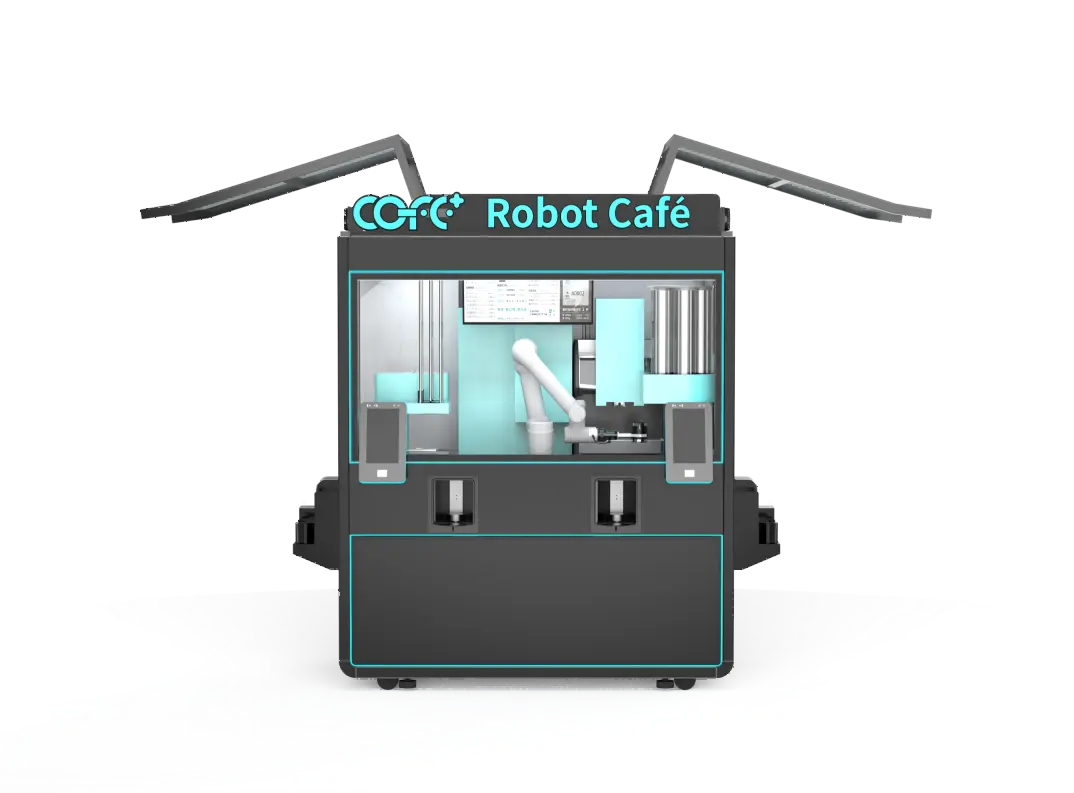
The recipe development path is shorter than you might expect. You decide the liquid profile — coffee‑to‑milk ratio, syrup type, topping — and then translate it into parameters the cloud platform can read. I typically start with a manual tasting session using the same beans and syrups the machine will pour, then convert that into milliliter‑precise inputs.
The digitization step matters more than the tasting because the robot does not have a human’s judgment. You set the extraction time, milk temperature, syrup pump count, and cup size through the cloud management system. Once entered, the recipe can be pushed to one kiosk or a whole fleet with a single sync. Here is a tight sequence that works in deployment:
If your kiosk is a COFE+ model, the smart‑store brain automatically logs every pour, so you can see whether the first day’s output matches the lab‑bench recipe without visiting the machine.
Ingredient supply is where most LTO launches stumble. A robot kiosk has finite internal slots — typically two or three syrup pumps and a limited number of hoppers for toppings or powders. To introduce a seasonal syrup, you may need to temporarily replace a slow‑moving flavor. That means looking at the last three months of consumption data and picking the lowest‑volume syrup for substitution.
Order enough stock for the expected run but do not over‑commit. Limited‑time ingredients often have shorter shelf lives, and a robot kiosk’s refrigeration only buys time, not indefinite storage. Set re‑order thresholds lower than you would for permanent items so the cloud alert triggers before the Saturday rush, not after.
One practical table that helps when evaluating syrups and toppings:
| Ingredient type | Storage requirement | Kiosk pump compatibility | Typical shelf life after opening |
|---|---|---|---|
| Pump‑grade syrup (water‑thin) | Ambient or refrigerated | Standard peristaltic pump | 90 days |
| Thick sauce (caramel, mocha) | Refrigerated; may require agitation | Heavy‑duty piston pump | 30–45 days |
| Powder mix (matcha, chai) | Dry hopper, ambient | Rotating auger dispenser | 180 days sealed |
| Fresh milk alternative (oat, almond) | Refrigerated | Dedicated milk line; requires chilled circuit | 7–10 days open |
| Topping (crushed nuts, sprinkles) | Ambient, sealed dispenser | Vibratory feeder | 180 days |
If your kiosk model uses a specific pump type, confirm compatibility with the syrup’s viscosity before bulk ordering. A thick pumpkin sauce that clogs a peristaltic pump will generate service calls you do not want during a promotion’s peak window.
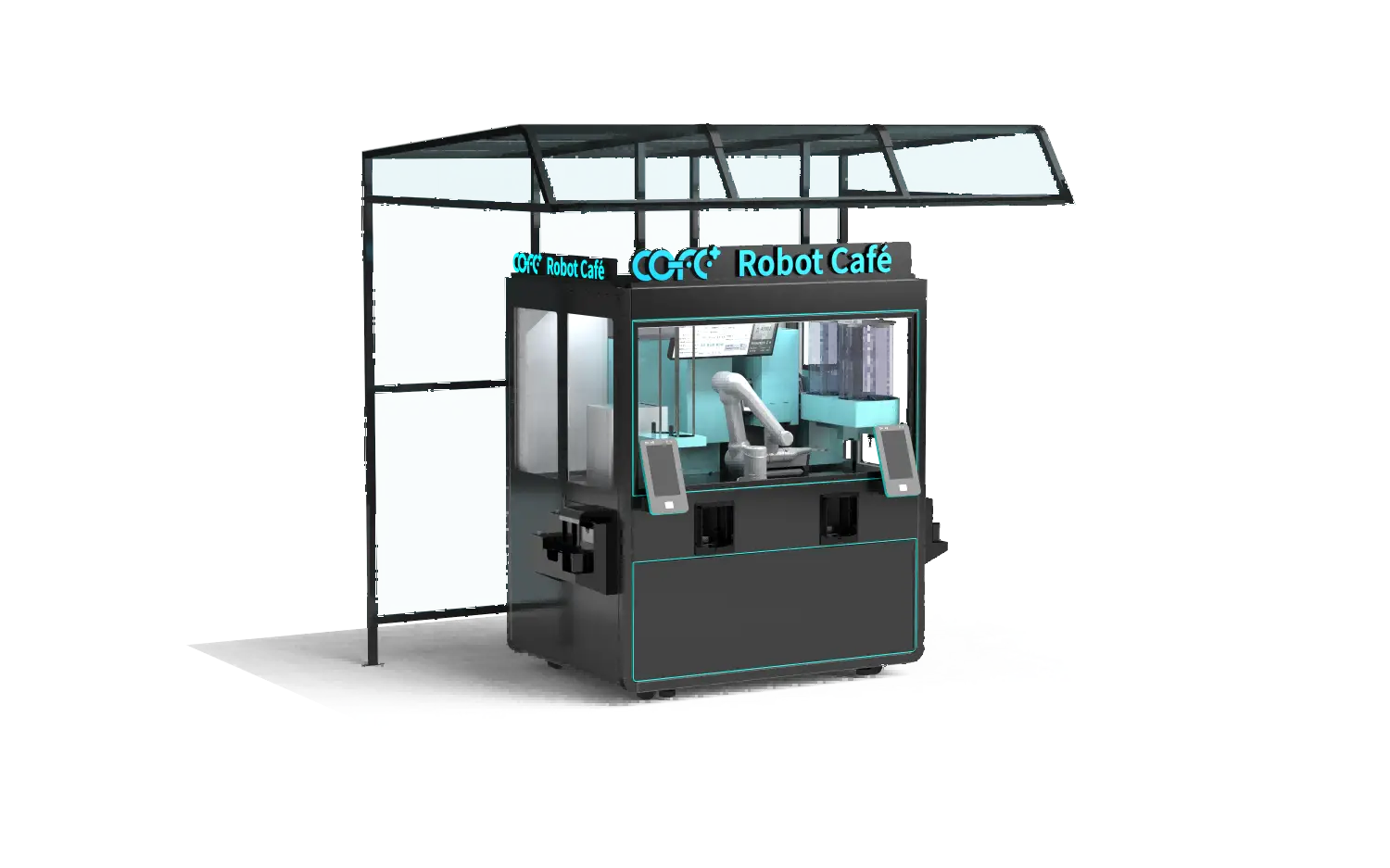
The robot kiosk’s touchscreen and digital signage are your two strongest promotion tools, and they cost nothing extra per impression. The home screen can showcase the LTO with a motion graphic or a short video of the robotic arm printing a 3D foam design. That visual stop is often enough to convert a passerby who was not planning to buy anything.
Schedule the promotional screen cycle to overlap with the kiosk’s historic peak hours — 7:30‑9:00 am for commuters, 2:00‑3:00 pm for the post‑lunch dip. You can also program a countdown timer on a secondary screen: “Lychee Matcha Cold Brew — only 8 days left.” That pressure shifts browsing into a purchase. If the kiosk is part of a multi‑location network, keep the LTO pricing consistent across sites; a ¥5 difference on the same drink erodes trust.
An unmanned robot kiosk actually handles LTO consistency better than a human barista because it does not drift. Once calibrated, the syrup dose, milk temperature, and espresso extraction stay within millisecond and milliliter tolerance. Still, a new ingredient introduces variables that need a check-in.
For thick syrups, watch the pump speed and rinse cycle. I have seen pumpkin or butterscotch sauces leave residue in the nozzle that carries over into the next drink’s first sip. The COFE+ 7th gen kiosk runs an automatic high‑temperature steam purge after every cup, but when a dense sauce is on the line, adding a mid‑day flush through the cloud dashboard keeps the flavor boundary clean. Also confirm that the new ingredient does not break the kiosk’s food‑contact material certification. Soy‑based syrups or raw coconut cream can behave differently on stainless‑steel surfaces. A quick check with the manufacturer avoids a compliance headache.
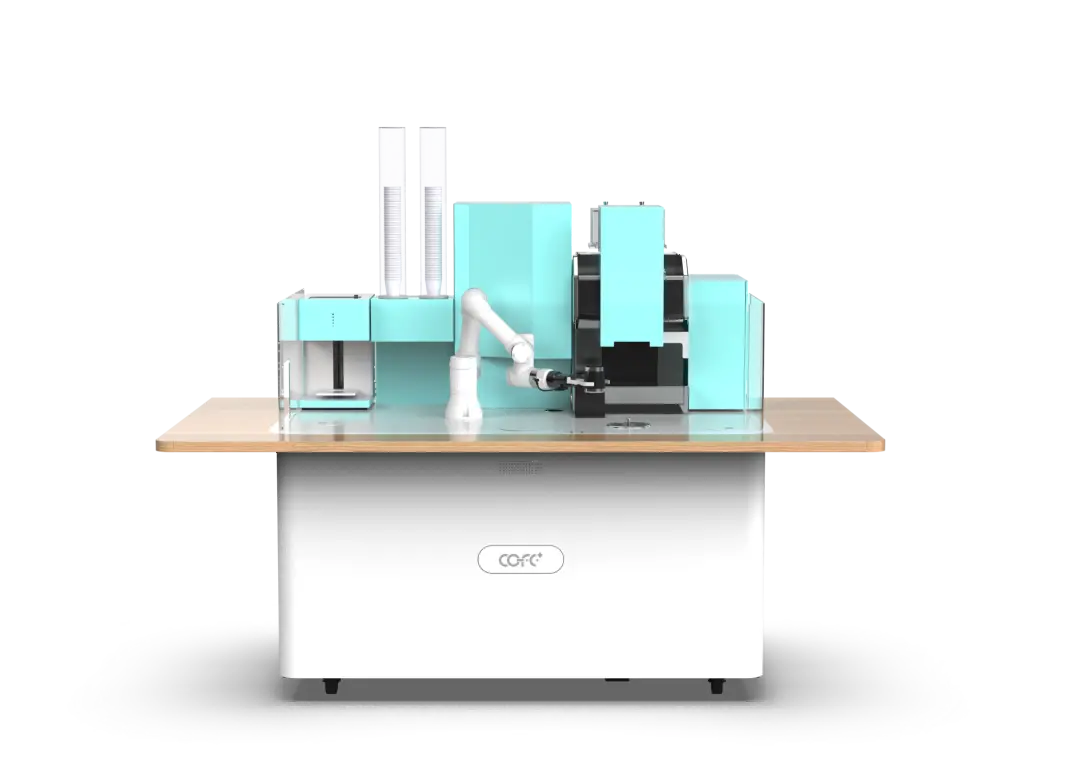
This checklist compresses everything that slows down a promotion into one run‑sheet. Work through it seven days before go‑live.
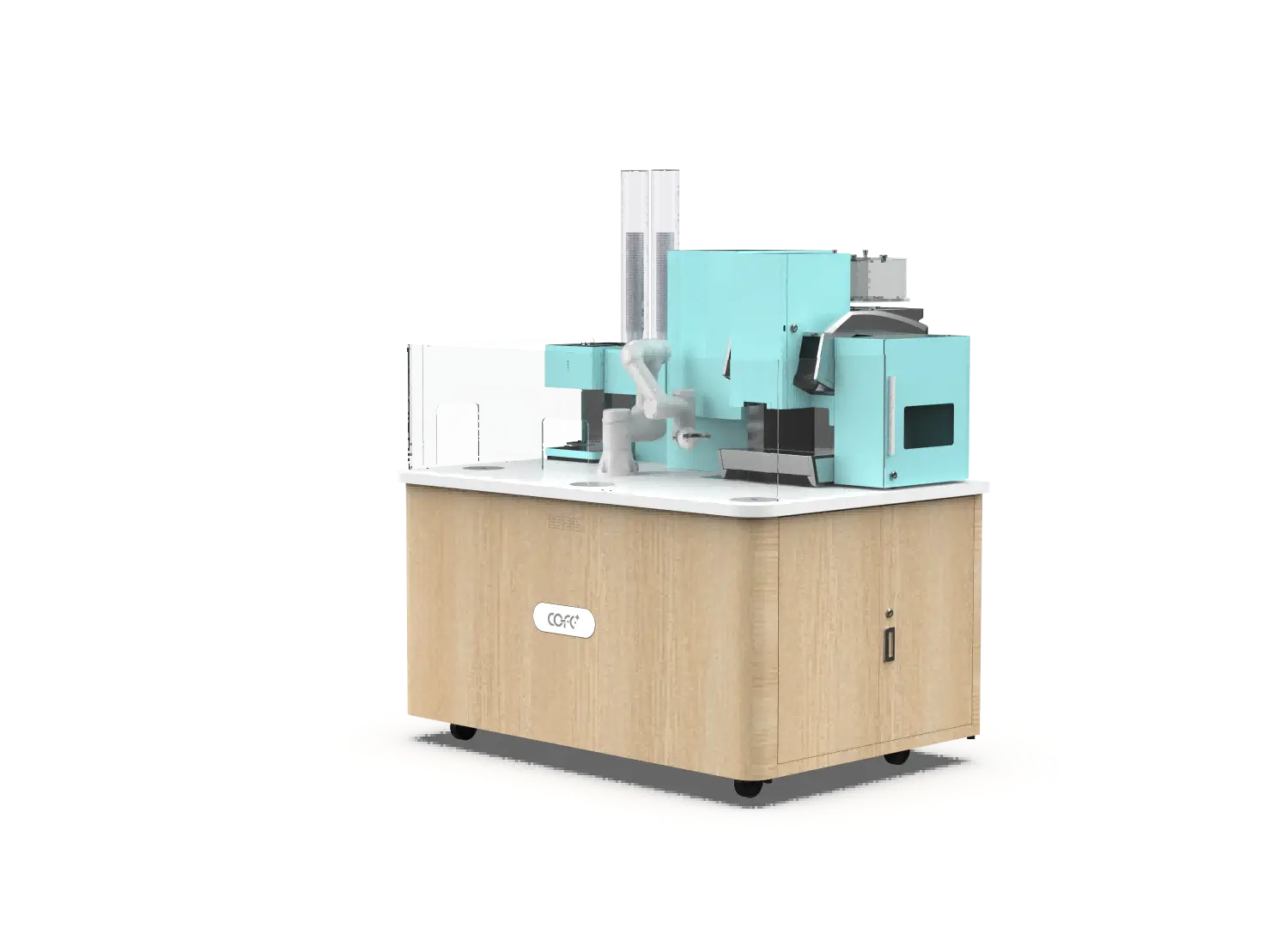
It depends on the number of ingredient slots and the pump technology. A machine with three peristaltic syrup pumps can run three flavors simultaneously; a model with only two will have less flexibility. The COFE+ platform supports up to three syrup lines plus a dedicated milk circuit, so rotating one line for a seasonal flavor while keeping the other two on core syrups is practical.
The kiosk will not serve the drink. It automatically grays out the LTO on the touchscreen the moment the ingredient sensor reads “low.” That is why setting a higher alert threshold is critical. Operators monitoring the cloud dashboard can dispatch a refill before the sensor hits the cutoff point.
Building the recipe in the cloud portal takes about 20 minutes once the formulation is known. Syncing to the kiosk is nearly instant. The longer step is on‑site test pours and pump calibration, which usually requires a two‑hour service window for the first unit.
Yes, if the new ingredient is high‑viscosity or contains dairy solids. Adding one mid‑day steam flush through the cloud interface is usually enough to keep the nozzle and extraction path clean. The auto‑cycle runs at 85°C, which kills most residues.
The kiosk’s dashboard breaks down sales by SKU. Look at the total cups sold of the LTO during the promotion window, subtract the ingredient cost, and compare profit to the same period’s baseline drink performance. That gives you a clean gross‑profit delta. Share your requirements and we can help you configure the dashboard to export LTO‑specific data for your next report.
If you are mapping out your first seasonal rollout and want to avoid pump mismatches or display scheduling gaps, send your LTO concept and planned launch date to our team. We can match the recipe to the exact syrup pump configuration and digital screen assets for your kiosk model. Reach us at sales@hi-dolphin.com or call +86 131 6630 1290.
TL;DR — COFE+ is a fully automated robotic coffee kiosk that grinds fresh beans, brews espresso and lattes, creates latt……
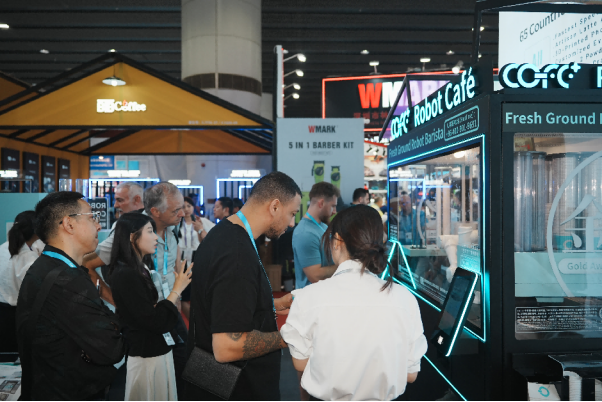
7th-Genertion Smart Robot Coffee Kiosk Arrives at the Belt and Road Core Hub, Ushering in a New Service Era Along t……
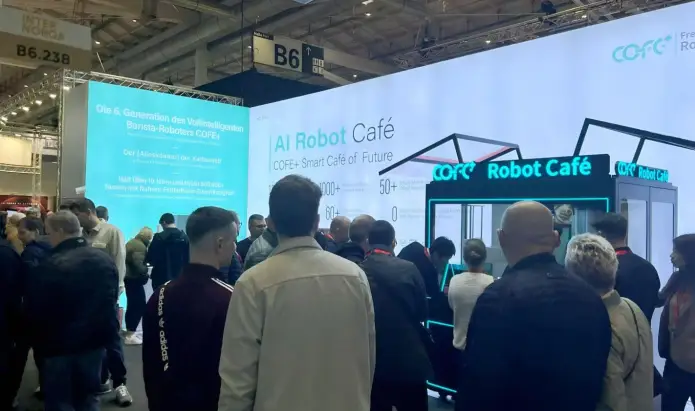
CHICAGO, May 12, 2026 (GLOBE NEWSWIRE) – Shanghai Hi-Dolphin Robot Technology today announced the U.S. debut of its 7th‑……