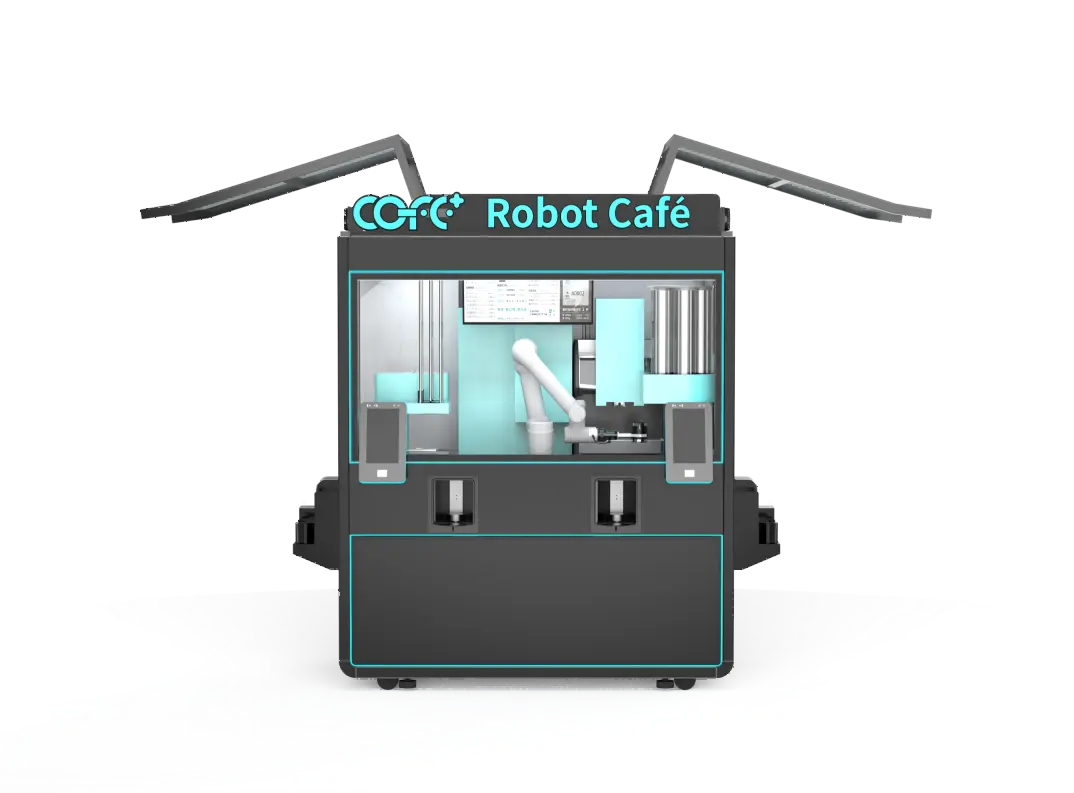
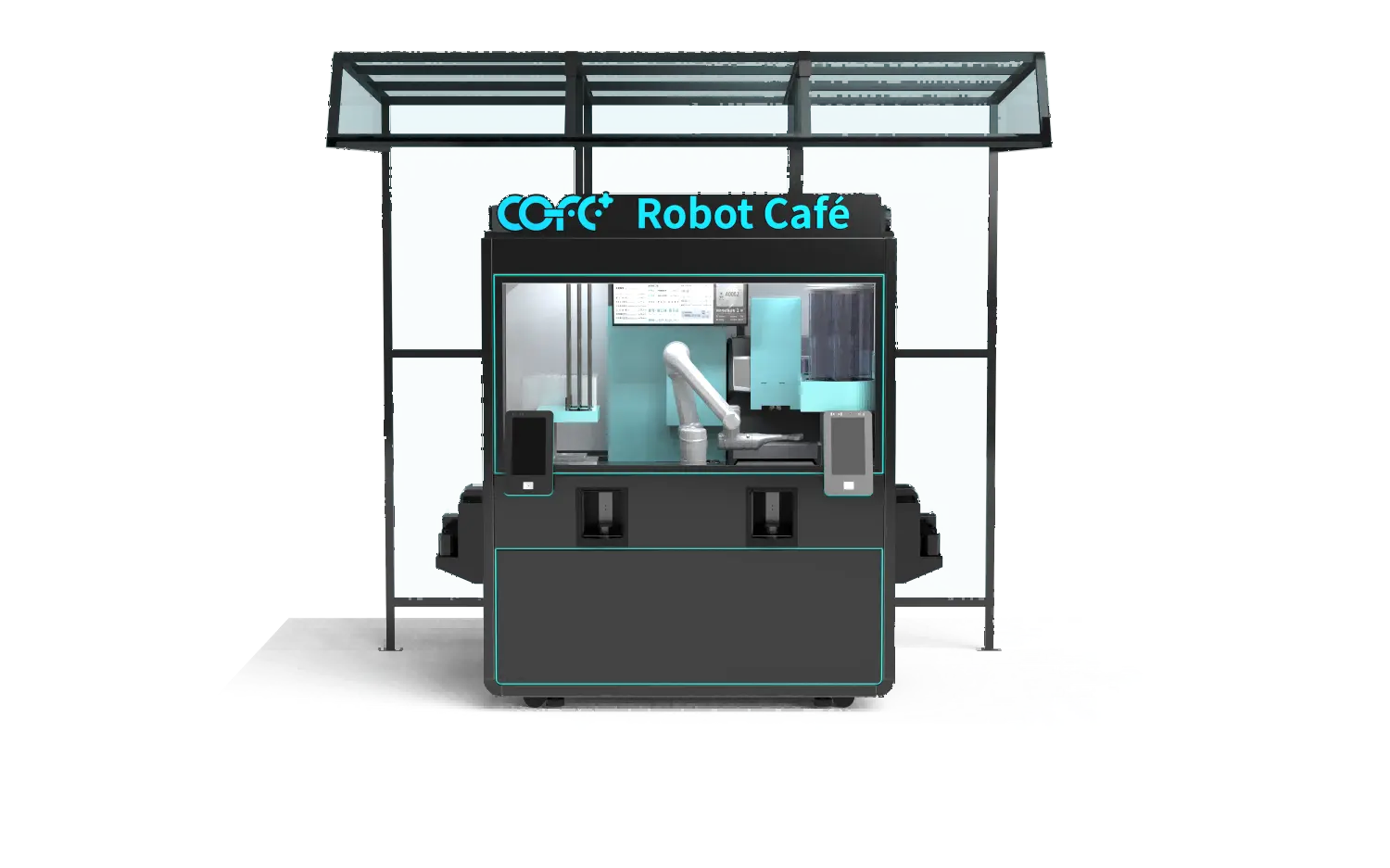
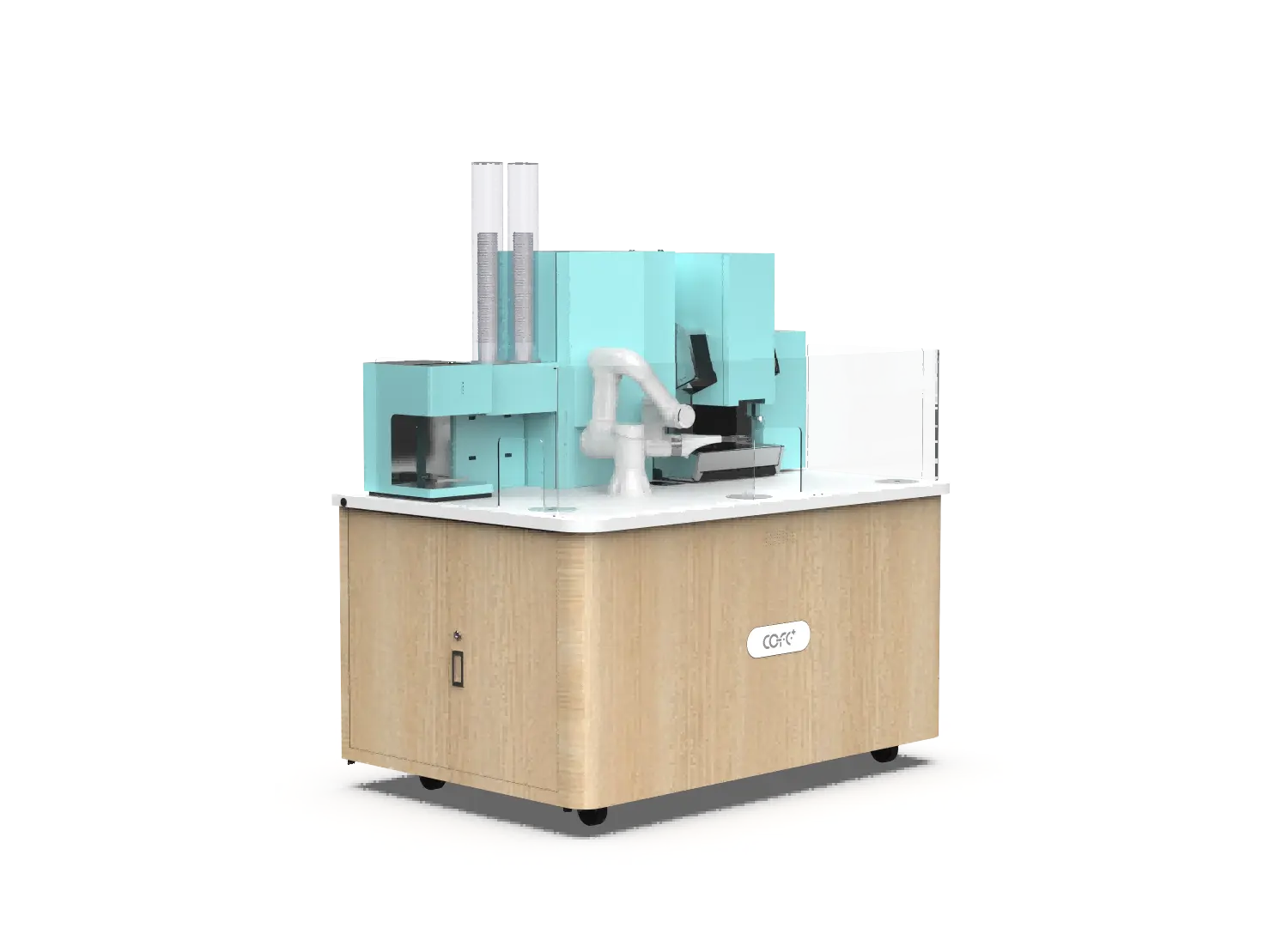
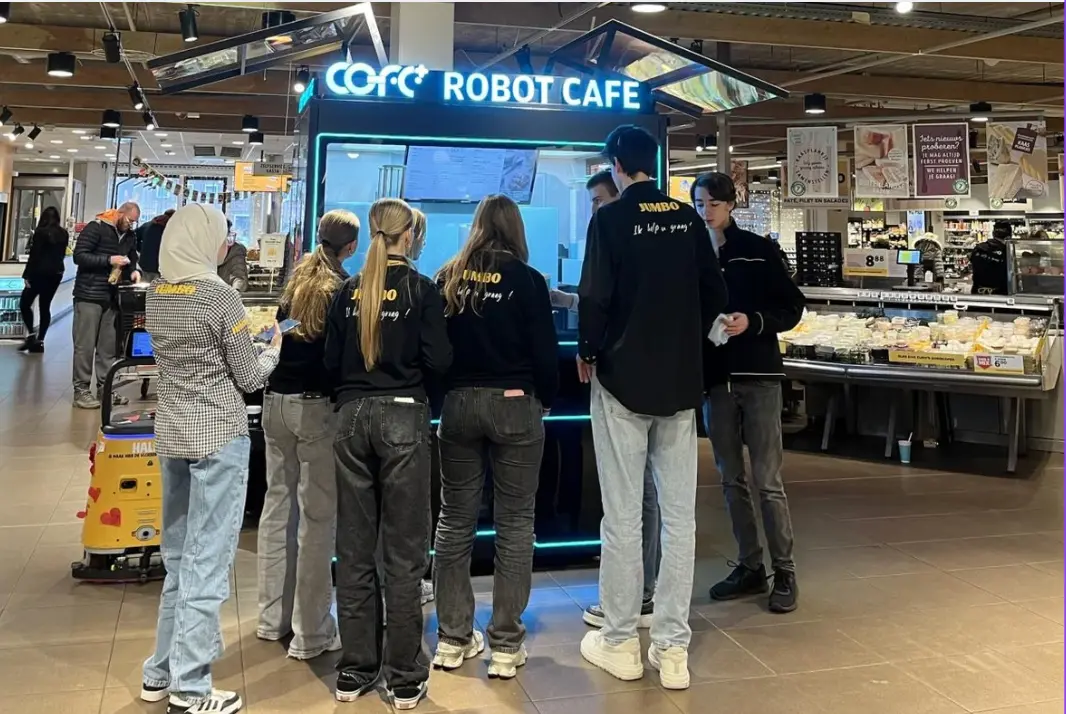
Robot coffee kiosk error alerts are not just system notifications. They are the earliest revenue signal an unattended site produces. A missed ingredient alert at a high-traffic location can end a sales day in minutes, while a module failure alert ignored overnight can turn a small repair into a full board replacement. After deploying COFE+ units across more than 35 countries, I treat every alert as an operational event with a cost, an owner, and a response window. The goal is not to read more alerts. It is to act on the right ones before a kiosk stops serving.
Which Error Alerts Stop a Robot Coffee Kiosk First?
Severity should follow one rule: the alert closest to lost sales, safety exposure, or hardware damage gets the fastest owner.
| Classe d'alerte | Typical trigger | Recommended response window | Consequence if missed |
|---|
| Ingredient shortage | Milk, cup, or bean stock below site threshold | 30 to 45 minutes at peak, same day at quiet sites | Menu items drop out and revenue stops |
| Temperature deviation | Milk zone above safe range after a refill | 15 to 30 minutes verification | Food safety risk and automatic sales block |
| Hygiene cycle fault | Sterilization cycle incomplete or waste tank full | Same business day | Service lockout and compliance exposure |
| Module failure | Grinder torque spike, arm axis error, pump pressure fault | Immediate if movement or brewing stops | Partial or full kiosk halt |
High-volume sites need threshold tuning, not more alert volume. In a multi-building office program I reviewed, the local team had disabled low-stock notifications because they felt noisy. A mid-morning milk outage followed, and two floors lost coffee service for forty minutes before the refill arrived. The issue was not the alert; it was the threshold. By shifting the warning to trigger earlier on the highest-velocity SKUs and routing low-stock notices to the restock schedule instead of the technician, the team avoided a repeat without adding staff.

How Do Ingredient Shortage Alerts Keep a 24/7 Kiosk Selling?
Ingredient shortage alerts are the most frequent robot coffee kiosk error alerts in unattended operations. They fire when consumption data from the dispense system crosses a site-specific threshold, not when the product is already empty. That distinction matters. The COFE+ cloud monitoring layer reads stock continuously and can warn at configurable points before refills run out. A kiosk running close to 1,000 cups per day drains a milk line differently from one doing 120 cups. Refill thresholds should follow hourly sales curves, not daily averages.
Configuring high-velocity item alerts
At a transit hub, the most profitable morning SKUs are usually cold brew and standard milk drinks. We set those items to warn earlier than slower moving syrups. The goal is to protect the menu items that convert the most traffic during the two hours that matter.
Protecting full menu availability at quiet sites
At a night district or campus kiosk, demand is flatter but refill distance can be longer. A cup stack warning may need to fire twelve hours before projected exhaustion because the restock route does not return until morning. Site-specific thresholds prevent a slow site from becoming a dead site.
If your menu includes high-ratio milk drinks or plant-based options, the alert thresholds will differ by recipe loadout. It is worth confirming the refill sequence and minimum stock levels for your planned menu before rollout. Send your menu mix and peak-hour estimates to sales@hi-dolphin.com, and we will map a threshold matrix for the kiosk model you are evaluating.
When Do Temperature and Hygiene Alerts Need a Technician?
Temperature and hygiene alerts split into two lanes: hand-reset and service-dispatch. A milk zone reading above safe range can be caused by a door left open after a refill. If the temperature recovers within fifteen minutes and the trend returns to baseline, an operator can clear the alarm remotely. A failed high-temperature sterilization cycle is different. The COFE+ unit blocks service to protect food safety, and a remote reset without checking the heating element or steam path is the wrong move. This is where the difference between a soft condition and a hard fault becomes operationally important.
I draw the line at repeat events. A single temperature excursion after a refill is a process issue. A second excursion at the same kiosk within the same shift is a failing seal, a blocked vent, or a component drifting out of range, and it belongs in a service queue. Operators who treat a recurring hygiene alert as a nuisance usually find the same fault again within days. In public, high-visibility locations, that cycle also invites health and safety review.
What Does a Module Failure Alert Tell You About Repair Windows?
A module failure alert is not a maintenance reminder. It is the control system reporting that a subsystem has moved outside its operating envelope. A grinder torque spike may mean a foreign object or worn burr. An arm axis error may mean a collision, a limit switch fault, or a servo drive issue. A pump pressure fault often points to a clogged line or failing seal. The alert code narrows the repair path, but the unit should not brew through the fault. The longer a hard fault runs, the more likely the failure migrates from a replaceable module to a board or structural component.
This is why COFE+ pairs remote diagnostics with auto repair dispatch. The system identifies the likely failing module before the technician arrives. Instead of a general service call, the operator gets a part matched to the fault. That shortens the repair window and keeps local service partners focused on replacement rather than investigation.
Do You Need a Clear Response Plan for Robot Coffee Kiosk Error Alerts?
Most operators do not lack alerts. They lack a response sequence that ties each alert to a cost, an owner, and a time window. A low-stock notice sent to a service technician wastes a dispatch. A module fault sent to a restock schedule loses a sales day.
Shanghai Hi-Dolphin Robot Technology Co., Ltd. builds response logic into the COFE+ cloud dashboard so multi-site operators can read stock, temperature, sterilization, and module status in one queue. We can model the highest-risk failure modes across indoor and outdoor kiosks before a unit ships.
cURL Too many subrequests by single Worker invocation. To configure this limit, refer to https://developers.cloudflare.com/workers/wrangler/configuration/#limits
cURL Too many subrequests by single Worker invocation. To configure this limit, refer to https://developers.cloudflare.com/workers/wrangler/configuration/#limits
cURL Too many subrequests by single Worker invocation. To configure this limit, refer to https://developers.cloudflare.com/workers/wrangler/configuration/#limits
cURL Too many subrequests by single Worker invocation. To configure this limit, refer to https://developers.cloudflare.com/workers/wrangler/configuration/#limits
cURL Too many subrequests by single Worker invocation. To configure this limit, refer to https://developers.cloudflare.com/workers/wrangler/configuration/#limits
cURL Too many subrequests by single Worker invocation. To configure this limit, refer to https://developers.cloudflare.com/workers/wrangler/configuration/#limits
cURL Too many subrequests by single Worker invocation. To configure this limit, refer to https://developers.cloudflare.com/workers/wrangler/configuration/#limits
cURL Too many subrequests by single Worker invocation. To configure this limit, refer to https://developers.cloudflare.com/workers/wrangler/configuration/#limits
cURL Too many subrequests by single Worker invocation. To configure this limit, refer to https://developers.cloudflare.com/workers/wrangler/configuration/#limits
cURL Too many subrequests by single Worker invocation. To configure this limit, refer to https://developers.cloudflare.com/workers/wrangler/configuration/#limits