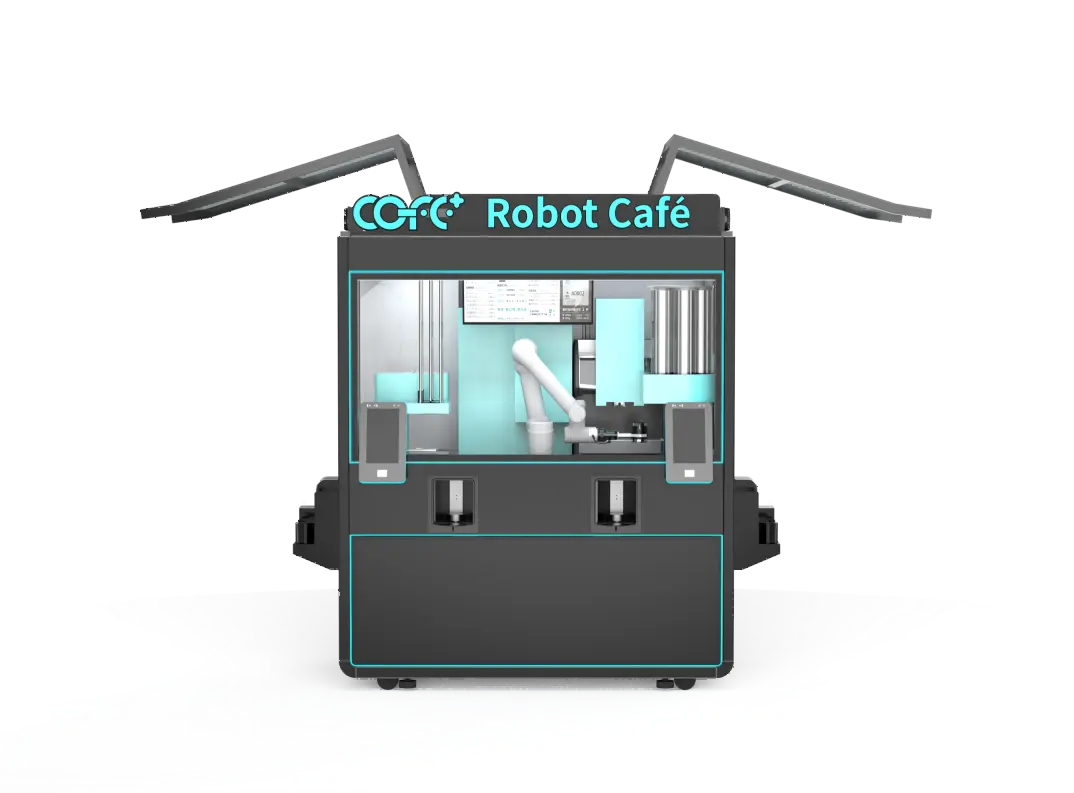
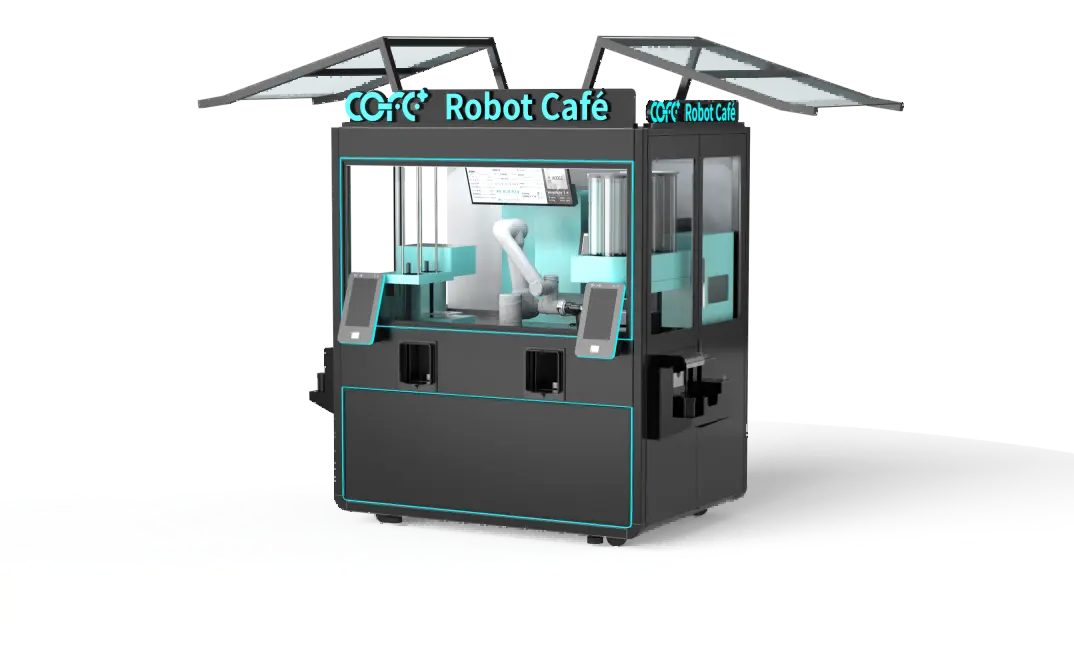
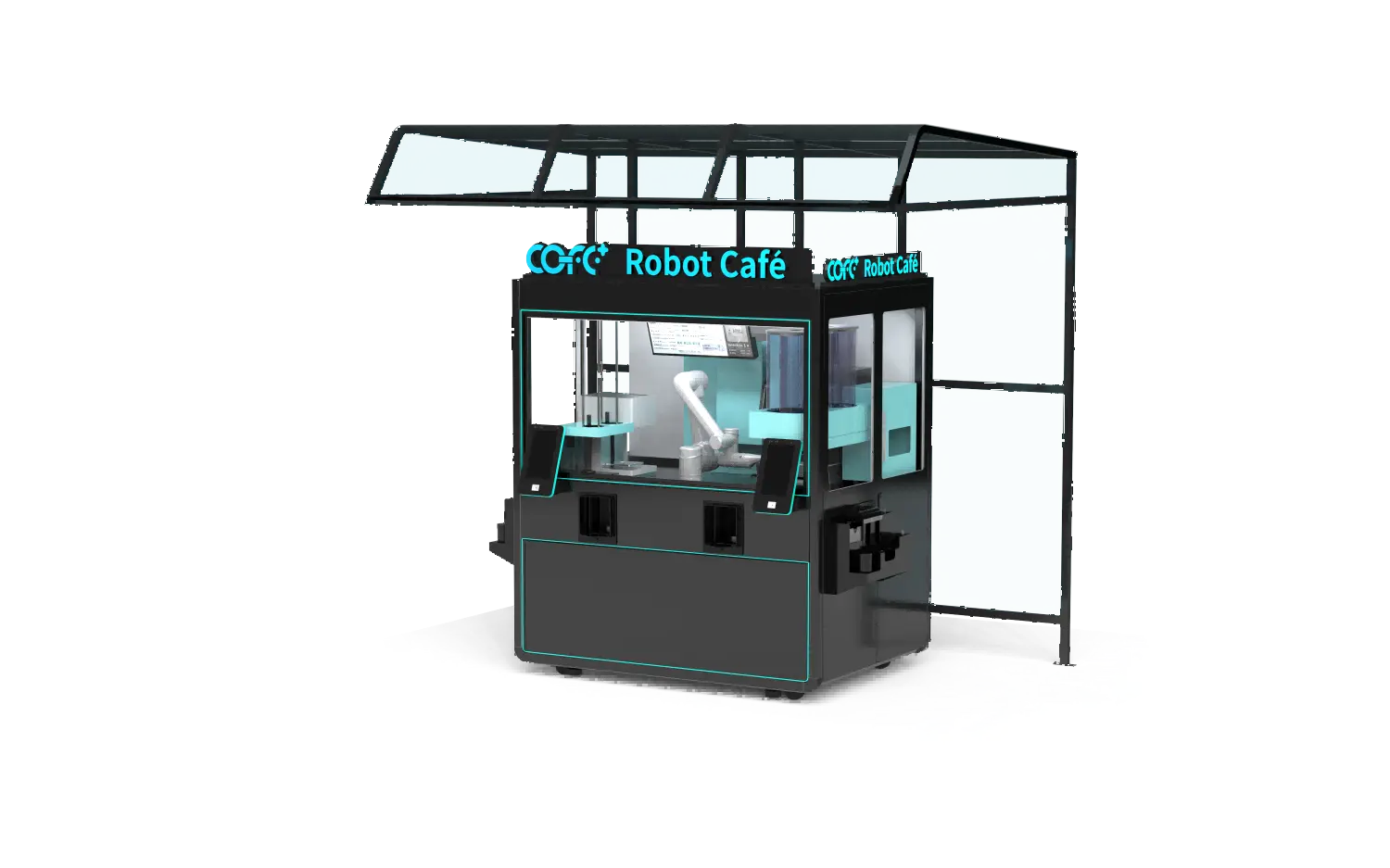
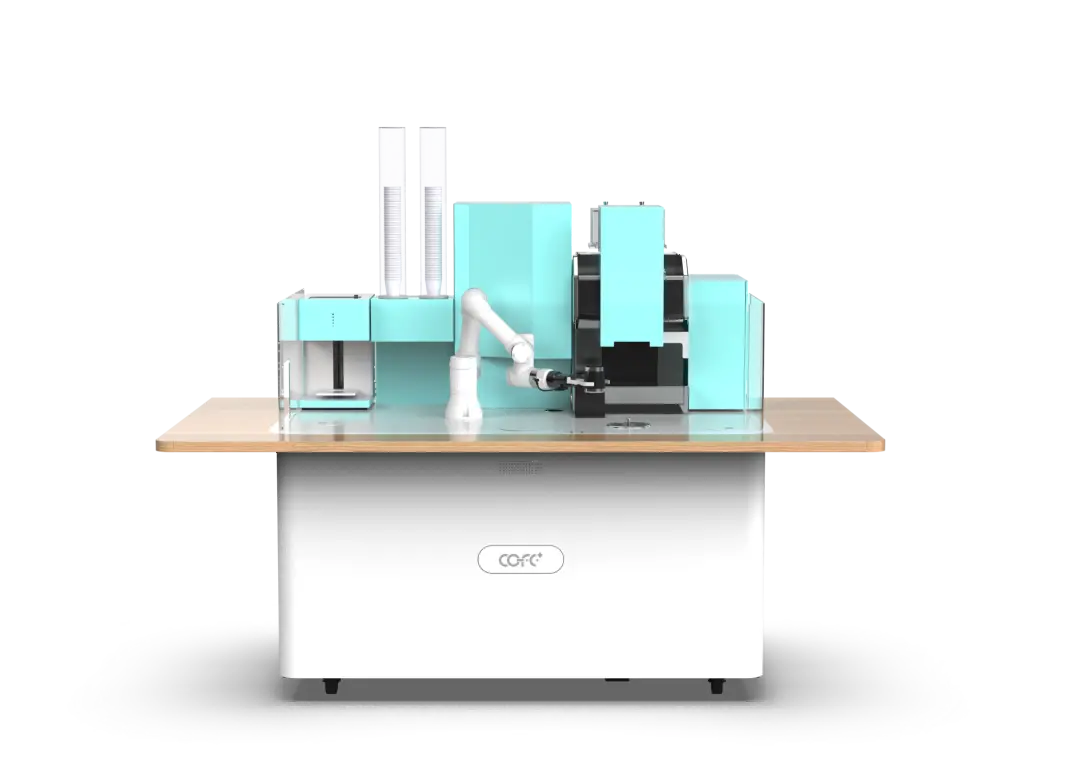
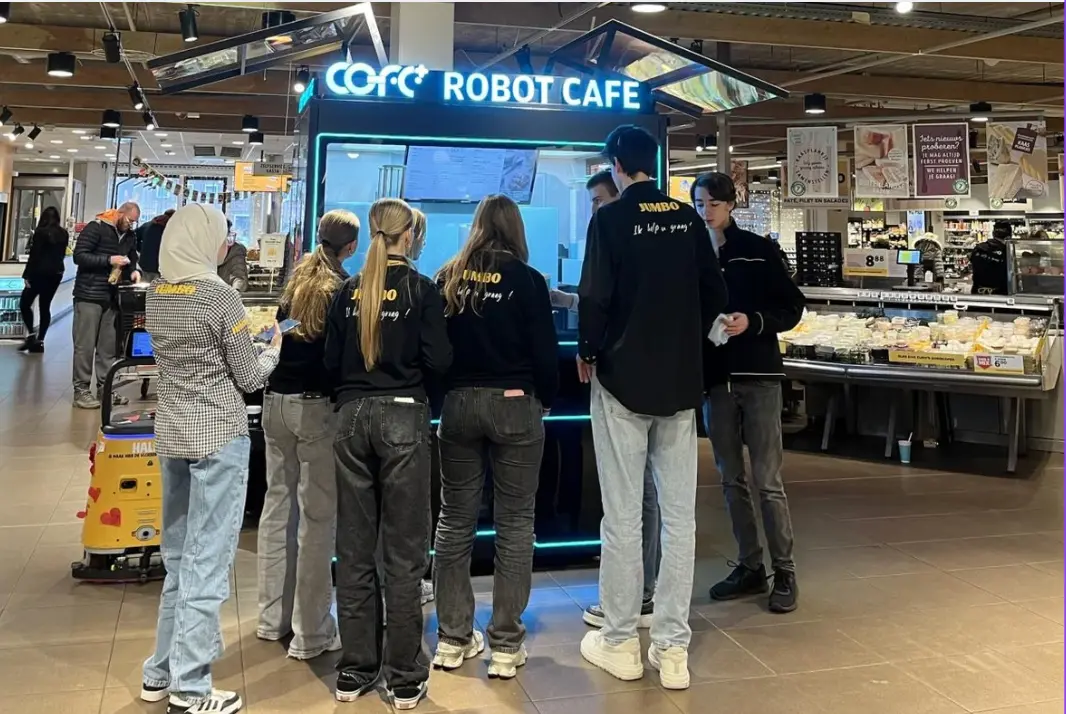
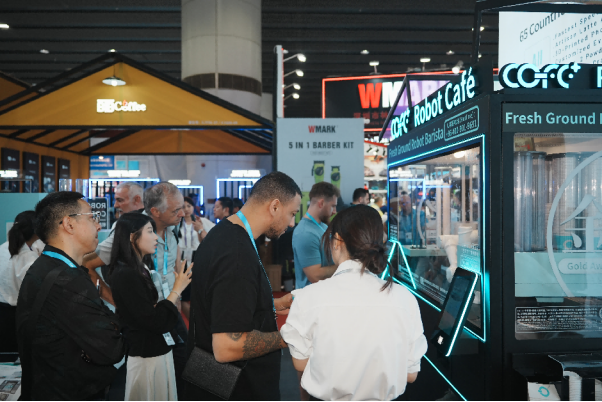
Unmanned coffee kiosks solve the staffing equation, but they do not remove the food-safety responsibilities that come with milk, water, coffee oils, and public touchpoints. For a multi-site operator, the hardest part of cleaning is not the machine—it is the consistency of the process. If one location wipes the steam nozzle daily and another treats it as a weekly task, the brand’s taste, hygiene, and equipment life become uneven across the fleet. This SOP gives operations managers a repeatable cleaning framework that fits indoor, outdoor, and high-traffic robot coffee kiosk deployments.
Why a Standard Cleaning SOP Matters Across Multiple Sites
Food-contact surfaces used in continuous beverage service fall under the sanitation expectations of food codes. The FDA Food Code requires food-contact surfaces to be cleaned at frequencies that prevent the accumulation of residues and whenever contamination may have occurred [1]. In unattended operations, contamination can happen between staff visits, so the SOP has to assume that the site team will arrive to residue, not prevent every spill remotely.
A standard SOP also creates comparable data. When cleaning tasks, chemicals, and evidence rules are the same across sites, a multi-site manager can compare locations fairly. If one site reports more drain errors or more milk-line residue, the operations team can investigate the location rather than guessing whether the cleaning crew simply used a different checklist.

Daily Cleaning Tasks for Every Robot Coffee Kiosk
A daily routine should be short enough to complete during a normal service visit and detailed enough to protect the next unattended operating window.
Exterior and Customer-Contact Surfaces
- Wipe the touchscreen, order area, cup dispenser, and payment terminal with a food-safe, non-abrasive cleaner.
- Clear the drip tray, cup drop area, and any visible grounds or syrup residue.
- Inspect the door, enclosure edges, and signage area for dust, handprints, or spill buildup.
- Check that the waste bin is not blocking sensors or drains.
Internal Food-Contact Zones
- Verify that the automated rinse and sterilization cycle has run since the last service window.
- Wipe accessible food-contact surfaces only with approved cleaning materials listed for the equipment.
- Inspect the group head area, nozzle area, and milk line connection points for residue.
- Record any off-taste, odor, or visible buildup as a maintenance flag, not just a cleaning task.
Automated Cleaning Cycle Verification
The COFE+ 7th generation kiosk automates part of the sanitation process. The outdoor model includes automatic 85°C high-temperature sterilization, while the indoor model integrates automatic cleaning within its cloud-monitored operation. The operator’s job is to confirm the cycle ran, check for error alerts, and document the result. Automation reduces manual exposure to hot surfaces, but it does not remove the need for visual verification.
Operators managing mixed indoor-outdoor fleets can request a cleaning-log template aligned to the unit type by sending the site list to sales@hi-dolphin.com.
Weekly Deep-Cleaning and Food-Contact Surface Verification
Weekly service should cover the areas that daily cleaning leaves in place. Cleaning and sanitizing should follow the CDC’s general guidance for facility surfaces and the food-equipment sanitation expectations under NSF/ANSI 8 [2], [3].
Ingredient Path and Milk System
- Flush and inspect the milk line, pump interface, and any plant-based milk path according to the manufacturer’s procedure.
- Check bean hopper, grinder area, and chute for oil buildup or grind retention.
- Confirm that the refrigerated ingredient zone holds temperature and shows no sign of spill or seal wear.
Waste and Drainage Areas
- Remove the waste container, clean the surrounding floor or cabinet area, and check for odor or pest entry points.
- Inspect drain lines for slow drainage, biofilm, or blockages.
- Verify that outdoor units have clear drainage access and no standing water near the enclosure.
Sanitizer Concentration and Recordkeeping
- Test sanitizer concentration at the start of the service window and record the result.
- Photograph completed work for the digital log, including the drip tray, milk line connection, and drain area.
- Escalate repeated residue or drain issues to maintenance rather than increasing chemical strength beyond the approved range.
Site-Specific Cleaning Frequency by Location Type
Not every site needs the same cadence. The table below provides a baseline that operators can adjust with local health requirements and water quality.
| Tipo de ubicación | cURL Too many subrequests by single Worker invocation. To configure this limit, refer to https://developers.cloudflare.com/workers/wrangler/configuration/#limits | cURL Too many subrequests by single Worker invocation. To configure this limit, refer to https://developers.cloudflare.com/workers/wrangler/configuration/#limits | Notas |
|---|
| cURL Too many subrequests by single Worker invocation. To configure this limit, refer to https://developers.cloudflare.com/workers/wrangler/configuration/#limits | cURL Too many subrequests by single Worker invocation. To configure this limit, refer to https://developers.cloudflare.com/workers/wrangler/configuration/#limits | cURL Too many subrequests by single Worker invocation. To configure this limit, refer to https://developers.cloudflare.com/workers/wrangler/configuration/#limits | cURL Too many subrequests by single Worker invocation. To configure this limit, refer to https://developers.cloudflare.com/workers/wrangler/configuration/#limits |
| cURL Too many subrequests by single Worker invocation. To configure this limit, refer to https://developers.cloudflare.com/workers/wrangler/configuration/#limits | cURL Too many subrequests by single Worker invocation. To configure this limit, refer to https://developers.cloudflare.com/workers/wrangler/configuration/#limits | cURL Too many subrequests by single Worker invocation. To configure this limit, refer to https://developers.cloudflare.com/workers/wrangler/configuration/#limits | cURL Too many subrequests by single Worker invocation. To configure this limit, refer to https://developers.cloudflare.com/workers/wrangler/configuration/#limits |
| cURL Too many subrequests by single Worker invocation. To configure this limit, refer to https://developers.cloudflare.com/workers/wrangler/configuration/#limits | cURL Too many subrequests by single Worker invocation. To configure this limit, refer to https://developers.cloudflare.com/workers/wrangler/configuration/#limits | cURL Too many subrequests by single Worker invocation. To configure this limit, refer to https://developers.cloudflare.com/workers/wrangler/configuration/#limits | cURL Too many subrequests by single Worker invocation. To configure this limit, refer to https://developers.cloudflare.com/workers/wrangler/configuration/#limits |
| cURL Too many subrequests by single Worker invocation. To configure this limit, refer to https://developers.cloudflare.com/workers/wrangler/configuration/#limits | cURL Too many subrequests by single Worker invocation. To configure this limit, refer to https://developers.cloudflare.com/workers/wrangler/configuration/#limits | cURL Too many subrequests by single Worker invocation. To configure this limit, refer to https://developers.cloudflare.com/workers/wrangler/configuration/#limits | cURL Too many subrequests by single Worker invocation. To configure this limit, refer to https://developers.cloudflare.com/workers/wrangler/configuration/#limits |
| cURL Too many subrequests by single Worker invocation. To configure this limit, refer to https://developers.cloudflare.com/workers/wrangler/configuration/#limits | cURL Too many subrequests by single Worker invocation. To configure this limit, refer to https://developers.cloudflare.com/workers/wrangler/configuration/#limits | cURL Too many subrequests by single Worker invocation. To configure this limit, refer to https://developers.cloudflare.com/workers/wrangler/configuration/#limits | cURL Too many subrequests by single Worker invocation. To configure this limit, refer to https://developers.cloudflare.com/workers/wrangler/configuration/#limits |
| cURL Too many subrequests by single Worker invocation. To configure this limit, refer to https://developers.cloudflare.com/workers/wrangler/configuration/#limits | cURL Too many subrequests by single Worker invocation. To configure this limit, refer to https://developers.cloudflare.com/workers/wrangler/configuration/#limits | cURL Too many subrequests by single Worker invocation. To configure this limit, refer to https://developers.cloudflare.com/workers/wrangler/configuration/#limits | cURL Too many subrequests by single Worker invocation. To configure this limit, refer to https://developers.cloudflare.com/workers/wrangler/configuration/#limits |
cURL Too many subrequests by single Worker invocation. To configure this limit, refer to https://developers.cloudflare.com/workers/wrangler/configuration/#limits cURL Too many subrequests by single Worker invocation. To configure this limit, refer to https://developers.cloudflare.com/workers/wrangler/configuration/#limits cURL Too many subrequests by single Worker invocation. To configure this limit, refer to https://developers.cloudflare.com/workers/wrangler/configuration/#limits
cURL Too many subrequests by single Worker invocation. To configure this limit, refer to https://developers.cloudflare.com/workers/wrangler/configuration/#limits
cURL Too many subrequests by single Worker invocation. To configure this limit, refer to https://developers.cloudflare.com/workers/wrangler/configuration/#limits
cURL Too many subrequests by single Worker invocation. To configure this limit, refer to https://developers.cloudflare.com/workers/wrangler/configuration/#limits
- cURL Too many subrequests by single Worker invocation. To configure this limit, refer to https://developers.cloudflare.com/workers/wrangler/configuration/#limits
- cURL Too many subrequests by single Worker invocation. To configure this limit, refer to https://developers.cloudflare.com/workers/wrangler/configuration/#limits
- cURL Too many subrequests by single Worker invocation. To configure this limit, refer to https://developers.cloudflare.com/workers/wrangler/configuration/#limits
cURL Too many subrequests by single Worker invocation. To configure this limit, refer to https://developers.cloudflare.com/workers/wrangler/configuration/#limits
- cURL Too many subrequests by single Worker invocation. To configure this limit, refer to https://developers.cloudflare.com/workers/wrangler/configuration/#limits
- cURL Too many subrequests by single Worker invocation. To configure this limit, refer to https://developers.cloudflare.com/workers/wrangler/configuration/#limits
- cURL Too many subrequests by single Worker invocation. To configure this limit, refer to https://developers.cloudflare.com/workers/wrangler/configuration/#limits
cURL Too many subrequests by single Worker invocation. To configure this limit, refer to https://developers.cloudflare.com/workers/wrangler/configuration/#limits
- cURL Too many subrequests by single Worker invocation. To configure this limit, refer to https://developers.cloudflare.com/workers/wrangler/configuration/#limits
- cURL Too many subrequests by single Worker invocation. To configure this limit, refer to https://developers.cloudflare.com/workers/wrangler/configuration/#limits
- cURL Too many subrequests by single Worker invocation. To configure this limit, refer to https://developers.cloudflare.com/workers/wrangler/configuration/#limits
cURL Too many subrequests by single Worker invocation. To configure this limit, refer to https://developers.cloudflare.com/workers/wrangler/configuration/#limits
cURL Too many subrequests by single Worker invocation. To configure this limit, refer to https://developers.cloudflare.com/workers/wrangler/configuration/#limits
cURL Too many subrequests by single Worker invocation. To configure this limit, refer to https://developers.cloudflare.com/workers/wrangler/configuration/#limits
A single drain alert may be a spill event. The same alert across three sites in one week may indicate a procedure gap or a component wear pattern. The cleaning log should therefore connect field observations to machine alerts, creating a combined service record for each unit.
A cleaning exception should create both a local task and a remote record, so multi-site teams can tell whether the issue is isolated or part of a repeated component trend. cURL Too many subrequests by single Worker invocation. To configure this limit, refer to https://developers.cloudflare.com/workers/wrangler/configuration/#limits covers how cloud monitoring connects stock, temperature, and service alerts to dispatch workflows.
Standardize the Cleaning Program Before the Next Site Launch
Cleaning quality scales only when the SOP, the log, and the equipment are aligned. Multi-site operators should document the daily protocol, set location-specific frequencies, and review exception reports every week. To evaluate a robot coffee kiosk program or to align an existing fleet with a single cleaning standard, send sales@hi-dolphin.com a short inquiry list: number of sites, location types, current cleaning tools, remote monitoring status, and the target operating window. The team can then respond with the relevant equipment specifications and service options rather than a one-size-fits-all pitch.
Frequently Asked Questions About Robot Coffee Kiosk Cleaning
How long does daily cleaning take for one robot coffee kiosk?
The exact time depends on the unit type, site access, and local water quality. A focused daily routine is usually shorter than a full weekly service window, but it should still include exterior touchpoints, drip tray clearing, and automated cycle verification. Weekly deep cleaning requires a planned service window because it includes the milk line, waste system, and drain inspection.
Can the robot kiosk clean its own milk and coffee systems?
Many 7th-generation kiosks automate part of the process. The COFE+ 7th generation outdoor model includes automatic 85°C high-temperature sterilization, while the indoor model integrates automatic cleaning within its cloud-monitored operation. The operator still verifies that the cycle ran, clears waste, and cleans customer-contact surfaces.
What cleaning chemicals are safe for robot coffee kiosk surfaces?
Use only food-safe, non-abrasive sanitizers approved for commercial food equipment. Avoid solvent-heavy or chlorine-based products unless the kiosk manufacturer’s material compatibility documentation permits them. The label instructions and the manufacturer’s surface list should control every product decision.
How often should outdoor kiosks be deep-cleaned?
Outdoor units in dusty, humid, or high-footfall areas need more frequent waste and seal checks. A weekly deep clean is the baseline for most public outdoor sites. Sites near construction, coastlines, or heavy event traffic may need attention twice a week, especially for filters, seals, and drainage access.
Who should verify cleaning when units are unattended overnight?
Verification should come from a combination of photo evidence and digital task sign-off. Operations managers review completed logs and exception reports by site weekly, while local staff confirm drain and waste tasks before a long unattended window. Remote alerts add another layer but do not replace visual confirmation.
Does cleaning frequency change for hospital or high-footfall locations?
Yes. Customer-contact surfaces and waste handling should be increased in facilities with stricter hygiene requirements. The site team should use facility-approved cleaning agents and follow the location’s infection-control rules alongside the kiosk SOP.
cURL Too many subrequests by single Worker invocation. To configure this limit, refer to https://developers.cloudflare.com/workers/wrangler/configuration/#limits
[1] U.S. Food and Drug Administration, “Food Code 2022,” 2022. [Online]. Available: https://www.fda.gov/food/fda-food-code/food-code-2022
[2] U.S. Centers for Disease Control and Prevention, “When and How to Clean and Disinfect Your Facility,” 2024. [Online]. Available: https://www.cdc.gov/hygiene/cleaning/cleaning-your-facility.html
[3] NSF International, “NSF/ANSI 8: Commercial Powered Food Preparation Equipment.” [Online]. Available: https://www.nsf.org/standards/nsf-ansi-8