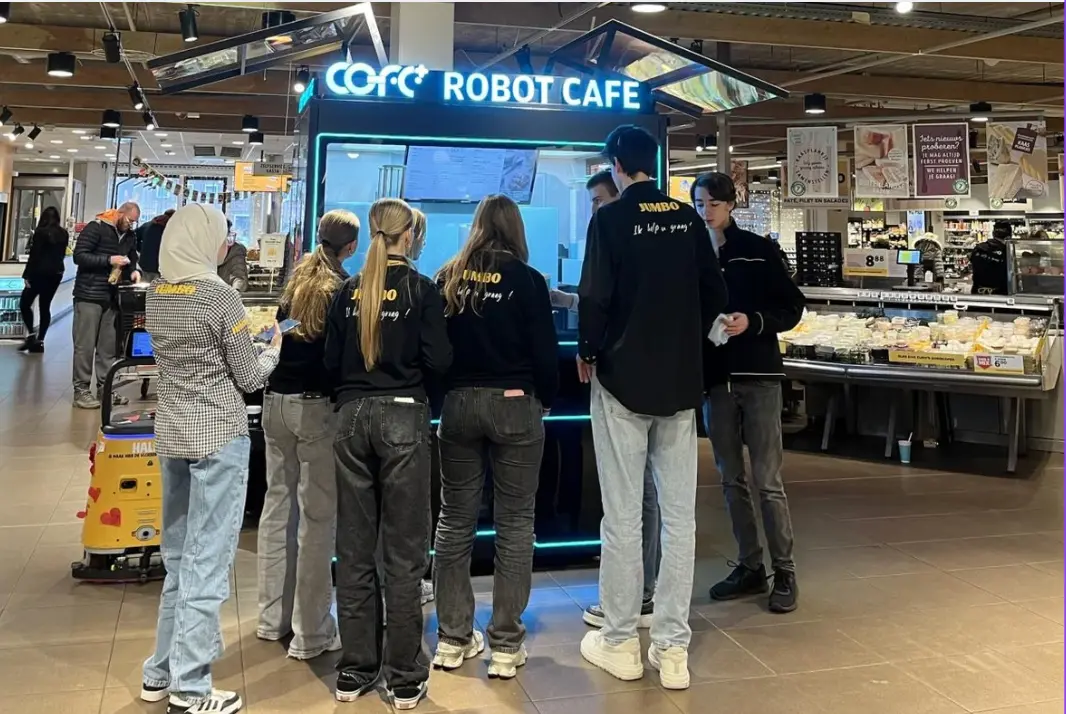
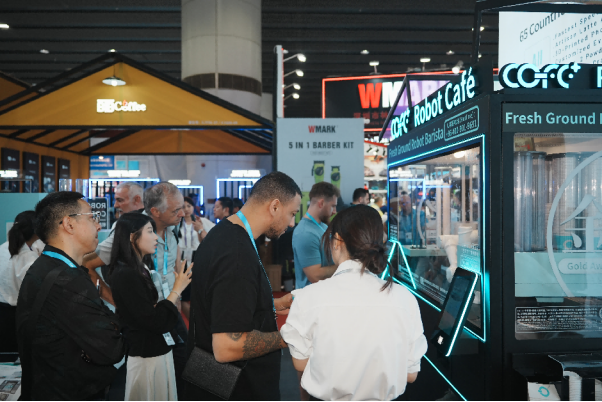
A robot coffee kiosk removes the barista from the counter, but it does not remove the need for a daily operating routine. The opening checklist confirms that the machine is safe, stocked, and ready to serve; the closing checklist protects the equipment, ingredients, and data that keep the next service period reliable. This guide is written for operators, site managers, and maintenance teams responsible for unattended coffee service in retail, transport, office, and public locations.
Why Daily Checks Matter for an Unmanned Coffee Kiosk
Even contactless equipment handles milk, water, cups, and high-touch surfaces. A missed check can lead to a food safety failure, an out-of-stock outage, or a costly repair that could have been avoided. Daily routines should follow the same sanitation principles as traditional food service under the FDA Food Code [1], while European deployments should also align with Regulation (EC) No 852/2004 for food business operators [2]. The kiosk’s electrical assemblies should be checked against the applicable safety standard for commercial dispensing and vending machines [3]. If a lockout or service task is planned, de-energize only according to site lockout/tagout procedures [4].
A consistent checklist also supports multi-site operation. When every location follows the same opening and closing sequence, remote supervisors can compare logs, schedule maintenance, and reduce variability between sites.
Daily Opening Checklist
Run the following sequence before the first transaction. If any check fails, pause service and follow the escalation path for the site.
1. Visual and Perimeter Inspection
Walk around the kiosk and look for physical damage, tampering, leaks, pests, or foreign objects. Check the customer area, queue zone, cup station, and waste bin. For outdoor deployments, inspect door seals, drainage outlets, ventilation grilles, and weather panels before service begins.

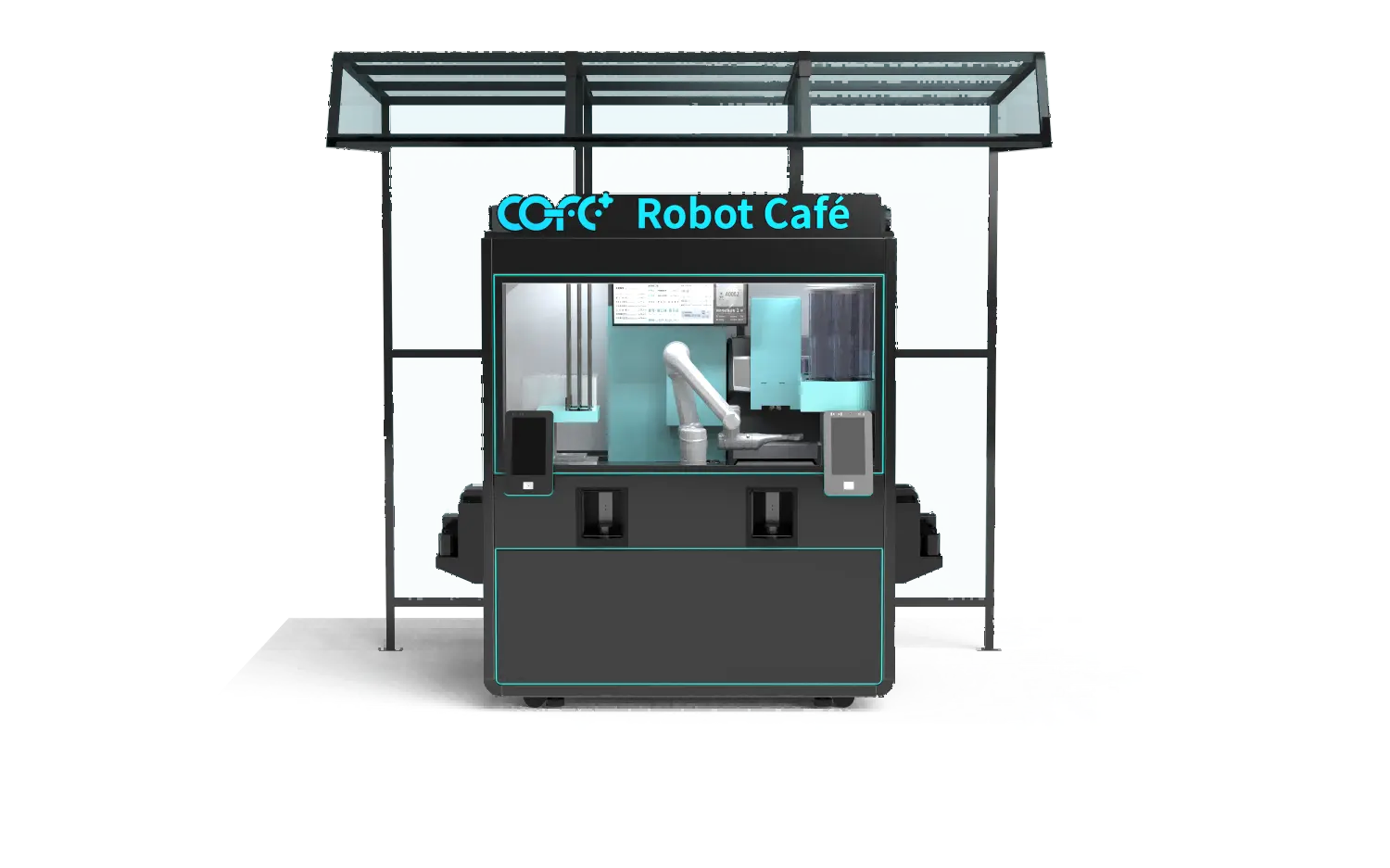
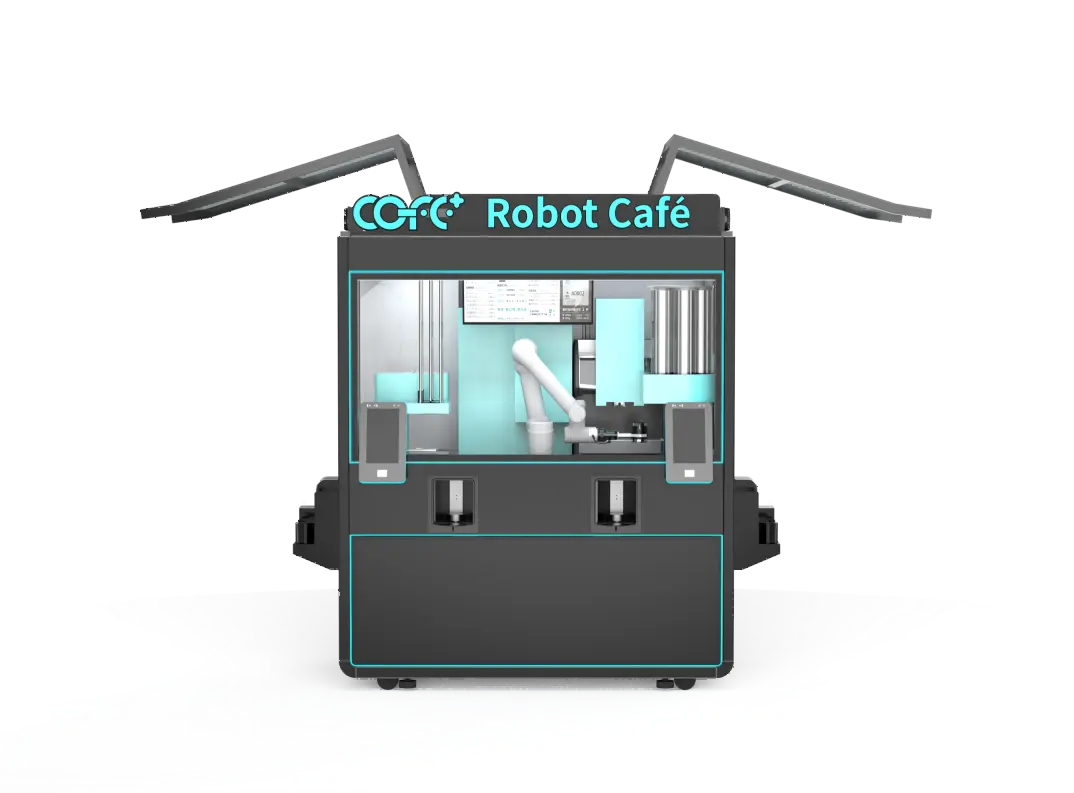
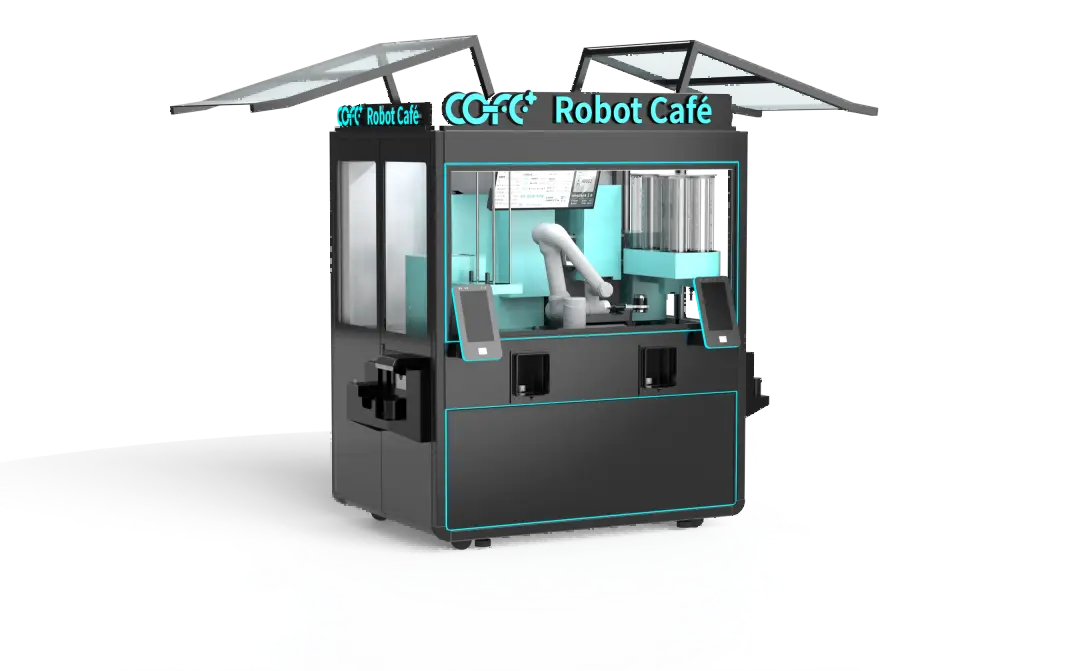
Outdoor units need an added check for door seals, drainage, and weather panels before the first cup. <kiosco de café robótico al aire libre> covers all-weather design and the site conditions that shape a reliable daily routine.
2. Power, Network, and System Status
Confirm that the kiosk has stable power and that the main switch, breakers, and any backup supply are in normal condition. Check the touchscreen, payment terminal, IoT connection, and cloud dashboard. A loss of connectivity can disable remote monitoring, so it should be resolved before service begins.
3. Ingredient and Consumables Check
Verify bean, milk, plant-based, syrup, cup, lid, stirrer, and napkin levels. Check temperature and expiration dates on perishable ingredients, and replace anything that is out of specification. Top up consumables without overfilling, and wipe down container rims and surrounding surfaces. If the kiosk uses cloud-based stock monitoring, confirm that the dashboard reading matches the physical level.
4. Cleaning and Sanitizing Before Service
Clean the drip tray, nozzle area, cup drop zone, and touchscreen. Run the automatic cleaning or rinse cycle if the machine supports it. Food-contact surfaces should be cleaned and sanitized according to the FDA Food Code [1]. Pay special attention to milk lines and any area where liquid can collect.
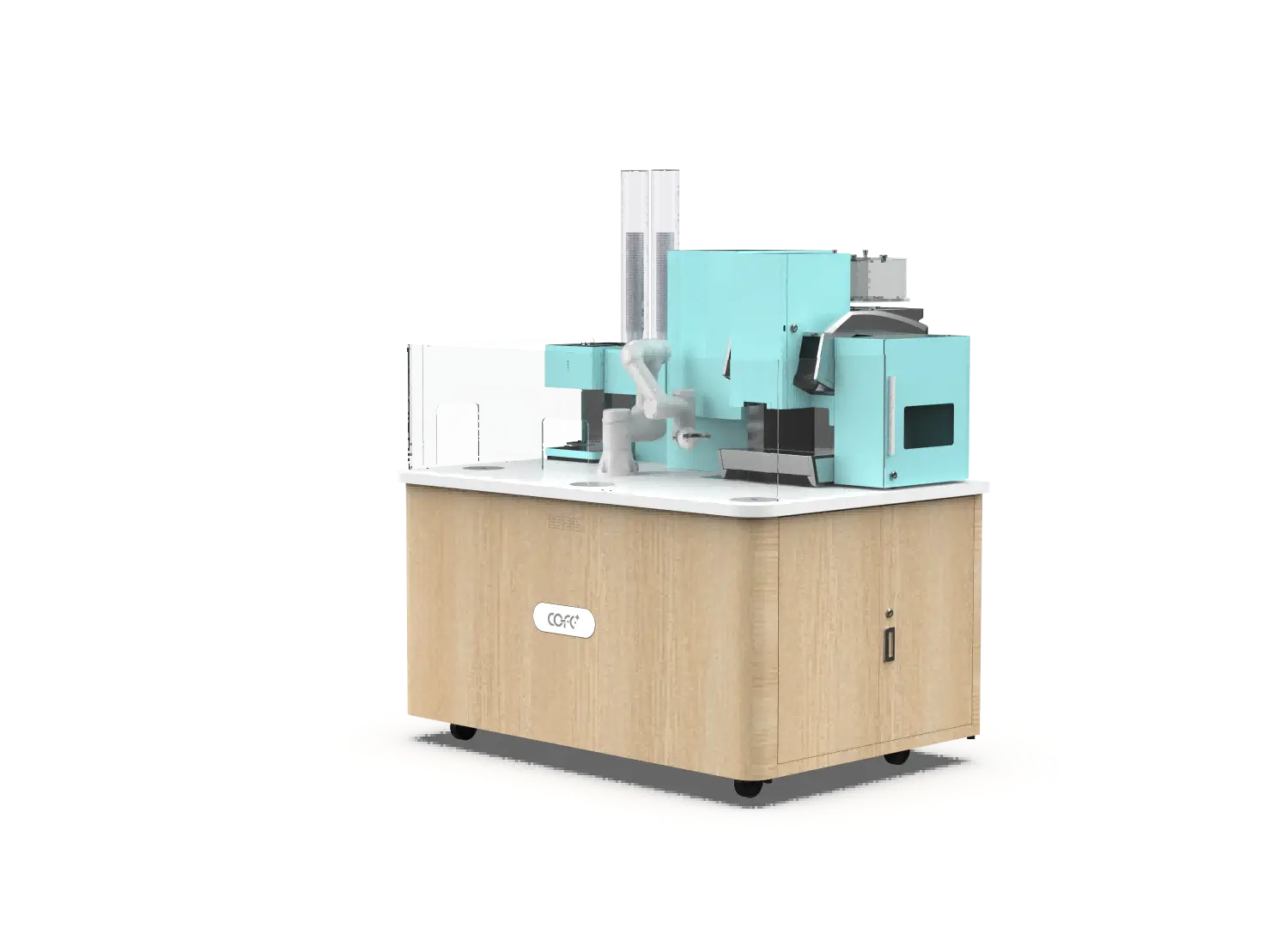
Indoor kiosks in lobbies, offices, and retail spaces need a clear service zone for cleaning and inspection access. <quiosco de café robótico interior> covers the compact indoor format and the access points that affect daily maintenance.
5. Morning Test Cup and First-Serve Validation
Run a test drink before opening to verify cup dispensing, beverage temperature, volume, taste, lid seating, and payment flow. On machines with latte art, confirm that the printing or robotic arm movement is clean and centered. A failed test cup is a signal to troubleshoot or place the kiosk out of service rather than allowing the first customer to find the fault.
Need a Site-Specific Opening Routine for Your Kiosk Model?
The checks above cover the daily baseline, but power, drainage, and cleaning intervals vary between indoor and outdoor machines. For a model-specific daily opening and closing plan, email sales@hi-dolphin.com or call/WhatsApp +86 131 6630 1290 and request an operations review.
Daily Closing Checklist
The closing checklist secures the equipment, protects ingredients overnight, and records the handover to the next shift or remote operations team.
6. End-of-Day Cleaning and Waste Removal
Remove spent grounds, liquid waste, and packaging waste. Clean the drip tray, cup area, nozzle assembly, and any user-visible surfaces. Sanitize high-touch areas such as the touchscreen and payment terminal. For 24/7 sites that never close, move this task to a low-traffic period and use alerts to plan when to pause service.
7. Ingredient Storage and Overnight Temperature Check
Check that milk and other perishable items are within the required storage temperature. Secure open packages, note expiration dates, and record low-stock items for the next refill. For outdoor kiosks in very hot or cold weather, verify that the temperature-control function remains active.
8. System Shutdown or Overnight Mode
At sites that close overnight, follow the manufacturer’s shutdown sequence, then lock all access panels and secure the surrounding area. For 24-hour locations, do not power off the machine; instead confirm that overnight mode, lighting, security cameras, and remote alerts are active. If the kiosk will be unattended for several hours, verify that waste capacity and ingredient levels are sufficient.
9. Data Review and Daily Log
cURL Too many subrequests by single Worker invocation. To configure this limit, refer to https://developers.cloudflare.com/workers/wrangler/configuration/#limits
cURL Too many subrequests by single Worker invocation. To configure this limit, refer to https://developers.cloudflare.com/workers/wrangler/configuration/#limitstienda inteligente cerebrocURL Too many subrequests by single Worker invocation. To configure this limit, refer to https://developers.cloudflare.com/workers/wrangler/configuration/#limits
cURL Too many subrequests by single Worker invocation. To configure this limit, refer to https://developers.cloudflare.com/workers/wrangler/configuration/#limits
| cURL Too many subrequests by single Worker invocation. To configure this limit, refer to https://developers.cloudflare.com/workers/wrangler/configuration/#limits | cURL Too many subrequests by single Worker invocation. To configure this limit, refer to https://developers.cloudflare.com/workers/wrangler/configuration/#limits | cURL Too many subrequests by single Worker invocation. To configure this limit, refer to https://developers.cloudflare.com/workers/wrangler/configuration/#limits |
|---|
| cURL Too many subrequests by single Worker invocation. To configure this limit, refer to https://developers.cloudflare.com/workers/wrangler/configuration/#limits | cURL Too many subrequests by single Worker invocation. To configure this limit, refer to https://developers.cloudflare.com/workers/wrangler/configuration/#limits | cURL Too many subrequests by single Worker invocation. To configure this limit, refer to https://developers.cloudflare.com/workers/wrangler/configuration/#limits |
| cURL Too many subrequests by single Worker invocation. To configure this limit, refer to https://developers.cloudflare.com/workers/wrangler/configuration/#limits | cURL Too many subrequests by single Worker invocation. To configure this limit, refer to https://developers.cloudflare.com/workers/wrangler/configuration/#limits | cURL Too many subrequests by single Worker invocation. To configure this limit, refer to https://developers.cloudflare.com/workers/wrangler/configuration/#limits |
| Ingredientes | cURL Too many subrequests by single Worker invocation. To configure this limit, refer to https://developers.cloudflare.com/workers/wrangler/configuration/#limits | cURL Too many subrequests by single Worker invocation. To configure this limit, refer to https://developers.cloudflare.com/workers/wrangler/configuration/#limits |
| Cleaning | cURL Too many subrequests by single Worker invocation. To configure this limit, refer to https://developers.cloudflare.com/workers/wrangler/configuration/#limits | cURL Too many subrequests by single Worker invocation. To configure this limit, refer to https://developers.cloudflare.com/workers/wrangler/configuration/#limits |
| cURL Too many subrequests by single Worker invocation. To configure this limit, refer to https://developers.cloudflare.com/workers/wrangler/configuration/#limits | cURL Too many subrequests by single Worker invocation. To configure this limit, refer to https://developers.cloudflare.com/workers/wrangler/configuration/#limits | — |
| cURL Too many subrequests by single Worker invocation. To configure this limit, refer to https://developers.cloudflare.com/workers/wrangler/configuration/#limits | cURL Too many subrequests by single Worker invocation. To configure this limit, refer to https://developers.cloudflare.com/workers/wrangler/configuration/#limits | cURL Too many subrequests by single Worker invocation. To configure this limit, refer to https://developers.cloudflare.com/workers/wrangler/configuration/#limits |
| cURL Too many subrequests by single Worker invocation. To configure this limit, refer to https://developers.cloudflare.com/workers/wrangler/configuration/#limits | cURL Too many subrequests by single Worker invocation. To configure this limit, refer to https://developers.cloudflare.com/workers/wrangler/configuration/#limits | cURL Too many subrequests by single Worker invocation. To configure this limit, refer to https://developers.cloudflare.com/workers/wrangler/configuration/#limits |
| cURL Too many subrequests by single Worker invocation. To configure this limit, refer to https://developers.cloudflare.com/workers/wrangler/configuration/#limits | cURL Too many subrequests by single Worker invocation. To configure this limit, refer to https://developers.cloudflare.com/workers/wrangler/configuration/#limits | cURL Too many subrequests by single Worker invocation. To configure this limit, refer to https://developers.cloudflare.com/workers/wrangler/configuration/#limits |
cURL Too many subrequests by single Worker invocation. To configure this limit, refer to https://developers.cloudflare.com/workers/wrangler/configuration/#limits
cURL Too many subrequests by single Worker invocation. To configure this limit, refer to https://developers.cloudflare.com/workers/wrangler/configuration/#limits
cURL Too many subrequests by single Worker invocation. To configure this limit, refer to https://developers.cloudflare.com/workers/wrangler/configuration/#limits
cURL Too many subrequests by single Worker invocation. To configure this limit, refer to https://developers.cloudflare.com/workers/wrangler/configuration/#limits
cURL Too many subrequests by single Worker invocation. To configure this limit, refer to https://developers.cloudflare.com/workers/wrangler/configuration/#limits
- cURL Too many subrequests by single Worker invocation. To configure this limit, refer to https://developers.cloudflare.com/workers/wrangler/configuration/#limits sales@hi-dolphin.com
- cURL Too many subrequests by single Worker invocation. To configure this limit, refer to https://developers.cloudflare.com/workers/wrangler/configuration/#limits +86 131 6630 1290
- cURL Too many subrequests by single Worker invocation. To configure this limit, refer to https://developers.cloudflare.com/workers/wrangler/configuration/#limits
Preguntas Frecuentes
cURL Too many subrequests by single Worker invocation. To configure this limit, refer to https://developers.cloudflare.com/workers/wrangler/configuration/#limits
cURL Too many subrequests by single Worker invocation. To configure this limit, refer to https://developers.cloudflare.com/workers/wrangler/configuration/#limits
cURL Too many subrequests by single Worker invocation. To configure this limit, refer to https://developers.cloudflare.com/workers/wrangler/configuration/#limits
cURL Too many subrequests by single Worker invocation. To configure this limit, refer to https://developers.cloudflare.com/workers/wrangler/configuration/#limits
cURL Too many subrequests by single Worker invocation. To configure this limit, refer to https://developers.cloudflare.com/workers/wrangler/configuration/#limits
cURL Too many subrequests by single Worker invocation. To configure this limit, refer to https://developers.cloudflare.com/workers/wrangler/configuration/#limits
cURL Too many subrequests by single Worker invocation. To configure this limit, refer to https://developers.cloudflare.com/workers/wrangler/configuration/#limits
cURL Too many subrequests by single Worker invocation. To configure this limit, refer to https://developers.cloudflare.com/workers/wrangler/configuration/#limits
Can the daily log be kept remotely?
Yes. Cloud dashboards can record temperature, stock, alerts, sales, and error codes. However, physical inspections should still verify on-site conditions because remote data will not always show spills, pest issues, or local damage.
cURL Too many subrequests by single Worker invocation. To configure this limit, refer to https://developers.cloudflare.com/workers/wrangler/configuration/#limits
[1] U.S. Food and Drug Administration. Food Code 2022. https://www.fda.gov/food/fda-food-code/food-code-2022
[2] European Parliament and Council. Regulation (EC) No 852/2004 on the hygiene of foodstuffs. https://eur-lex.europa.eu/legal-content/EN/TXT/?uri=CELEX:32004R0852
[3] International Electrotechnical Commission. IEC 60335-2-75: Household and similar electrical appliances — Safety — Part 2-75: Particular requirements for commercial dispensing appliances and vending machines.
[4] Occupational Safety and Health Administration. Control of Hazardous Energy (Lockout/Tagout), 29 CFR 1910.147. https://www.osha.gov/laws-regs/regulations/standardnumber/1910/1910.147