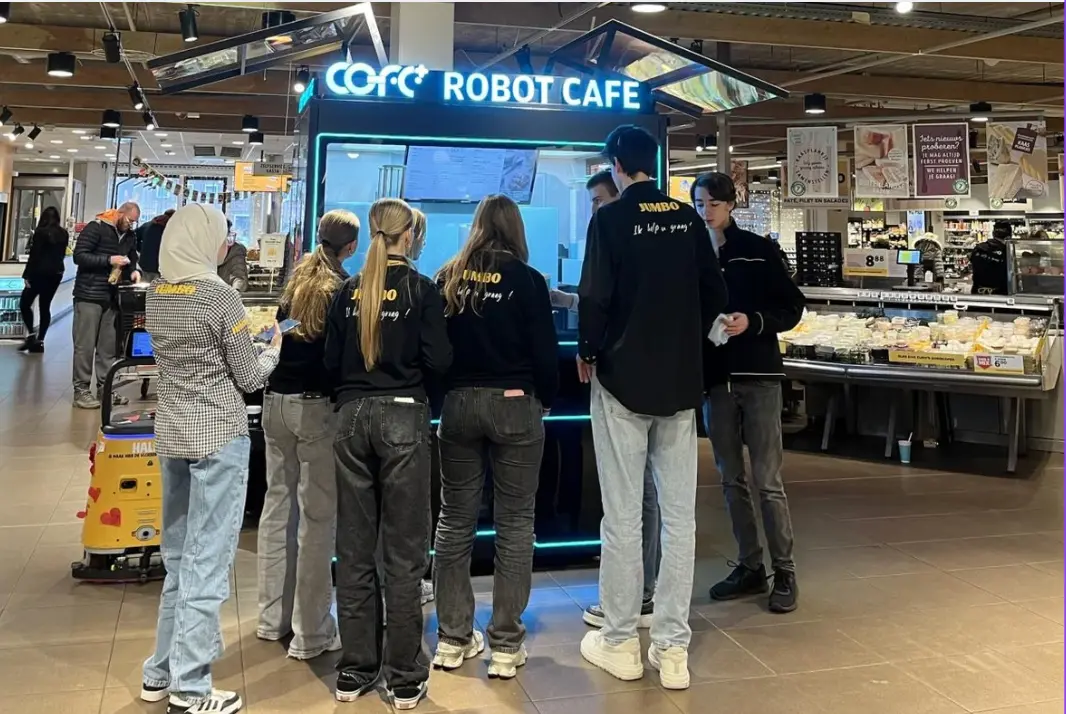
The Rise of Professional Robotic Café Technology: What COFE+ Is and Why It Matters
TL;DR — COFE+ is a fully automated robotic coffee kiosk that grinds fresh beans, brews espresso and lattes, creates latt……

Most robot coffee kiosk operators do not lose money because a machine stops working suddenly. They lose money because an alert sat in a dashboard for three hours, or because a temperature warning was set to the same priority as a routine software update. Robot coffee kiosk remote monitoring only protects revenue when you rank alerts by how quickly each one blocks a sale. In my work with unmanned retail systems, I have seen one ignored milk temperature notice through a lunch peak cost more than a month of site rent. The alerts that matter are the ones that prevent a missed transaction in the next two hours.
Remote monitoring alerts do not deserve equal attention. A cup count report is informational. A milk temperature alert at 7:45 a.m. is a revenue event. Before you touch any threshold, separate every notification into three classes. Alerts that block transactions come first. Alerts that reduce quality or speed come second. Alerts that only report status can wait for a scheduled review.
| Alert class | Common examples | Revenue impact | Response window |
|---|---|---|---|
| Transaction blockers | Ingredient out-of-stock, payment gateway failure, extraction module fault, milk temperature breach | Direct lost sales | Under 30 minutes |
| Service degraders | Grinder drift, slow arm movement, screen lag, minor leaks | Fewer cups per hour, refunds | Same shift |
| Informational | Firmware updates, usage reports, energy logs | None immediate | Scheduled review |
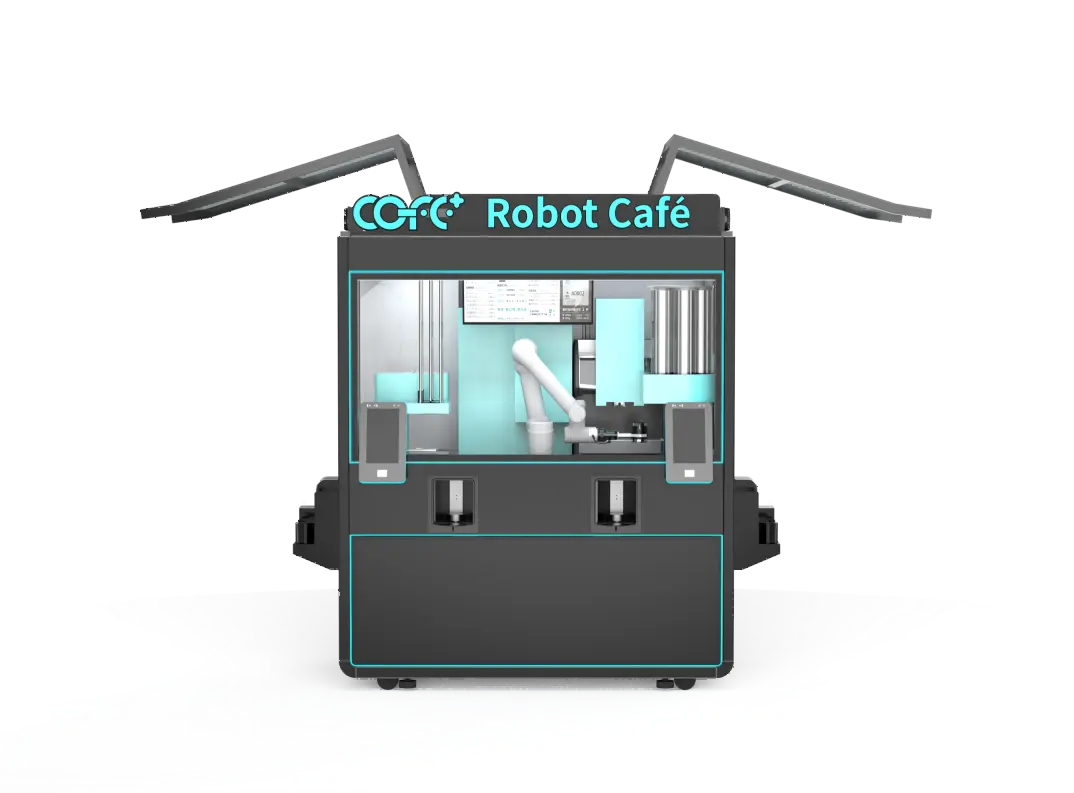
Most monitoring dashboards group alerts by system origin, not by revenue consequence. That pushes a pump pressure warning next to a payment terminal failure, as if both carry the same weight. They do not. The COFE+ cloud dashboard includes remote diagnostics and automatic repair dispatch so that the highest-impact faults do not wait for a human to notice them. The operator’s job is to make sure the response rules reflect that priority before the first cup of the day is sold.
Three alert types cause the largest share of silent revenue loss. Milk temperature is first, not because it fails often, but because a breach can be invisible for hours. If the cooling circuit holds above the safe range, the machine still dispenses, the customer still pays, and the first sign of trouble is a complaint about taste. By then the bin may need a full discard. In hot climate sites I have seen operators lose an entire refrigerated inventory because a threshold was set too wide to catch a slow drift.
Ingredient out-of-stock is second. The failure mechanism is different. A kiosk that cannot dispense a syrup or milk option will still accept the order and only fail at delivery. That creates a refund, a waiting customer, and a lost transaction in the middle of a queue. Stock alerts should trigger reorder when the remaining volume falls below the next peak period’s projected use, not when the ingredient reaches zero. A high-volume site that sells 300 cups in a morning cannot treat a low-milk alert at 6:00 a.m. as a routine notice.
Payment channel failure is third. A single declined transaction on a cashless kiosk can push a customer to a competitor. When the payment gateway loses connectivity, the machine may appear operational while generating no revenue. Monitoring should distinguish a payment gateway timeout from a generalized network loss, because the fixes sit in different places. Gateway failures often resolve with a retry. Network loss requires local intervention.
Operators should assign these three alert types an escalation that reaches a human within minutes, not a notification that waits for the end of a shift. The specific threshold values depend on the site, but the rule does not.
Fixed thresholds are a common setup error. A 10-minute stockout at 11:30 a.m. in a transit hub is not the same event as the same stockout at 3:00 a.m. in a residential lobby. Peak-hour traffic changes the cost of every second of downtime. Remote monitoring thresholds should be tighter during the two or three hours when most revenue arrives and looser during slow overnight windows, because the same delay creates very different losses.
A practical way to set this up is to split the day into three bands: rush, normal, and closed. In rush hours, ingredient and temperature alerts escalate immediately. In normal hours, they follow the same-shift rule. In closed hours, only critical faults, such as refrigeration loss or a door sensor trigger, require someone to wake up. Most kiosk operations do not need 24-hour human monitoring. They need 24-hour machine awareness with a human response that matches the revenue at risk.
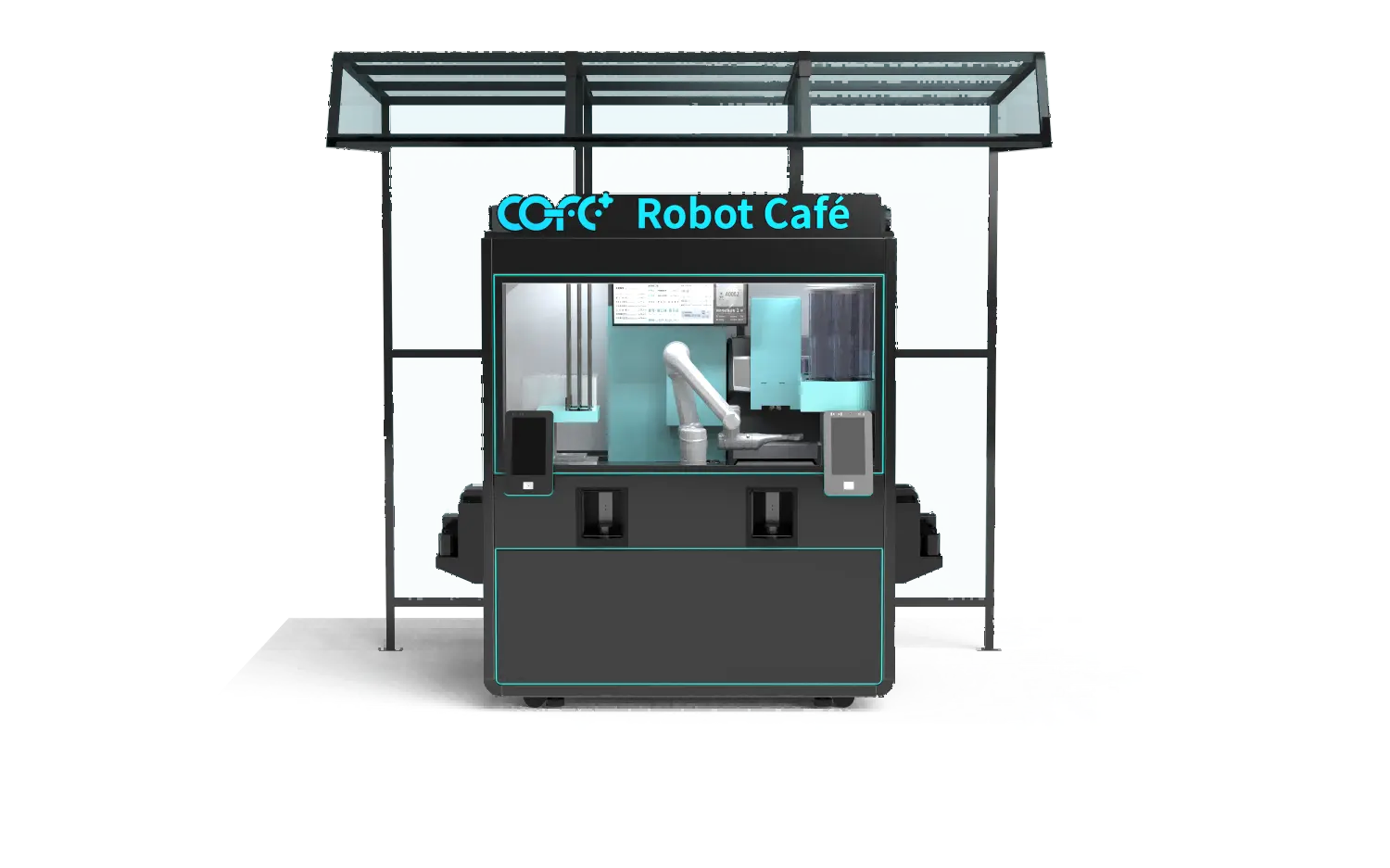
If your program involves outdoor units in hot or humid climates, it is worth confirming the anti-condensation and cooling alert thresholds with your supplier before finalizing your monitoring rules. Send your site list and peak-hour schedule to sales@hi-dolphin.com and we can confirm which thresholds are worth tightening for the indoor and outdoor kiosks.
Alert fatigue happens when every notification is marked urgent. I worked through this with a multi-site operator who set all alerts to the same high priority after a missed stockout caused a refund storm. Within two weeks, the operations team stopped reading notifications. A refrigeration fault went unnoticed for hours, not because the system failed to report it, but because it looked identical to every other alert on the screen.
The fix is priority differentiation, and it has to be explicit. Temperature and payment alerts rank above ingredient alerts. Ingredient alerts rank above software analytics. If more than three factors are called urgent, none of them are. Operators should accept that even strong monitoring will occasionally let a fault reach the machine before a human sees it. What matters is that genuinely revenue-threatening failures move to the top of the queue.
Most operators who come to us already have a monitoring screen. What they lack is a rule that separates a notification from an action. The fix starts with a simple audit: list every alert your fleet generates, mark the ones that block a transaction, and check the response time assigned to each. If a milk temperature breach and a firmware update note share the same priority, the setup is already leaking revenue.
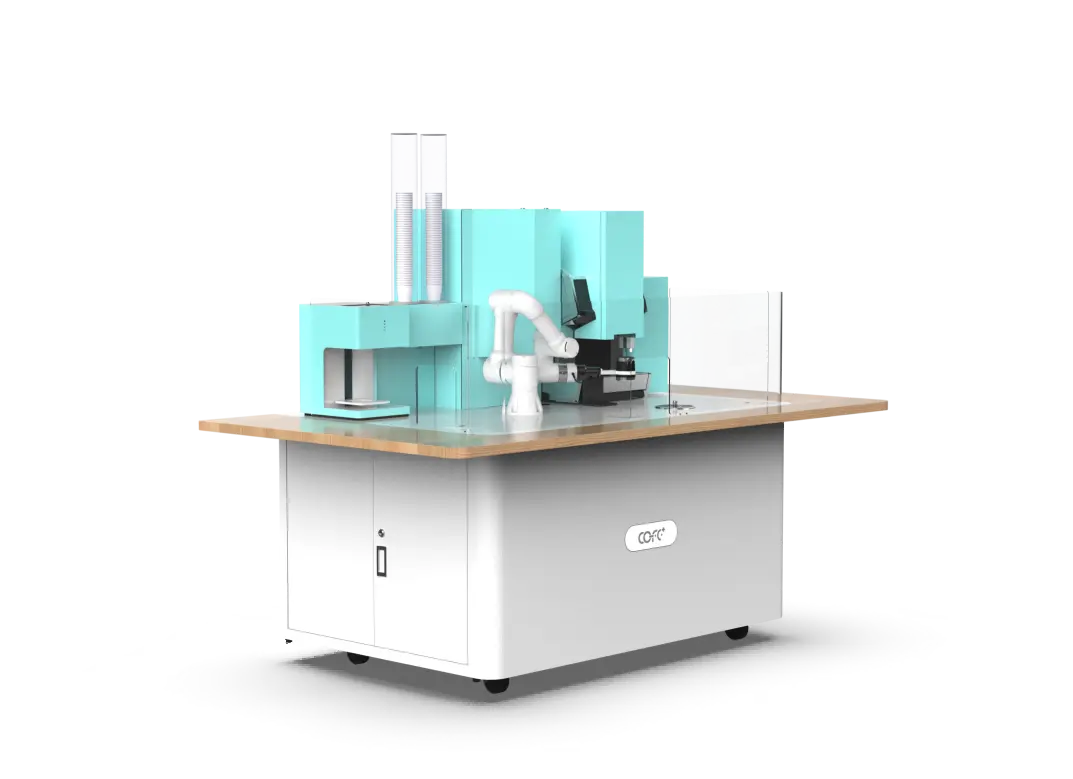
We work with kiosk operators to tighten those rules against the COFE+ cloud monitoring system, which tracks stock levels, refrigeration temperature, and system status remotely and can dispatch repairs automatically. If you operate one kiosk or forty, send your current alert list and peak-hour schedule to sales@hi-dolphin.com or call +86 131 6630 1290. We will review which thresholds deserve escalation and confirm the monitoring features available on the indoor kiosk, outdoor kiosk, counter, and bar formats before you finalize your next deployment.
Many operators assume every alert is equally urgent. That assumption is the fastest way to miss a real failure. The useful way to read an alert is by its revenue consequence, not its system origin. A payment gateway failure during peak hours can block a queue of customers in minutes. A firmware update notice can wait for days without costing a single sale. Operators should assign every alert one of three response windows: under 30 minutes for transaction blockers, same shift for service degraders, and scheduled review for informational messages. That ranking matters more than the total number of notifications the dashboard sends.
It depends on which failure you can clear fastest and which costs the most per minute. In most locations, milk temperature comes first because a breach stays hidden while damaging inventory and taste. Ingredient out-of-stock comes next, especially on high-volume sites where a missing syrup can produce a run of failed orders. Payment failure ranks just behind because a retry may fix it quickly, but a prolonged gateway loss turns a working machine into a dead asset. If you can staff only one rapid response path, put it on the cooling circuit.
In hot and coastal deployments we have managed, outdoor units send more environment-related alerts than indoor machines, and a meaningful share of those alerts are worth reading. Outdoor kiosks add all-weather sensors for condensation, ambient heat, and enclosure integrity. In desert or high-humidity sites, an ignored condensation warning can lead to internal moisture damage and a longer repair. A site-specific threshold conversation with your supplier is worth doing before deployment rather than after the first weather failure.
For the vast majority of routine tasks, yes. An unattended kiosk can run for days without a visit when stock levels, cooling, and payment rails are monitored remotely and the machine can dispatch its own repair requests. The gap is physical intervention: a jammed cup dispenser or a clogged milk line still needs hands on the machine. Remote monitoring works best when paired with a local technician who handles the small number of alerts that require a visit.
The better question is not what the dashboard can send, but which failures stop a sale at your site. Confirm which alert types the dashboard exposes, whether thresholds are configurable by time band, and how the system escalates a critical fault. Ask for the exact data points the cloud platform tracks: stock volume, refrigeration temperature, payment gateway status, module health, and power state. Then match those points to the failures that would block a transaction at your location. Share your requirements with our team and we will confirm which monitoring features fit the COFE+ indoor kiosk, outdoor kiosk, counter, and bar configurations at sales@hi-dolphin.com.
TL;DR — COFE+ is a fully automated robotic coffee kiosk that grinds fresh beans, brews espresso and lattes, creates latt……
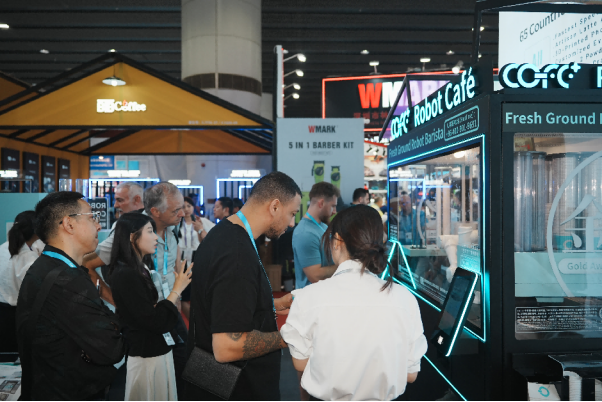
7th-Genertion Smart Robot Coffee Kiosk Arrives at the Belt and Road Core Hub, Ushering in a New Service Era Along t……
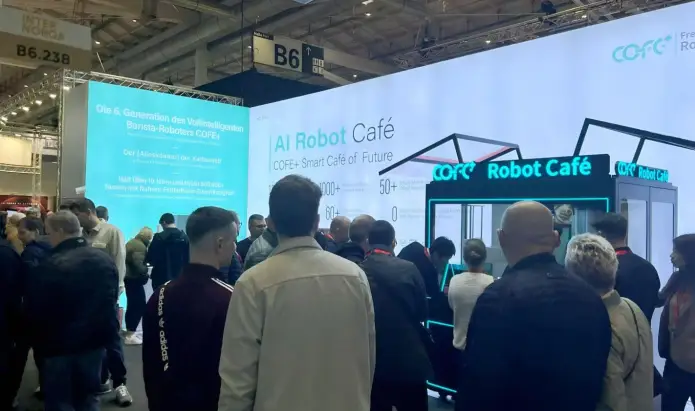
CHICAGO, May 12, 2026 (GLOBE NEWSWIRE) – Shanghai Hi-Dolphin Robot Technology today announced the U.S. debut of its 7th‑……