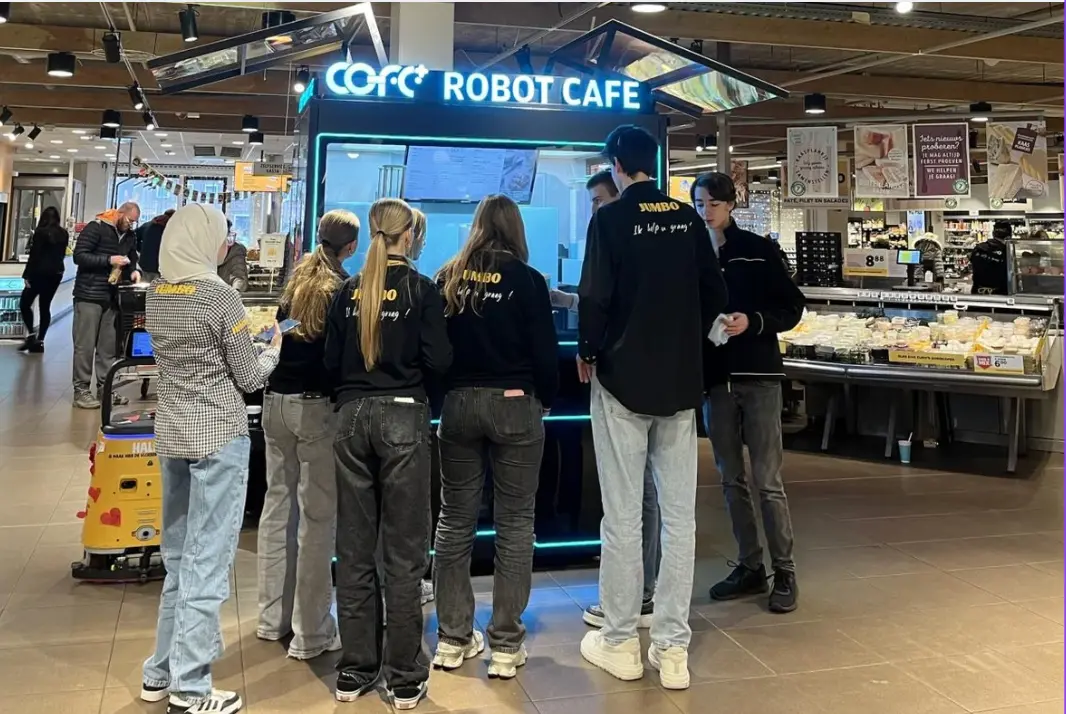
The Rise of Professional Robotic Café Technology: What COFE+ Is and Why It Matters
TL;DR — COFE+ is a fully automated robotic coffee kiosk that grinds fresh beans, brews espresso and lattes, creates latt……

Robot coffee kiosk menu localization decides whether a new market accepts the concept or ignores it after the first transaction. The machine can pull a shot consistently, but the menu has to match the drink most people actually expect when they press the order button. In deployments we have reviewed, operators who treat the menu as a single global program lose repeat purchases in the first month. A better approach is to fix a small core menu, then adjust sweetness, milk, temperature, and add ons by market. That is the only method I have seen work across sharply different coffee cultures.
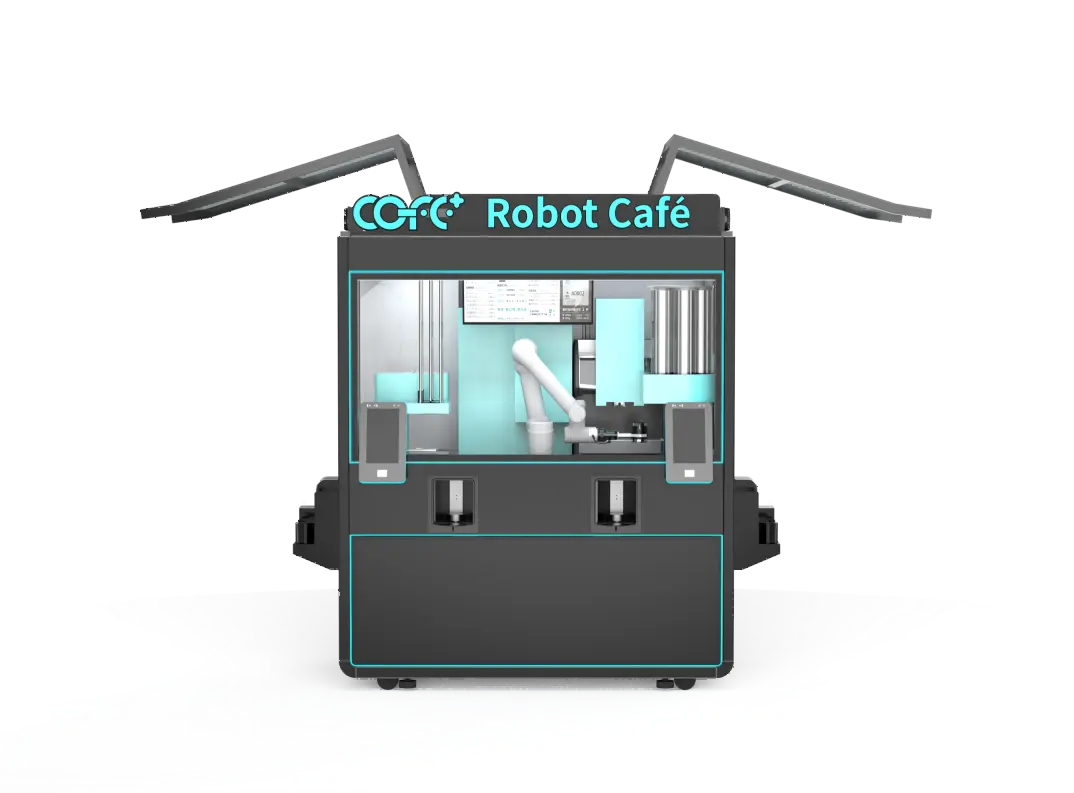
Localization starts with a smaller menu, not a longer one. The COFE+ 7th Generation system holds more than 300 drink programs and 5,000 custom combinations, but the market entry menu should not display all of them. I usually start with 18 to 25 drinks that cover four functions: a familiar espresso base, one or two local coffee formats, a tea or chocolate option, and one visual drink that photographs well.
That selection does two things. It makes the first three choices easy, and it keeps the back of house stock list under control.
Each drink then sits on a localization layer:
| Layer | Standard default | What changes by country |
|---|---|---|
| Sweetness | Medium syrup level | Lower where coffee habit is drier; higher where sweet milk tea sets expectations |
| Milk | Fresh dairy | Plant based options where lactose intolerance is common |
| Temperature and ice | Hot dominant | Shift toward iced in hot climate markets |
| Cup size | 12 oz default | Smaller for strong coffee cultures; larger for high traffic sites |
| Add ons | Standard syrup set | Add one or two local syrups; keep total slots below five |
Most operators overestimate how many drinks a new market needs. I would rather run 20 drinks with correct defaults than 50 drinks with wrong sweetness and weak naming. The starting menu should cover the majority of likely orders without forcing the customer to scroll through options they do not understand. If demand for a local drink shows up after the first month, that drink can take a seasonal slot.
Regional taste and climate change more than the drink names. They change the defaults. In hot weather markets, the menu should push iced drinks, cold foam, and cold milk tea forward. The outdoor kiosk is rated for operation up to 45°C, but customer behavior in the same environment is what determines the menu order. If hot drinks stay in the first position, conversion drops.
Milk is the second decision. In markets where lactose intolerance is common, plant based alternatives should sit on the main selection row instead of being buried in a customization screen. Sugar follows. A market with a sweet milk tea habit will expect a sweeter coffee baseline, while a strong espresso culture may prefer a smaller, drier cup.
Local flavors are the fastest way to signal that a kiosk belongs to the market. The mistake is adding them as unbounded menu items. I prefer three to five local flavor slots. A pandan or coconut latte may fit in Southeast Asia, a cardamom coffee in the Gulf region, or a matcha drink in Japan. Each local item should use the same milk, ice, and sweetness logic as the core menu. Only the syrup, powder, or topping changes.
Flavors that travel well are the ones customers already associate with coffee or tea in their region. They tend to be pantry ingredients that can live in a small number of SKUs. I would not add a complex local dessert flavor if it needs a separate sauce, a separate powder, and a separate cleaning step. One strong local flavor with high recognition beats three obscure ones.
If your launch plan covers fragmented taste regions or specific dietary restrictions, confirm the local add-on matrix before packaging and inventory are locked. Send sales@hi-dolphin.com your first three target cities and we will check the recipe mapping against those conditions.
Interface localization matters before the drink is poured. A customer who cannot read the menu will not order the drink. The first screen should show the two or three drinks that lead the local market, not the global flagship. Language switching should be visible from the first screen, and currency or payment logos should match local habits.
Start with the minimum that removes confusion. A kiosk that lists six languages on the first screen adds decision friction. For a market where one language dominates, two languages are usually enough: the local language and English. For a tourist corridor or airport, three languages are safer. The key is making the toggle visible before the customer starts reading the drink list.
Payment is part of localization even when it does not sit in the menu file. If the kiosk does not accept the QR wallet that local customers already use, the best menu loses the sale at the last step.
Menu localization failures usually surface late. The packaging has been printed, the syrup stock has been ordered, and the installer is scheduled. At that point, changing the menu is a cost line rather than a strategy.
The better path is to confirm the drink matrix with the supplier before site preparation. Our team maps the core menu against local taste signals, dietary restrictions, milk availability, and climate. That work reuses the same 197 country recipe base and customization engine running across more than 35 countries, but the output is a short list of drinks for one market.
Send your target market, planned location types, and any current menu assumptions to sales@hi-dolphin.com or call +86 131 6630 1290. We will return a localization review for the first menu, not a long product catalog.
Almost never. A single fixed menu across multiple countries will underperform in at least one market because sweetness, milk, serving temperature, and drink naming do not transfer cleanly. The kiosk hardware may be identical, but the order screen has to start from local expectations. If you operate a network across several countries, treat each country as a separate menu launch with a shared operational backbone.
The common assumption is that local flavors create more operational load than they return in sales. That is only true when the menu adds unbounded items. A better structure is a small number of local flavor slots, usually three to five, using the same milk and ice logic as the core menu. This lets the kiosk signal local relevance without multiplying stock keeping units or cleaning steps. Track each local flavor by daily unit share and repeat purchase rate, not by initial curiosity sales.
It depends on seasonality and data. In markets with strong summer and winter shifts, plan a warm weather and cold weather menu rotation. In markets with stable climate, review the menu after the first 30 days and then quarterly. The first review should remove low margin items that create restocking effort. Seasonal limited time drinks can sit in a dedicated slot without changing the full menu.
We usually recommend two languages at launch in a market where one language dominates, and three in an airport, tourist corridor, or border city. The goal is not to cover every visitor but to remove the main reason a customer walks away. The language toggle should be visible before the drink catalog loads. If translation quality is weak, adding more languages backfires. Start clean, then add the next language after transaction data shows a need. Preparing a launch menu? Share your target market and current menu draft with sales@hi-dolphin.com and we will confirm whether the localization plan fits the recipe engine and local ordering behavior.
TL;DR — COFE+ is a fully automated robotic coffee kiosk that grinds fresh beans, brews espresso and lattes, creates latt……
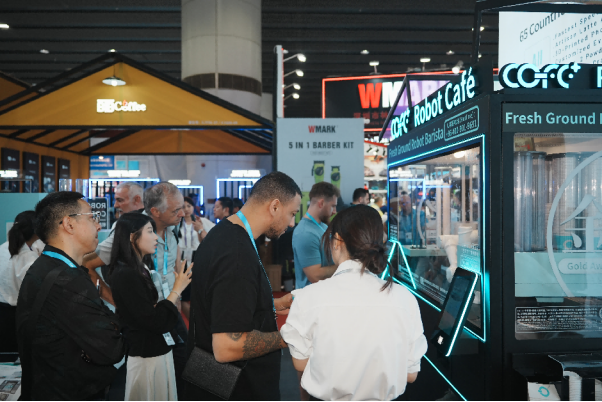
7th-Genertion Smart Robot Coffee Kiosk Arrives at the Belt and Road Core Hub, Ushering in a New Service Era Along t……
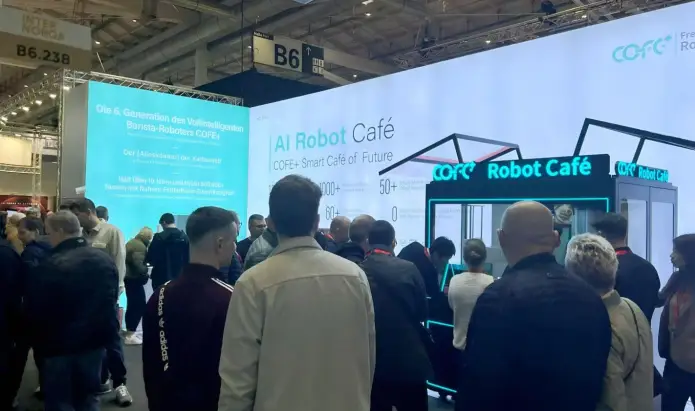
CHICAGO, May 12, 2026 (GLOBE NEWSWIRE) – Shanghai Hi-Dolphin Robot Technology today announced the U.S. debut of its 7th‑……