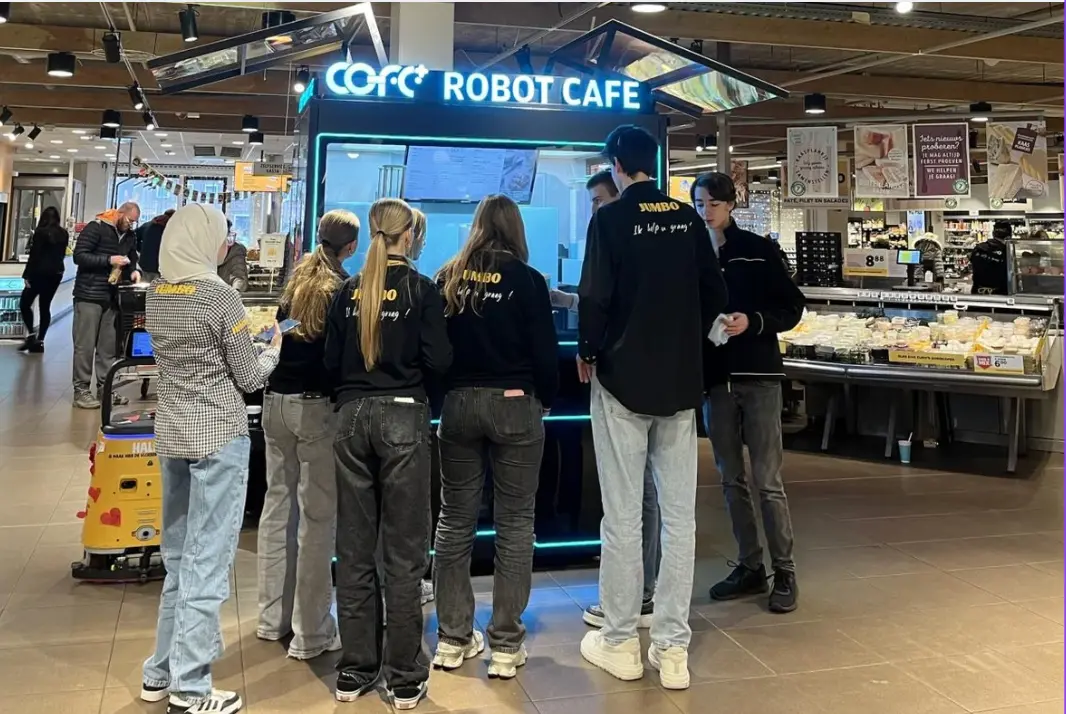
The Rise of Professional Robotic Café Technology: What COFE+ Is and Why It Matters
TL;DR — COFE+ is a fully automated robotic coffee kiosk that grinds fresh beans, brews espresso and lattes, creates latt……

Autonomous coffee kiosks are not simple vending machines; they are live retail nodes that depend on real-time data exchange with a cloud brain. Without a properly engineered internet connection, even the most advanced robot barista becomes a silent metal box. Based on Hi‑Dolphin’s global deployments in over 35 countries, the difference between a profitable 24/7 kiosk and one that loses money often comes down to a connectivity strategy most operators overlook. This guide translates the internet connection requirements for smart robot coffee kiosks into a practical deployment checklist.
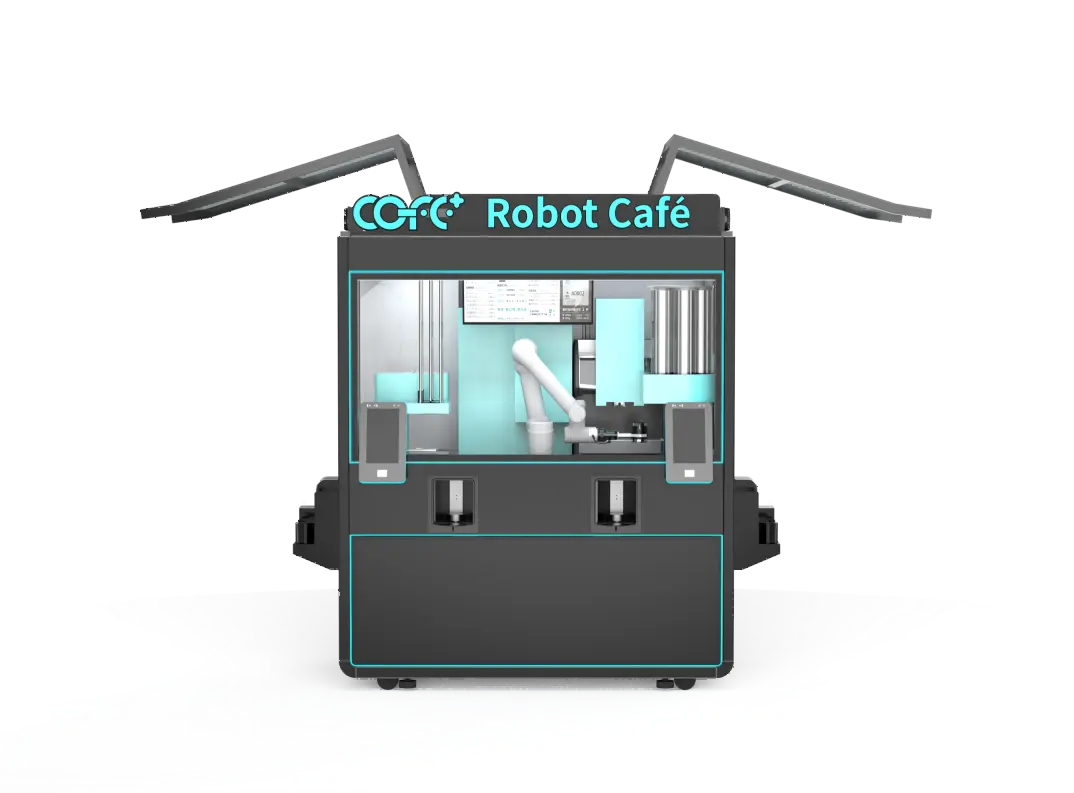
A robot coffee kiosk handles payment encryption, inventory synchronization, robotic arm trajectory commands, and real‑time cloud monitoring simultaneously. A stable connection with at least 10 Mbps download and 5 Mbps upload is the floor, but latency and packet loss are far more destructive than a modest speed number.
For a COFE+ 7th Generation kiosk running its 300‑drink menu, the cloud brain needs latency under 100 ms so the robotic arm can execute latte art patterns cleanly. When latency exceeds 200 ms, the kiosk may fall back to pre‑cached movements, which flattens the signature tulip or rosetta. Packet loss above 0.5% triggers payment timeouts and inventory sync failures, causing out‑of‑stock errors that turn customers away.
A 50 Mbps connection with 1% packet loss will underperform a 10 Mbps connection with zero loss. The kiosk’s cloud communication relies on persistent TCP connections for financial transactions and state updates. Each lost packet forces a retransmission and builds jitter that can cascade into a transaction failure. Operators should test not only speed but also jitter and loss over a 24‑hour period before signing a lease.
Most locations offer a single broadband line or a free guest Wi‑Fi signal. That looks sufficient on paper, but unattended kiosks cannot afford downtime. An office building’s Wi‑Fi may reboot every night at 3 a.m. for maintenance. A shopping mall’s network may throttle during peak hours. A fiber cut on the street can take hours to restore. Without redundancy, the kiosk becomes dead metal for the duration of the outage.
I’ve seen an operator lose over $1,200 in a single weekend because a planned electrical maintenance at a transport hub shut down the only network port. Passengers walked past while the kiosk sat idle. Failover is not an upgrade option; it is the cost of entry for unattended retail.
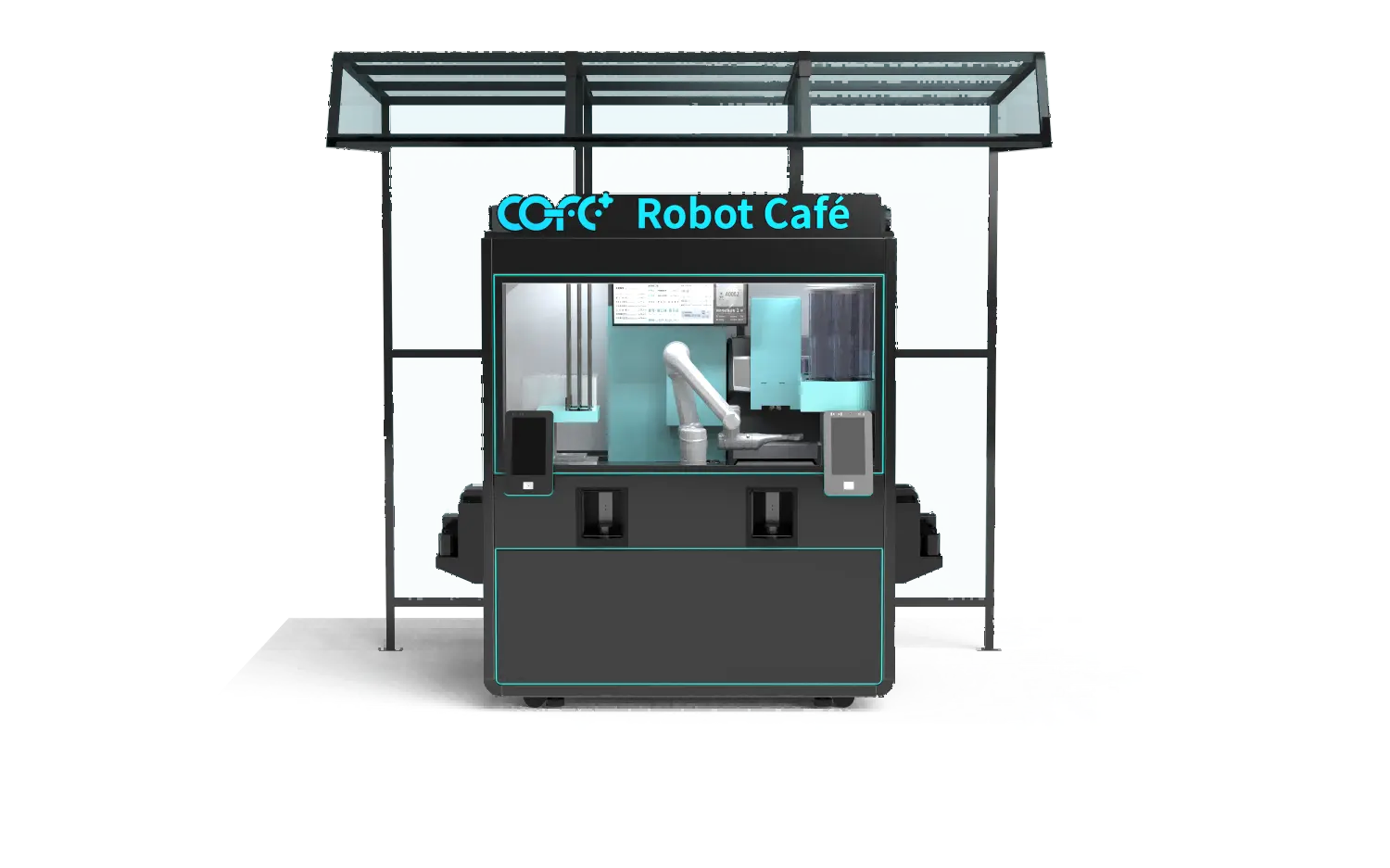
The baseline architecture is a dual‑channel setup: a primary wired connection (Ethernet or high‑speed Wi‑Fi on a dedicated VLAN) and a cellular backup that activates automatically. The COFE+ Smart Store Brain monitors both links continuously and switches within five seconds of a primary failure. No transaction is lost because the kiosk buffers pending orders locally and synchronizes once the connection returns.
| Connection Type | Typical Latency | Bandwidth | Reliability | Best Use Case |
|---|---|---|---|---|
| Ethernet | <10 ms | 100+ Mbps | Highest | Indoor kiosks with dedicated cabling |
| Dedicated Wi‑Fi (5 GHz) | 5–20 ms | 50+ Mbps | High | Indoor locations with strong RSSI |
| 4G LTE Cellular | 30–80 ms | 5–50 Mbps | Moderate | Backup link or outdoor sites without cabling |
| 5G Cellular | 10–30 ms | 100+ Mbps | High | Outdoor kiosks with good coverage |
If the site is outdoor where no wired line is feasible, a dual‑cellular strategy with two different operators on separate modems is the next best option. Both links must be active in monitoring state, not cold standby, so failover is instantaneous.
At this stage, if your planned location has irregular signal conditions or you are uncertain about cabling feasibility, it is worth sharing your site address and floor plan with our deployment team so we can model the connectivity architecture before installation. Reach out at sales@hi-dolphin.com.
Indoor kiosks in shopping centers and office lobbies often benefit from existing IT infrastructure, but that infrastructure was rarely designed for an autonomous retail device. Shared guest Wi‑Fi networks typically block the outbound ports required by the kiosk’s payment processor and cloud sync. A dedicated VLAN or private IP address that allows outbound HTTPS, MQTT, and a custom management protocol is necessary. Refrigerated cabins and glass storefronts also attenuate Wi‑Fi signals, so a site survey with the kiosk in place is non‑negotiable.
Outdoor kiosks, such as the IP54‑rated COFE+ outdoor model, must contend with a different set of challenges. Temperature swings, rain, and metallic enclosures degrade cellular signal strength. In one deployment at a coastal ferry terminal, we added an external high‑gain antenna and a waterproof LTE router inside the kiosk base to maintain RSSI above −85 dBm. Without that, the kiosk would have gone offline during every storm.
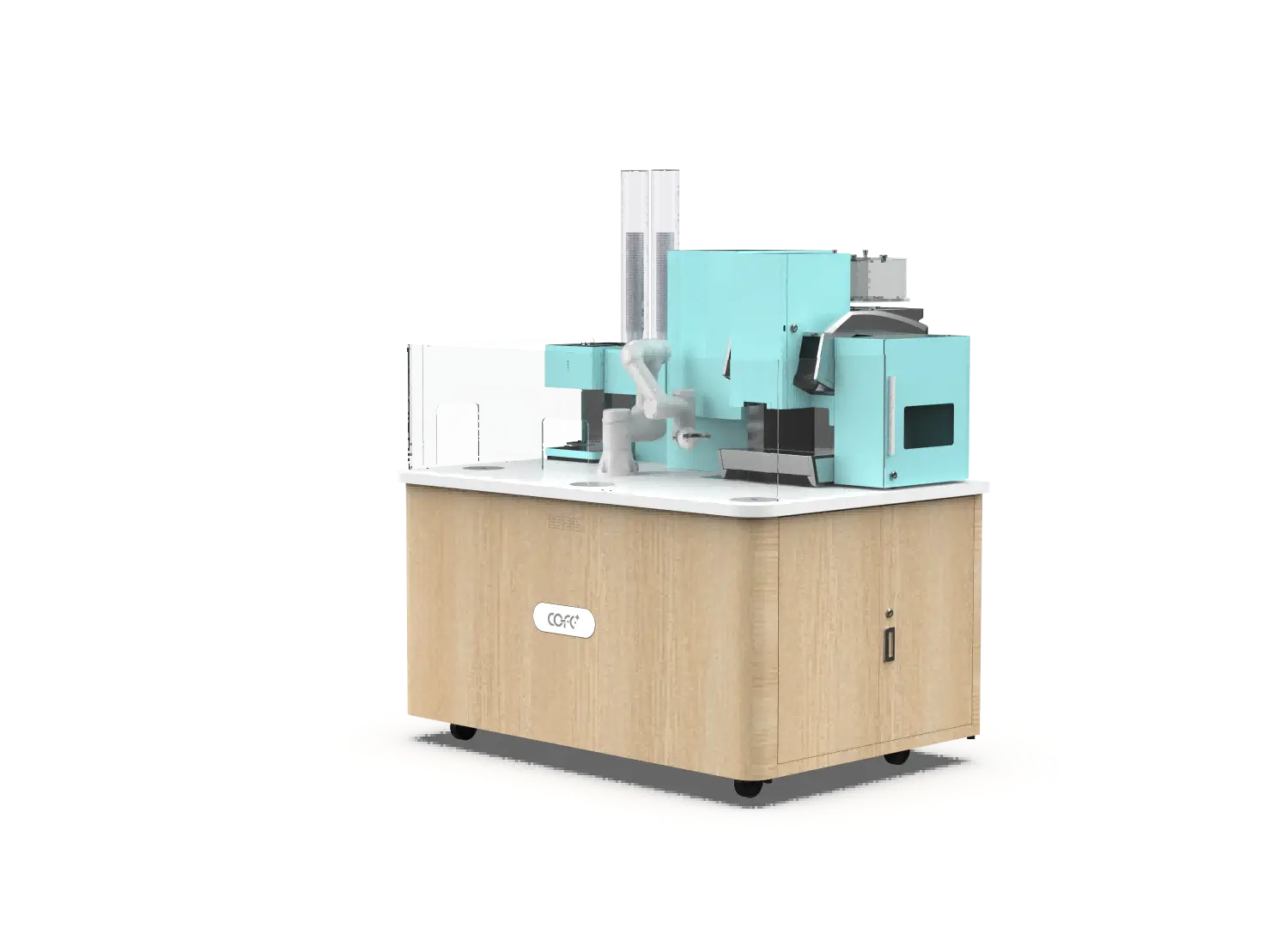
The only reliable way to confirm connectivity is a 72‑hour continuous test before committing to a lease. Run this checklist:
We typically ask operators to share these test results with our technical team before shipping. This step catches most connectivity‑related launch delays. If your site fails the test, the fix is often as simple as repositioning the kiosk within the same zone or adding an external antenna, but you need the data to know.
Downtime in an unattended coffee kiosk is not only lost sales; it erodes the trust of the location partner. Revenue sharing is common, and landlords lose patience after repeated outages. A properly architected dual‑channel setup with automatic failover has an incremental cost of roughly $30 to $60 per month for the cellular backup line and router. That is about two to four cups of coffee in most markets. The breakeven is immediate.
For multi‑site networks, standardize on the same cellular router model across all units to simplify remote management and spare parts. The COFE+ cloud platform provides per‑kiosk connectivity dashboards where operators can view historical uptime, average latency, and the number of failover events, so underperforming carriers can be replaced proactively.
Unstable connectivity is the leading cause of early kiosk underperformance. Instead of reacting to outages, build a connectivity blueprint during site selection. Our deployment team can map signal strength, plan failover, and validate readiness for every location. Send your site details to sales@hi-dolphin.com or call +86 131 6630 1290.
Yes. The kiosk can hold a small number of orders in local memory during brief outages, but payment authorization, inventory deduction, and the complete recipe database all demand a live connection. Offline mode is a bridge, not a business model. In our deployments, we treat any outage longer than 15 minutes as a service interruption requiring root cause analysis.
If the robotic sequence has already started, the motion control runs locally and finishes the drink. But if the payment has not been confirmed, the transaction cancels without charging the customer. To minimize this, enable automatic failover so the connection switches before the user notices.
In almost every case, no. Public Wi‑Fi networks block the ports and protocols needed for secure payment processing and real‑time encrypted communication. A dedicated connection with a routable IP address is required. Some venue operators can provide a managed VLAN, which is acceptable if they agree to uptime SLAs and port forwarding. Otherwise, plan for your own cellular backup as the primary link.
A typical industrial‑grade cellular router costs $200 to $400, and a monthly IoT data plan ranges from $10 to $50 depending on the region. Set against a 24/7 kiosk’s revenue potential of several hundred dollars per day, the investment is a rounding error. The real cost is not having it.
Each kiosk requires its own dedicated connection because the cloud platform manages them as individual endpoints with separate state machines, payment terminals, and monitoring streams. Tethering multiple kiosks behind a single NAT introduces a single point of failure and doubles the latency for every unit. Plan one connection per kiosk.
If your rollout spans locations with wildly different connectivity conditions, sharing a site list with our team makes it possible to design per‑site architectures before you commit to leases. Reach out at sales@hi-dolphin.com.
TL;DR — COFE+ is a fully automated robotic coffee kiosk that grinds fresh beans, brews espresso and lattes, creates latt……
7th-Genertion Smart Robot Coffee Kiosk Arrives at the Belt and Road Core Hub, Ushering in a New Service Era Along t……
CHICAGO, May 12, 2026 (GLOBE NEWSWIRE) – Shanghai Hi-Dolphin Robot Technology today announced the U.S. debut of its 7th‑……