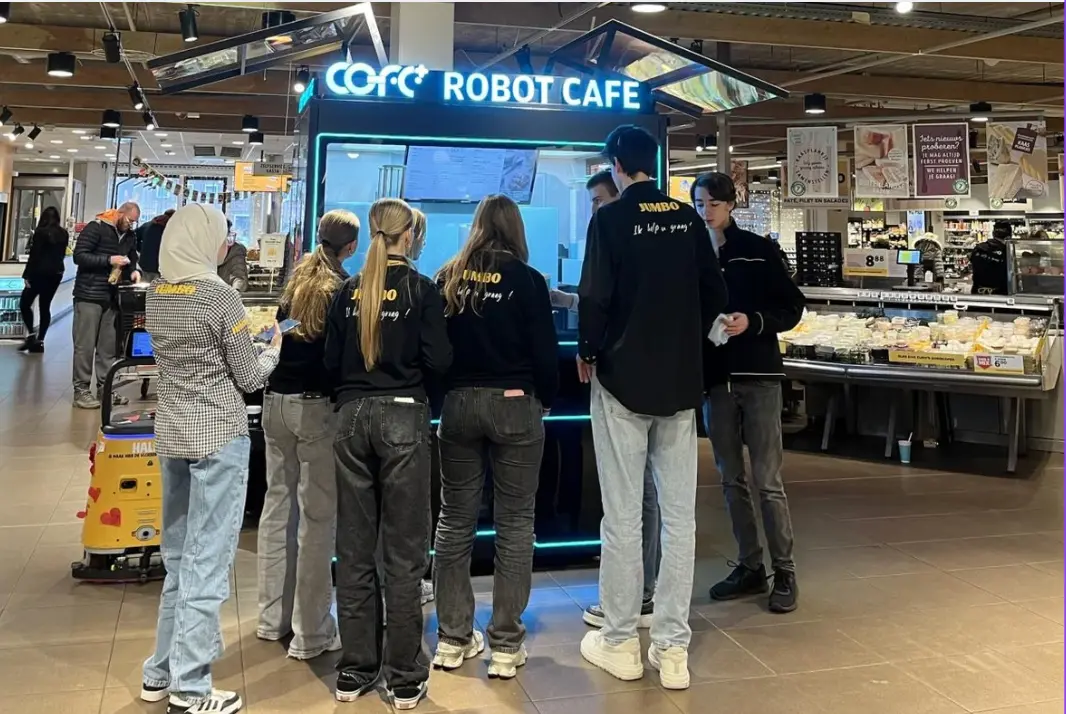
The Rise of Professional Robotic Café Technology: What COFE+ Is and Why It Matters
TL;DR — COFE+ is a fully automated robotic coffee kiosk that grinds fresh beans, brews espresso and lattes, creates latt……

Robot coffee kiosk downtime response plans often fail because operators treat alerts as maintenance tickets instead of revenue events. A 24-hour unattended kiosk that stops serving during morning peak does not only lose twenty or thirty cups; it gives regular customers a reason to try the nearest alternative. The operators who recover fastest separate monitoring from decision making, pre-authorize remote resets, and classify each failure by revenue impact before a technician moves. At Hi-Dolphin, our COFE+ 7th Generation platform uses cloud diagnostics to resolve many failures without an on-site visit. The plan below works for single locations and multi-country fleets.
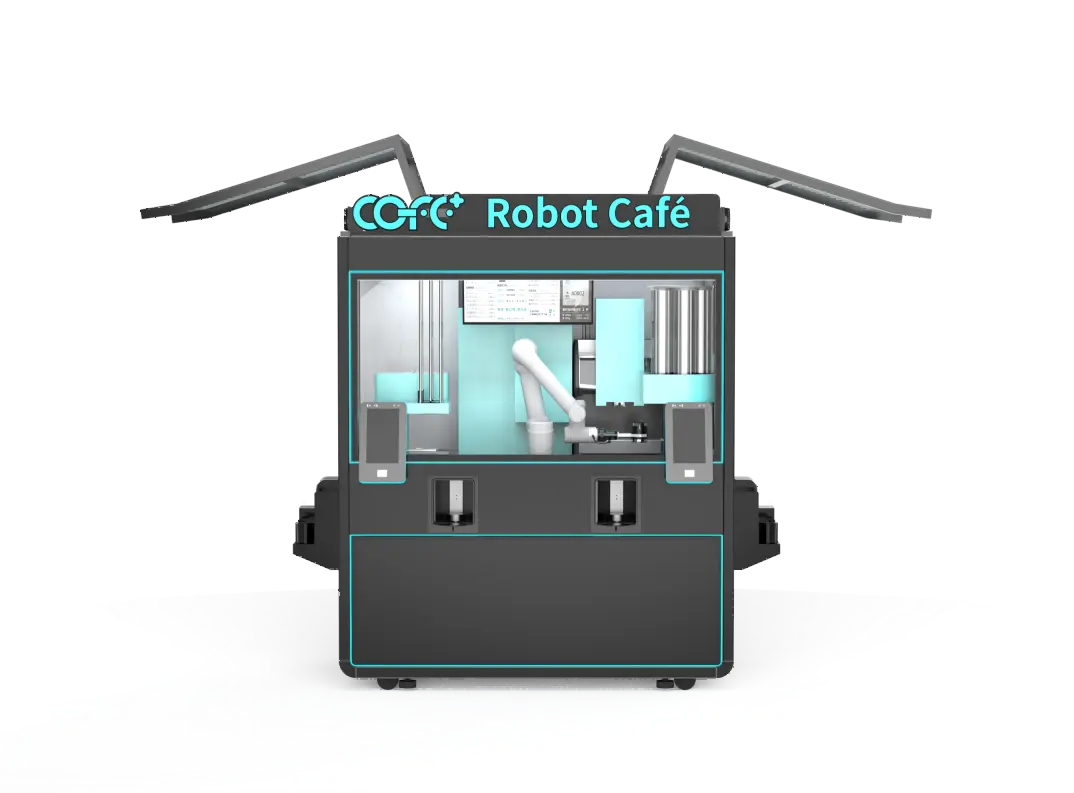
An idle kiosk is a visible problem. At an airport, train station, or university, customers walk toward the machine because they expect fast service. If the screen is dark or the robotic arm is stopped, that expectation turns into distrust. Revenue loss is the first cost, but it is not the largest in high-traffic locations.
The 7th Generation kiosk can produce roughly 1,000 cups per day and operates around the clock. A four-hour outage during morning service therefore removes more than a hundred potential transactions in busy sites. Because cost per cup runs between $0.30 and $0.70, operators sometimes calculate the direct margin and stop there.
I have planned deployments where the real damage came from the queue that never formed. When a regular customer walks up and sees a kiosk down twice in one week, that person stops trying. You cannot measure those lost repeat visits on the daily sales report, but they compound across the lease term. Downtime also creates operational noise: staff at the host site receive complaints, the landlord starts asking questions, and your local distributor loses confidence in the machine. A written response plan protects more than cup revenue. It protects the location’s right to stay.
Most downtime does not begin with a mechanical failure. It begins with an alert that someone reads too late. COFE+ kiosks continuously monitor stock level, water temperature, cup supply, drainage, and payment status, then push alerts to the operator dashboard. The response plan starts by deciding which alerts stop service, which alerts restrict the menu, and which alerts can wait until the next cleaning visit.
Stop-service alerts include payment terminal offline, ordering screen failure, water system blockage, and robotic arm positioning errors. These cut off the transaction path and should trigger immediate remote recovery. Restrict-menu alerts include ingredient shortage, syrup out, or cup low; the kiosk can keep selling a reduced menu while replenishment is scheduled. Hygiene alerts for temperature drift or cleaning cycles do not always stop sales, but they should log automatically for compliance.
Remote diagnostics on these kiosks can restart modules, rerun calibration, clear payment cache, adjust temperature set points, and push updated drink recipes. In many cases, the machine returns to service in under 10 minutes. Operators should grant tiered remote permissions in advance, so a central team can act without calling a technician for approval. If the platform cannot clear the fault, it issues an auto repair dispatch with the specific module code, failure snapshot, and recommended spare part. That turns a two-hour diagnostic visit into a targeted repair.
Not every alert deserves the same response speed. I see operators treat all faults as emergencies and burn technician time on ingredient refill calls. A better method is to rank incidents by transaction impact and assign an escalation window before the alert arrives.
| Priority | Condition | First action | Escalation window |
|---|---|---|---|
| P0 | Ordering, payment, or water failure stops all sales | Remote restart and module check | 15 minutes |
| P1 | One ingredient or cup type out, menu partially blocked | Remote menu adjustment and replenishment order | 2 hours |
| P2 | Temperature drift or cleaning warning, sales continue | Remote calibration and log review | 24 hours |
| P3 | Screen cosmetic issue or latte art pattern fault | Add to next preventive visit | 48 hours |
This table forces a decision before the incident, which is the point. Operators write the escalation path once, then execute. For multi-country fleets, the table also shows where a local technician is actually required. The COFE+ platform attaches the priority class to each remote alert, so the dashboard matches the response plan without interpretation.
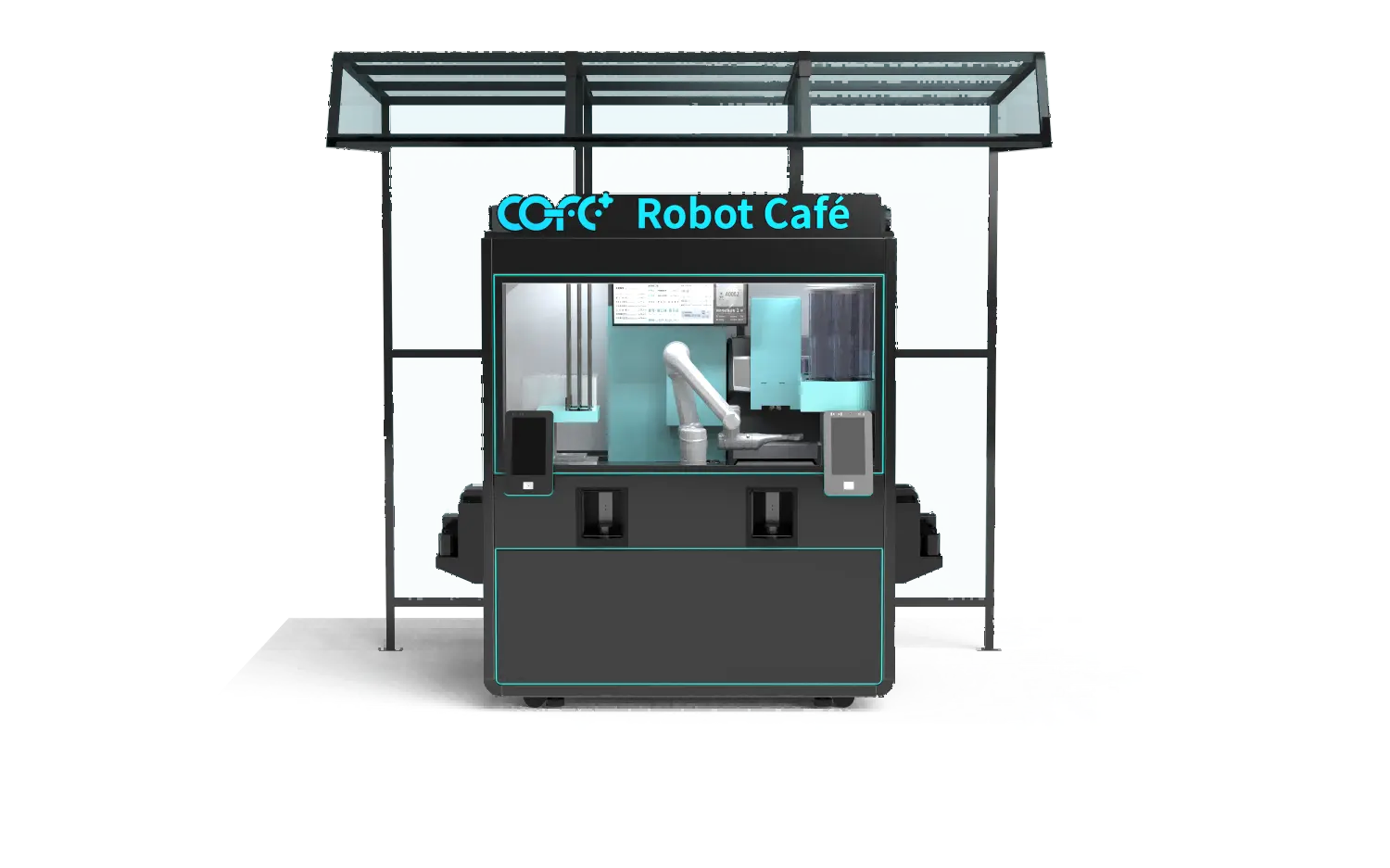
If your operation runs unattended kiosks in multiple time zones, confirm whether your platform sends module-level failure data to local service partners automatically. Send your deployment map to sales@hi-dolphin.com and we will compare it against our remote diagnostic baseline.
Remote diagnostics only work when someone owns the next step. A written escalation plan assigns each priority class to a role, a time window, and a fallback. Without that, an alert becomes a group chat message and recovery stalls.
The purpose is not documentation. It is to make the first 15 minutes automatic. When a kiosk goes down at 6:40 a.m. in a country where the central operations team is asleep, the machine should not wait for a manager to wake up. The plan should rotate on-call ownership by time zone and name a backup local service partner.
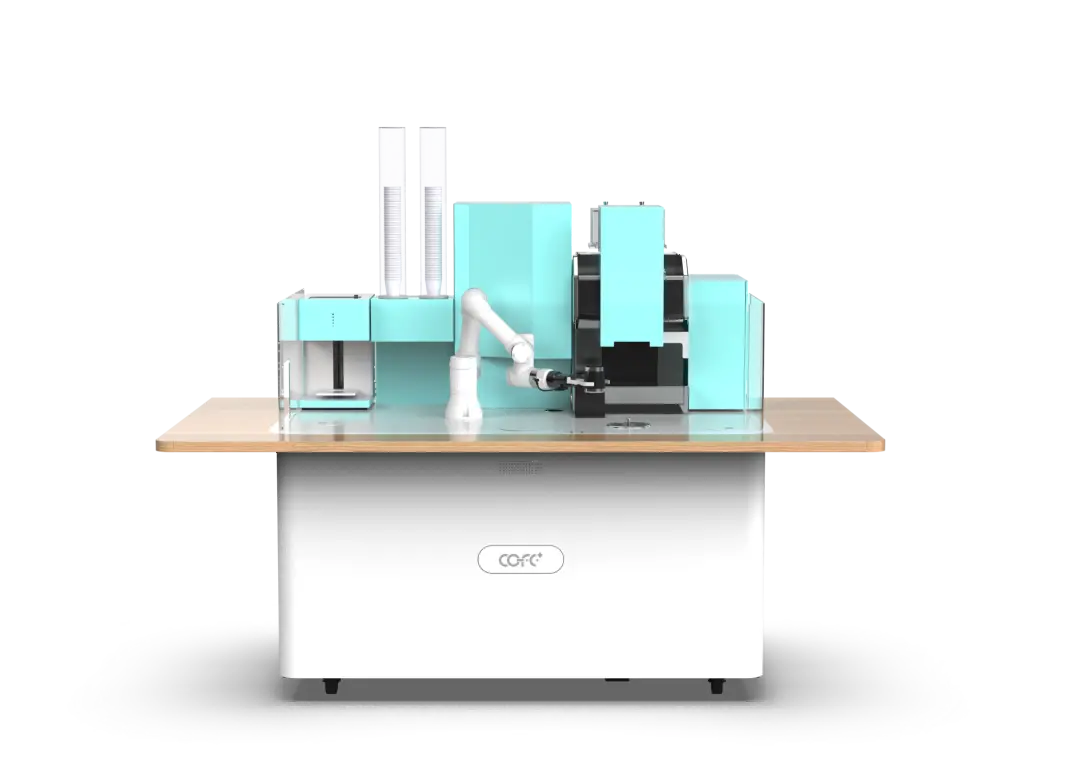
Most operators delay recovery because they have not decided who may open the kiosk, replace a cup tube, or reset a water valve before the machine fails. That hesitation shows up as longer downtime. A local service partner with a clear scope can handle P0 and P1 repairs faster than a remote team, especially when the site is a transit hub, factory, or outdoor installation where travel time is the dominant cost.
Our COFE+ platform routes auto repair dispatch with module codes, so local partners arrive with the right spare part instead of running diagnostics on site. For operators, this means the response plan runs on a written service boundary, not on ad hoc calls.
To build a downtime response plan for your current or planned kiosk network, send your site list and alert history to sales@hi-dolphin.com or call +86 131 6630 1290. We will map the highest-risk failure modes and define the remote recovery steps your team should pre-approve before launch.
Most transaction-path failures should recover remotely within 15 minutes when the platform can restart modules and the operator has pre-approved remote access. Ingredient shortages and cup-empty events should return to full service within two hours through menu restriction and replenishment routing. Failures that require a technician, such as a water pump replacement, usually depend on local travel time and parts stock. Operators should set targets by priority class rather than promising one number for every fault.
The common assumption is that multi-site coverage needs one technician per city. That is rarely true for well-designed robot coffee kiosks. Cloud monitoring centralizes stock, temperature, and system status, so one operations team can watch many machines from a single dashboard. Remote recovery handles a large share of P0 and P1 events. Local partners step in only for physical repairs, and the platform dispatches them with a module code and spare part list. The constraint is not people; it is whether the escalation plan names who acts in each time zone.
It depends on where the failure sits. Remote diagnostics reads live data from the kiosk, checks module status, and restarts or recalibrates software faults without anyone on site. Automatic repair dispatch happens when remote diagnostics cannot clear the fault; the system then sends a local technician the failure snapshot, part number, and site details. One is a first-line recovery tool, the other is an escalation tool. Operators that confuse the two often send technicians for events a cloud reset could have solved, which raises service cost without cutting downtime.
In fleets I have planned, the earliest signal was rarely a hard error. It was a pattern: repeated ingredient-low alerts, slow payment confirmation, or temperature drift during peak hours. Operators should review weekly alert frequencies instead of waiting for outages. A machine that logs short water blockages three times in four days is likely to fail in the next week. Downtime risk also appears as rising recovery time across similar sites, which indicates a local spares or training issue. Share your current alert log with sales@hi-dolphin.com and we will identify the failure patterns most likely to interrupt your specific locations.
TL;DR — COFE+ is a fully automated robotic coffee kiosk that grinds fresh beans, brews espresso and lattes, creates latt……
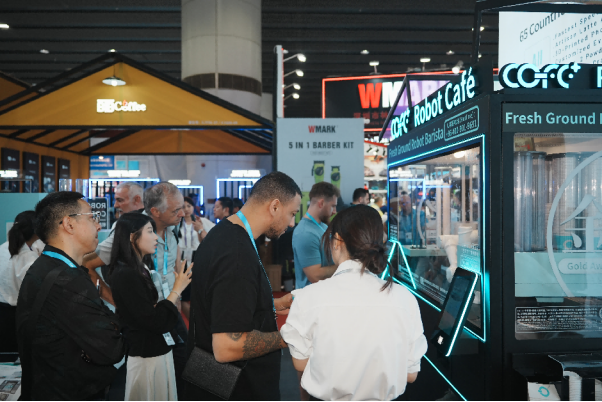
7th-Genertion Smart Robot Coffee Kiosk Arrives at the Belt and Road Core Hub, Ushering in a New Service Era Along t……
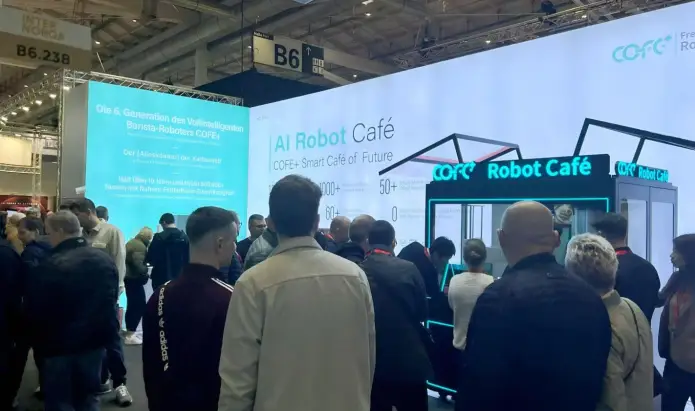
CHICAGO, May 12, 2026 (GLOBE NEWSWIRE) – Shanghai Hi-Dolphin Robot Technology today announced the U.S. debut of its 7th‑……