
The Rise of Professional Robotic Café Technology: What COFE+ Is and Why It Matters
TL;DR — COFE+ is a fully automated robotic coffee kiosk that grinds fresh beans, brews espresso and lattes, creates latt……

Preventive service scheduling for robot coffee kiosks fails when it follows a fixed calendar instead of the site’s actual revenue pattern. Most operators group every maintenance task into one daytime block, then lose the hours when a mall, transit hub, or campus kiosk earns the most. I work with operators across 35 countries, and the pattern is consistent: the kiosk can stay available through peak periods if service tasks are split by module and moved into low-traffic windows. The goal is not to service less. It is to service without the machine standing idle next to a queue.
A robot coffee kiosk in an office tower peaks between 07:30 and 09:30 and again after lunch. A transit hub peaks on Friday afternoons and late evenings. A tourist site peaks on weekends. Scheduling the same preventive service window for all three is the main reason operators lose sales hours. The first move is to pull seven days of transaction data and mark the blocks where demand is consistently high. Service then goes around those blocks, not into them. For a machine that can serve roughly 1,000 cups a day at 43 to 60 seconds per cup, a two-hour daytime shutdown during a peak can erase more revenue than the service visit saves in parts wear.
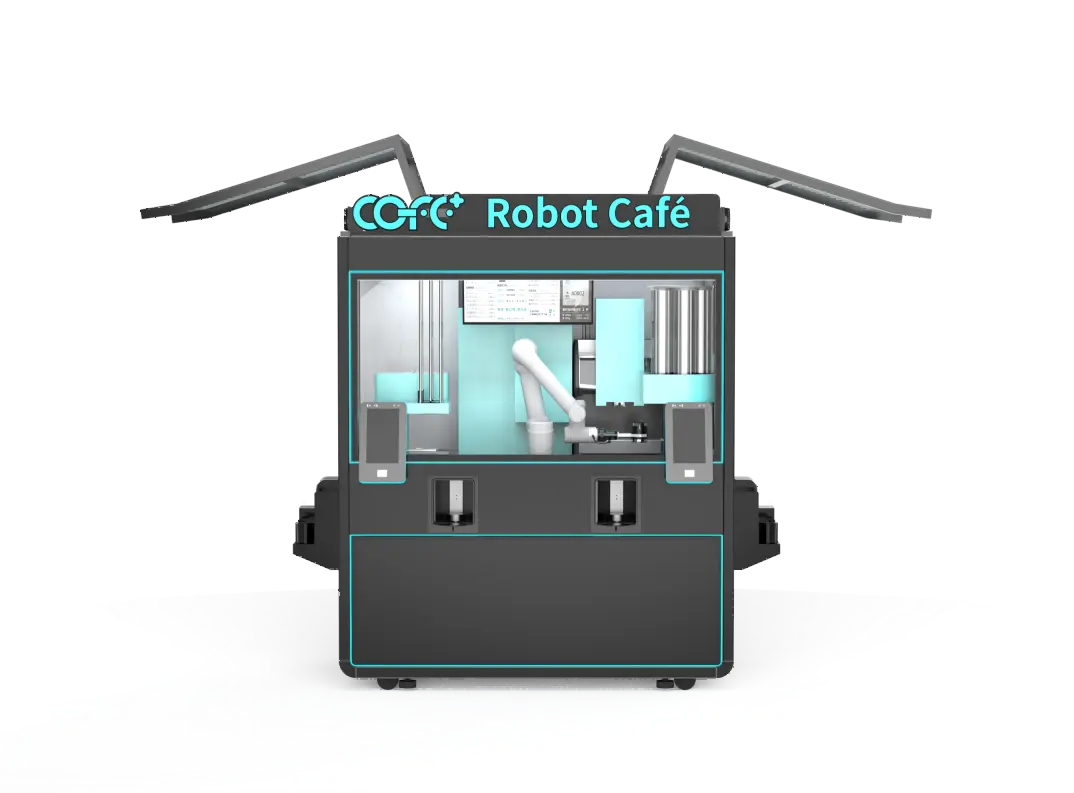
The fastest way to lose sales hours is to treat preventive service as a single all-or-nothing event. Operators stop the entire kiosk, open every panel, and work through one long checklist. That is not preventive service scheduling. That is planned downtime. A better approach is to split the visit into modules. The ingredient path can be checked without stopping drink production for long. The brewing group and steam system need a short production pause. The waste system and water filters can be serviced while the machine continues taking orders in many cases. This modular split keeps a high-volume site open through a full service day.
| Service module | Preventive task | Typical low-traffic slot | Sales impact if skipped |
| Brewing group | Clean group head, check extraction pressure | 03:00 to 05:00 or site-specific low point | Drift in taste, longer cup time |
| Ingredient path | Inspect bean and milk lines, clear residue | Between rush blocks | Clogs, out-of-stock errors |
| Water system | Replace filters, check pressure | Before opening | Scale buildup, temperature fault |
| Waste system | Empty grounds, clean drain path | Any low-traffic interval | Odor, overflow shutdown |
After splitting tasks, the next step is to assign each module to the time block when it creates the least sales loss. Office towers usually have a dead window between 10:30 and 11:30 and a slower stretch after 14:00. Transit hubs vary more, so the service plan should follow platform data rather than a generic off-peak assumption. Outdoor kiosks in night economy districts often do the opposite of office sites, with late evening and weekend peaks. The key is to reserve the highest-demand two or three hours as a no-service block each day. Short module tasks can fit around that block; longer tasks move to the quietest available hour, even if that means a 04:00 visit.
If your site mix includes outdoor kiosks exposed to dust, high humidity, or sub-zero winters, it is worth confirming the correct filter and gasket intervals before finalizing a maintenance calendar. Send your site list and climate profile to sales@hi-dolphin.com.
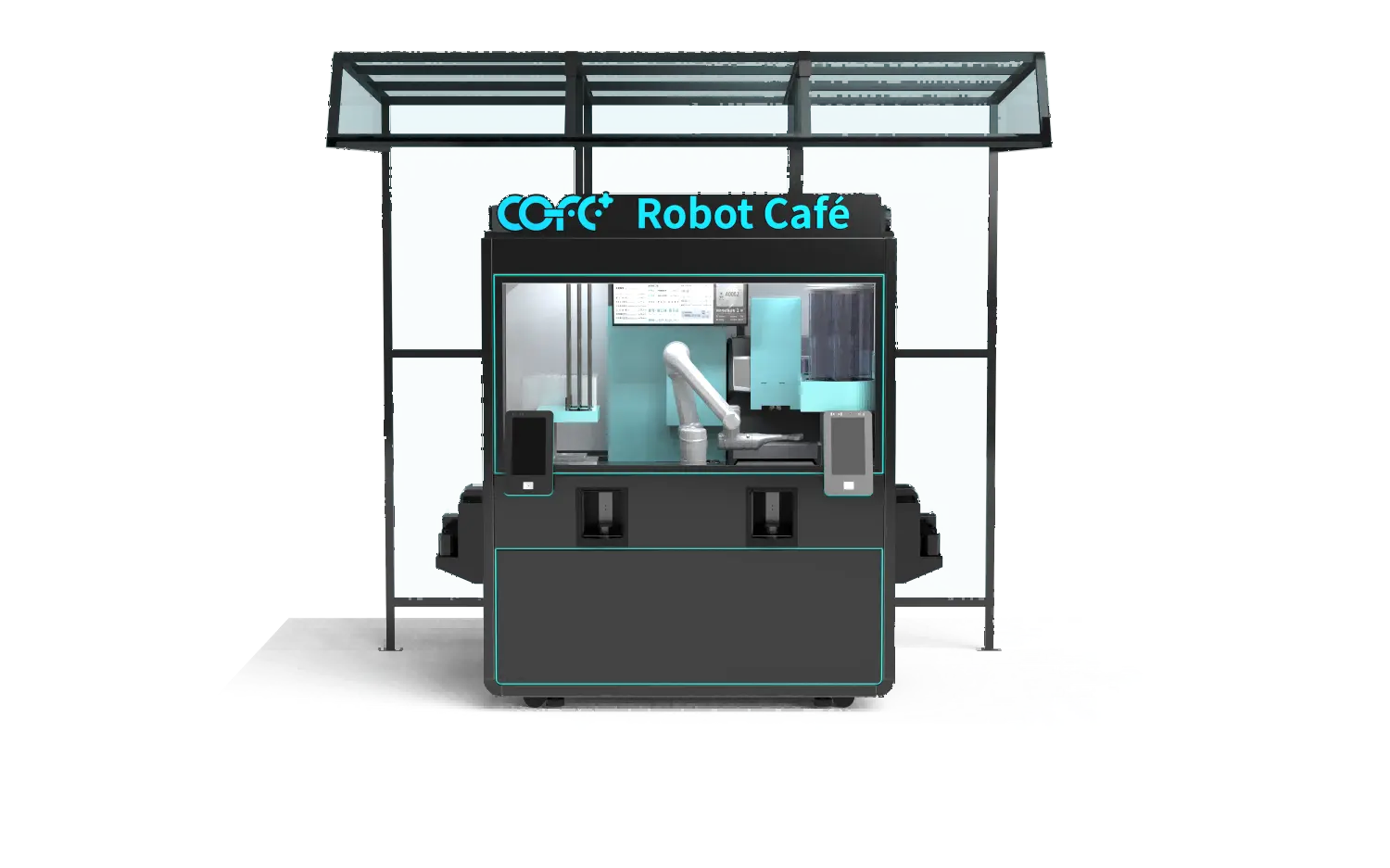
Remote diagnostics cut the time a technician spends on site. The COFE+ cloud monitoring system tracks stock levels, water temperature, system status, and component alerts. When an operator reviews that data before the visit, the technician arrives with the fault already narrowed down. That turns a two-hour inspection into a 40-minute repair. A spare parts kit matched to the site adds another layer of protection. Indoor kiosks in clean office environments wear differently from outdoor units in dust, humidity, or freezing conditions. Operators should stock filters, seals, and dispensing parts based on the site’s actual exposure, not a universal list. The goal is to open the kiosk once, fix the known issue, and close it before the next sales block.
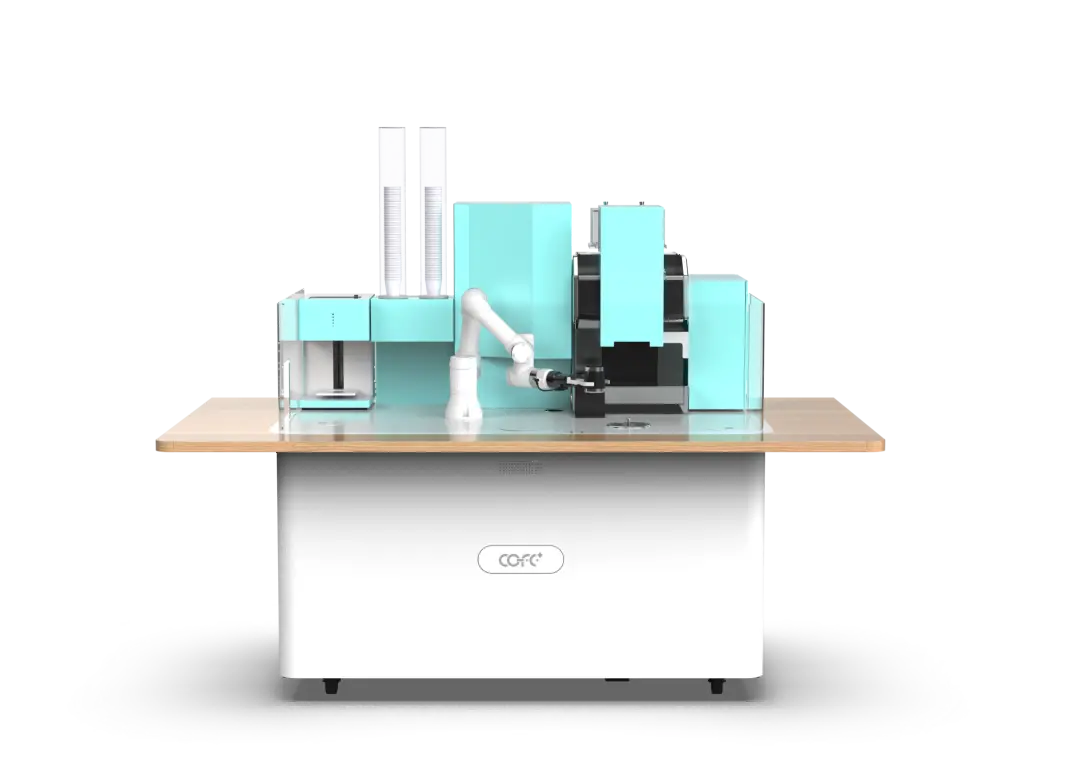
Preventive service scheduling fails when the calendar drives the machine instead of the machine’s transaction data driving the calendar. If you operate multiple kiosks across malls, transit hubs, campuses, or outdoor sites, the fix is a site-specific service plan that protects peak sales hours. Send your site list, current service intervals, and peak-hour data to sales@hi-dolphin.com or call +86 131 6630 1290. We will map a modular service schedule around your highest-revenue blocks and confirm which tasks can run without stopping the kiosk.
Service frequency follows cup volume and site conditions more than a fixed calendar. A high-volume indoor kiosk in a clean office may need a light module check every two weeks, while an outdoor unit in a dusty or humid area may need filters and seals inspected weekly. The right starting point is to set intervals from transaction data and environment, then adjust after 30 days. If the machine shows stable extraction pressure, clean waste flow, and no temperature drift, the interval is working.
Many operators assume any service visit means a full shutdown. That is not accurate. Ingredient path checks, waste clearing, and many water filter tasks can run while the kiosk continues taking orders, as long as the technician works module by module. The brewing group and steam system need a short pause, but that pause can be placed outside peak hours. With modular scheduling, the kiosk rarely stops selling for the full visit. The key is to plan the order of tasks so the machine comes offline only for the modules that actually require it.
It depends on the site type. An office tower usually has the quietest flow between 10:30 and 11:30 and again after 14:00. A transit hub may be slowest between 10:00 and 15:00 on weekdays, while night economy districts are slowest early in the day. The safest method is to pull at least seven days of transaction data and mark the consistently lowest two-hour block. That block becomes the service window for tasks that need a shutdown.
In multi-country deployments I have seen, the operators who avoid lost sales hours are the ones who treat service planning as part of site commissioning, not as an afterthought. The plan starts with peak-hour data, then lists which modules need attention and when. It also names the spare parts kept on site. If your portfolio includes outdoor kiosks, transit hubs, or multiple time zones, it is worth confirming the service sequence with the supplier before launch. Send your site list and peak-hour data to sales@hi-dolphin.com and we will confirm which tasks can run without a sales-hour loss.
TL;DR — COFE+ is a fully automated robotic coffee kiosk that grinds fresh beans, brews espresso and lattes, creates latt……
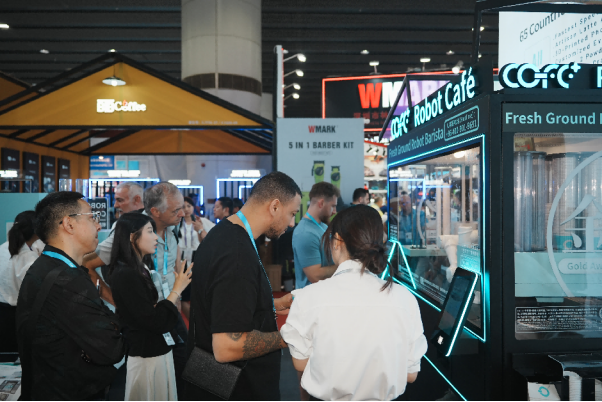
7th-Genertion Smart Robot Coffee Kiosk Arrives at the Belt and Road Core Hub, Ushering in a New Service Era Along t……

CHICAGO, May 12, 2026 (GLOBE NEWSWIRE) – Shanghai Hi-Dolphin Robot Technology today announced the U.S. debut of its 7th‑……