Ferry terminals and ports run on departure boards, not dwell time. A passenger who clears the gate 12 minutes before sailing will buy coffee only if the transaction and preparation complete before the boarding call. A robot coffee kiosk for ferry terminals fits that pattern because it does not wait for a shift change, opens before the first vessel, and keeps serving through the late crossing. I have reviewed portside beverage plans that stopped at vending machines and then left revenue on the table, because a packaged drink machine cannot produce fresh espresso, textured milk, or a seasonal drink at the pace a sailing schedule demands.
Ferry Terminal Coffee Demand Beyond Standard Vending
Port traffic is wave shaped, not steady. A vessel arriving at 07:10 can push several hundred people toward the same exit corridor within 15 minutes. In that window, a conventional café with two staff may process 20 cups, while the waiting area still holds passengers who gave up on the line. The problem is not only staffing cost. It is that the available inventory of service minutes does not match the peak.
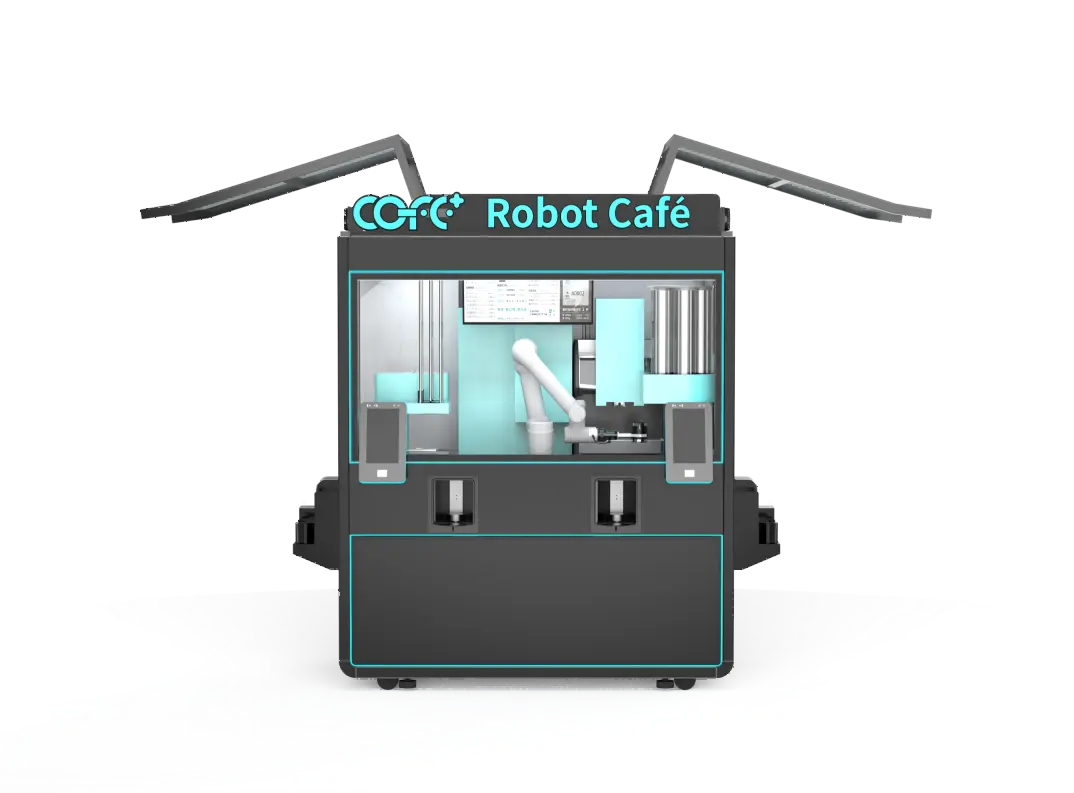
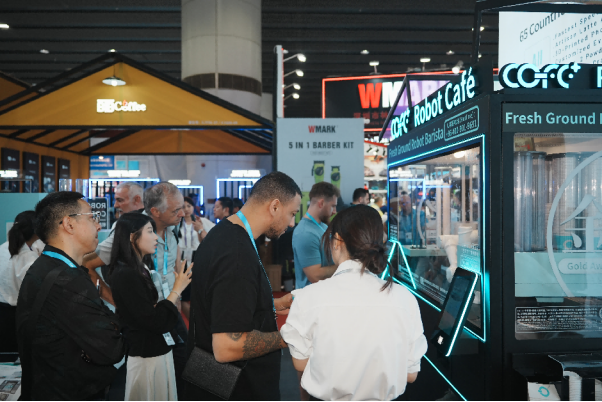
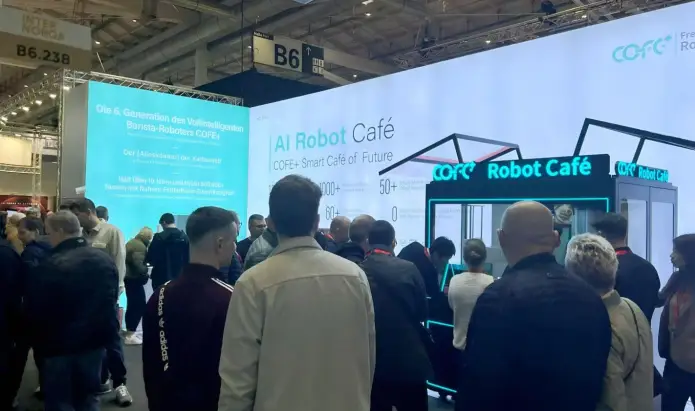
A robot coffee kiosk changes the arithmetic. The indoor unit produces a cup in 43 to 60 seconds and can run continuously through the day, which translates to roughly 1,000 cups of capacity across 24 hours. It grinds, extracts, and textures milk without a barista present. That makes it less like a vending machine and more like a dedicated espresso line installed inside a small footprint. For a ferry terminal, the payoff is not novelty. It is the ability to clear a passenger surge before the boarding announcement ends.

Coastal Installation Requirements for an Unmanned Kiosk
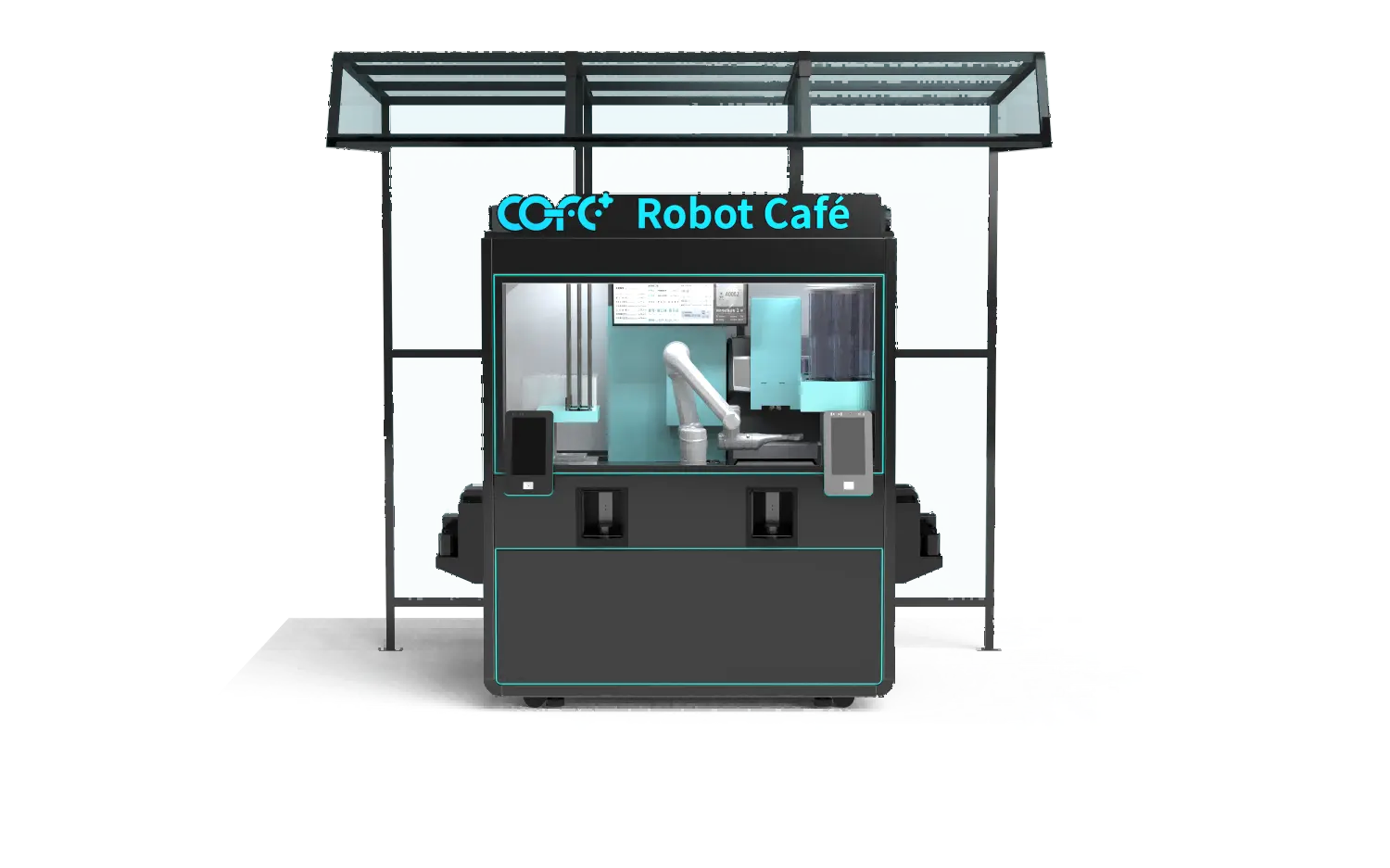
Salt moisture and temperature swings are the first site constraints at a terminal. A machine placed near an open pier must handle condensation without letting it reach the cup path. The outdoor model carries an IP54 rating and operates from minus 20 degrees Celsius to 45 degrees Celsius, with a sealed waste system and an antimicrobial stainless steel interior. The automatic hygiene cycle runs at 85 degrees Celsius or higher, which reduces the buildup that humid sea air tends to create.
Power, water, and drainage are the next checkpoints. The kiosk works on 110V or 220V systems, but the terminal operator needs to confirm whether the selected bay has a dedicated circuit, a floor drain, and a filtered water point before the unit arrives. I have seen delay come from these three connections more often than from the kiosk itself. When the kiosk goes outdoors, the site plan should also account for sun exposure and wind driven rain, because both affect queue comfort and the kiosk’s ability to maintain cup temperature.
Indoor and Outdoor Model Selection by Terminal Zone
Terminals are made of multiple zones with different demand and climate exposure. The right deployment uses different models in those zones rather than forcing one cabinet to solve everything.
| Terminal zone | Best fit model | What to verify |
|---|
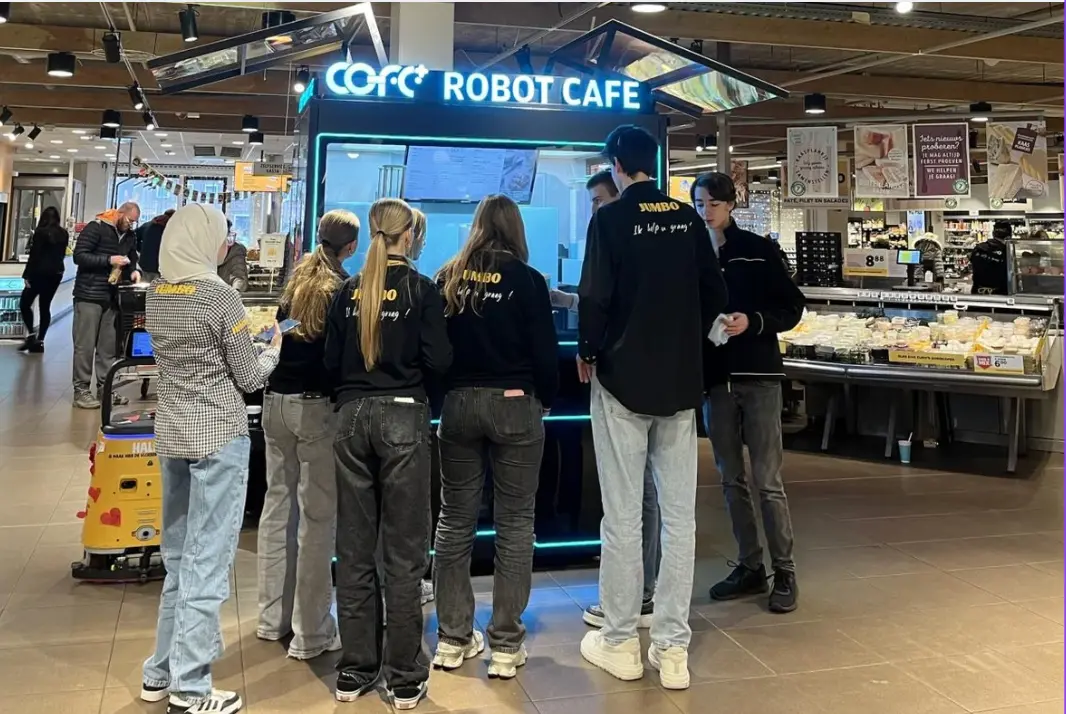
| Departures hall | Quiosco interior | 2.35 square meter footprint, 110V or 220V |
| Open pier walkway | Quiosco exterior | IP54, minus 20 to 45 Celsius range |
| Baggage claim | Quiosco interior | Queue separation from carousel flow |
| Exposed drop-off lane | Quiosco exterior | Drainage, power, and weather exposure |
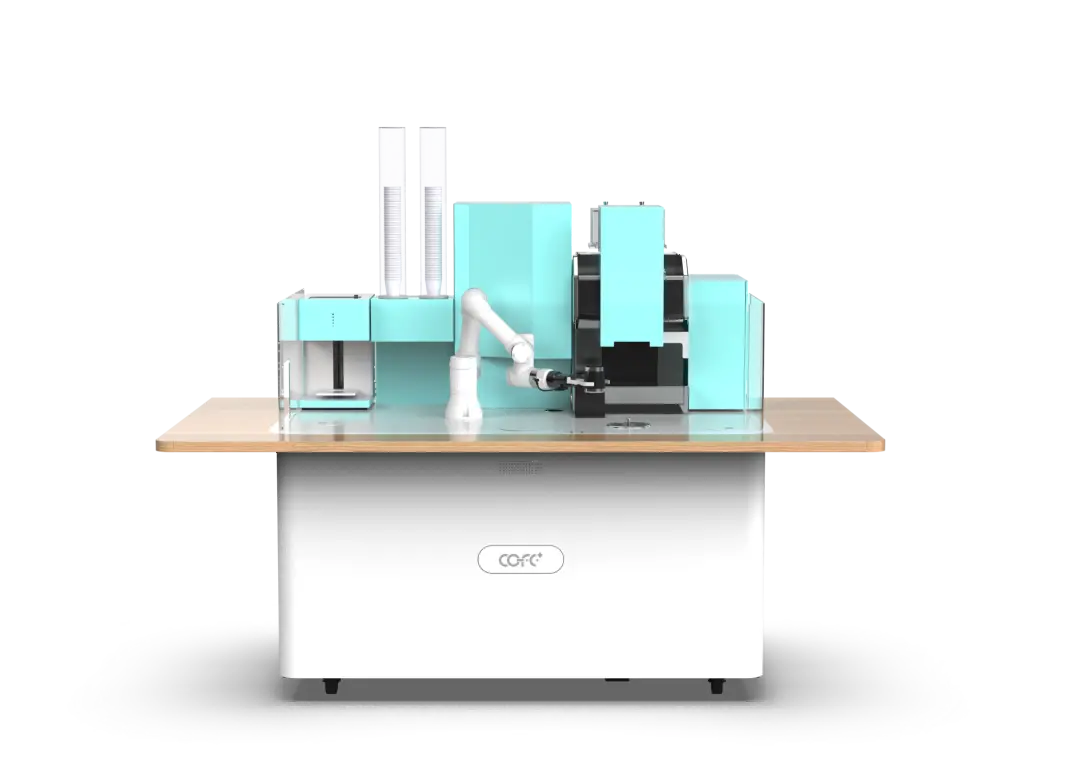
| Lounge or waiting area | Barra de Café Robot | Foldable footprint with optional seating |
| Boarding corridor | Quiosco interior | 43 to 60 second cup time during waves |
The delimiting issue is whether the unit sits in conditioned air. If the bay is enclosed but not climate controlled, a marine terminal in July can still push heat soak well above the ambient outside temperature. In those spots, the outdoor model’s anti condensation system and wider operating envelope become the safer default. If the location is inside a heated departures hall, the indoor model’s smaller power and drainage footprint is easier to site.
Portside Operations Without Barista Staffing
Unstaffed operation works best when the terminal treats it as a monitored system, not an ignored appliance. The kiosk reports stock, temperature, and fault conditions through cloud monitoring. That single change is what separates a terminal coffee service from a warehouse vending machine. Instead of discovering an empty milk line when the morning crowd arrives, the operations team gets an alert while the unit still has enough stock to keep serving.
Remote diagnostics also compress the maintenance path. A temperature excursion or pump fault can trigger a service ticket before the queue notices. For a terminal with no on-site technicians, the practical reserve is not a barista. It is a regional service contractor who can reach the site within an agreed window and a kiosk that tells the contractor which part to bring.
If your terminal mixes enclosed and exposed zones, confirm the utility matrix for each model before finalizing a site plan. Send your layout and utility points to sales@hi-dolphin.com and ask for the indoor/outdoor requirement sheet. This is the comparison most site teams need before they can commit to a location.
Next Steps for Ferry Terminal and Port Operators
Portside coffee demand is measurable before you sign a lease. Passenger throughput, sailing frequency, and the number of sailings per day determine how many cups the location is likely to sell. The terminal operator’s real concern is not whether people want coffee at a ferry terminal. It is whether the equipment can keep serving reliably in an exposed corner and whether the operating model holds when passenger volume is uneven.
A robot coffee kiosk answers the reliability half through its sealed cabinet, remote diagnostics, and continuous operation. The commercial half should be answered with a specific site assessment. Send your terminal layout, expected daily passenger flow, and available utility connections to sales@hi-dolphin.com or call +86 131 6630 1290. A single review will confirm which model fits each zone and what the first three months of stock and service planning look like.
Common Questions About Robot Coffee Kiosks for Ferry Terminals
Does salt air damage the outside kiosk?
Salt air is less of a threat than condensation. The outdoor model uses an IP54 rated cabinet, sealed waste system, and antimicrobial stainless steel to keep moisture and residue away from the cup path. The higher risk is standing humidity inside the machine after a temperature swing, which is why the automatic cleaning cycle runs at 85 degrees Celsius or above. Operators still need to place the unit away from direct wave spray and schedule the same filter checks they would for any sealed beverage system. If the installation sits on a pier with constant splash, confirm with the manufacturer whether an additional wind barrier or canopy makes sense for the specific orientation.
Will it keep selling if the terminal internet drops?
A common assumption is that a cloud connected kiosk stops when the network fails. That is not how the system operates. The kiosk can complete transactions and prepare drinks through its local control layer, then sync sales, stock, and fault data when the connection returns. What suffers during an outage is remote visibility, not the customer transaction. For a terminal with intermittent network across piers, the practical requirement is a wired or stable cellular link at the kiosk location. If multi-site reporting matters to the operator, run the network check before the first delivery instead of after the first gap in the sales log.
How much room does it take from passenger flow?
It depends on whether the unit is placed in a queuing aisle or a free circulation zone. The indoor kiosk needs about 2.35 square meters plus clearance for access and loading, while the folded Robot Coffee Bar takes around 2 square meters before seating is opened. In a wide departures concourse, that footprint is minor. In a narrow boarding corridor, it can create a pinch point. The safer rule is to keep the kiosk at least 3 meters from a ticket gate or escalator entry and to queue customers perpendicular to the footpath rather than along it. I have seen otherwise good deployments underperform because the unit was visible, but the line blocked the natural route to the vessel.
What happens if it faults during a busy departure wave?
In terminal programs I have reviewed, the deciding factor is not whether a fault occurs. It is whether the alert reaches someone who can act before the queue notices. A kiosk that reports a low ingredient level while it still carries reserve stock allows a refill after the wave, not during it. Remote diagnostics also identify module level failures, so the service call names the part rather than starting from a guess. The operator’s job is to set alert priorities and keep a local contact listed. If your site has concentrated departure peaks, send the sailing schedule to sales@hi-dolphin.com and request a service interval estimate matched to those windows.