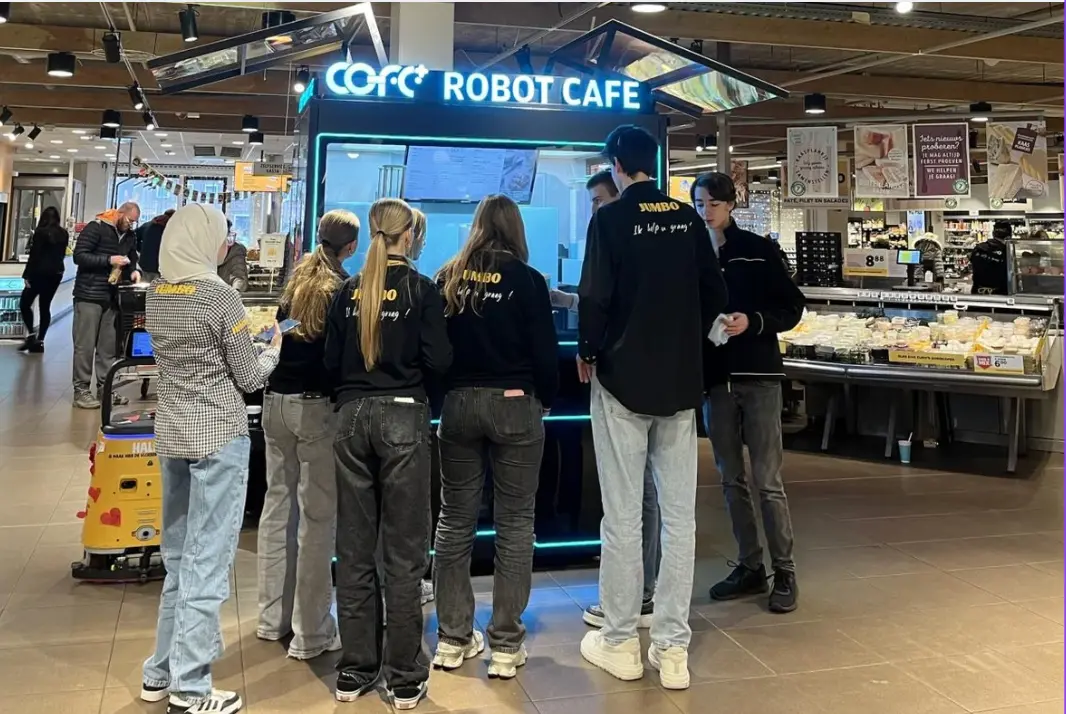
The Rise of Professional Robotic Café Technology: What COFE+ Is and Why It Matters
TL;DR — COFE+ is a fully automated robotic coffee kiosk that grinds fresh beans, brews espresso and lattes, creates latt……

Robot coffee kiosk training produces the best uptime when it treats operators and local service teams as two connected roles. Operators own the daily routine: loading ingredients, reading alerts, cleaning visible surfaces, and recording site conditions. Service teams own the mechanical and network response: replacing modules, verifying water and drainage, calibrating sensors, and closing the loop after a remote diagnosis. A shared alert record is the handoff between them, so neither role works from memory. This guide sets up that structure for COFE+ 7th Generation kiosks and similar automated coffee equipment, using the machine’s cloud monitoring, automatic cleaning, and remote diagnostics as the training backbone.
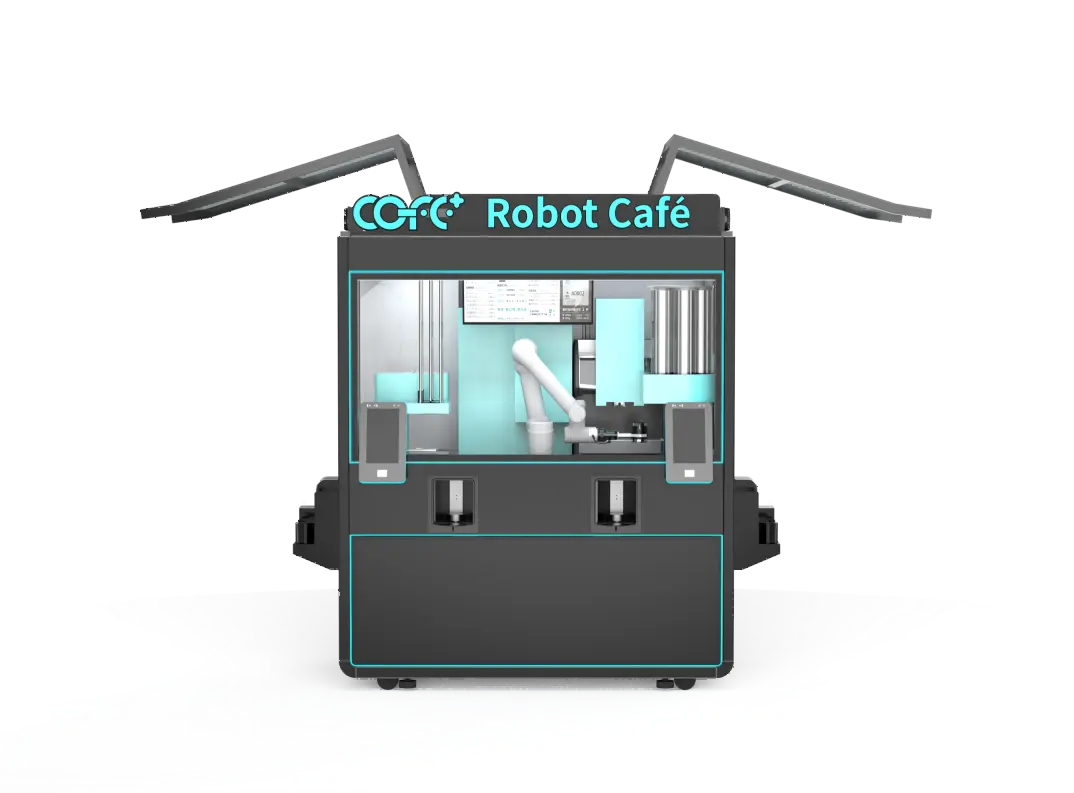
Training should be split into an operator track and a service track from the first session. The operator track focuses on customer-facing tasks and daily operating discipline. The service track focuses on diagnostic response, component replacement, and site infrastructure.
Operators need to learn the complete customer journey: order placement, payment, drink preparation, cup handoff, and error recovery. They should practice the touchscreen flow, menu navigation, and refund or retry steps that customers may ask about. They also need to understand ingredient loading, cup replenishment, waste removal, and the kiosk’s automatic cleaning schedule.
Service teams need to learn the machine zones: water inlet, drainage, electrical connection, ingredient cabinets, brewing module, refrigeration, robotic arm, cup handling, and network hardware. A good training plan makes each team member trace a fault from the alert screen to the physical module and back to the alert log.
A focused training module table helps local teams avoid role confusion.
| Training module | Operator responsibility | Service team responsibility |
|---|---|---|
| Machine orientation | Guide customers and identify basic status lights | Locate service panels and disconnect points |
| Daily opening and closing | Confirm stock, cleaning status, and network connection | Verify water, drainage, and power before startup |
| Ingredient refill | Replace beans, milk, syrups, cups, and lids | Check shelf life, seals, and storage temperature |
| Alert handling | Record alert code and visual condition | Diagnose alert cause and repair the module |
| Cleaning and hygiene | Complete visible cleaning and waste removal | Confirm automatic sterilization and food-contact checks |
| Escalation | Report repeated errors to the service team | Replace parts and report unresolved issues to remote support |
Daily checks should be short enough to finish in 10 to 15 minutes, but specific enough to catch problems before the first customer arrives. The operator should confirm that the kiosk has power, stable network access, sufficient water, and no standing water around the base.
Ingredient readiness is the most common cause of early interruption. Operators should check bean weight, milk level, syrup stock, cups, lids, and waste bin capacity against the expected traffic for that shift. A high-volume site may need refill planning before peak periods rather than waiting for a shortage alert.
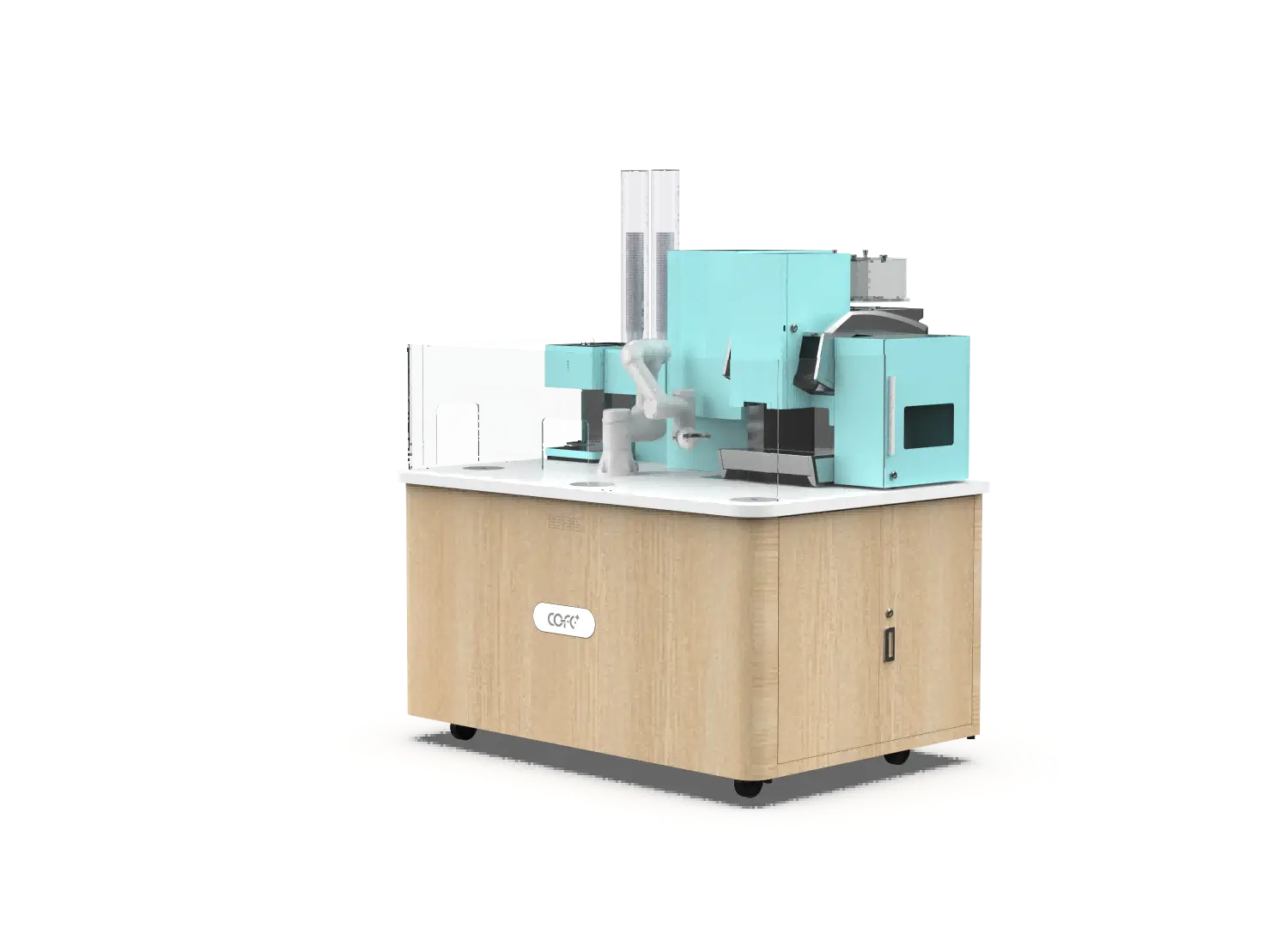
The opening sequence should also verify the cleaning status. The COFE+ system supports automatic cleaning, but operators still need to inspect the cup tray, drip tray, and visible stainless surfaces. If the kiosk reports a cleaning cycle pending, the operator should run it and confirm completion before service begins.
A practical closing routine includes removing perishable waste, wiping contact surfaces, checking ingredient seals, and recording any alert that appeared during the shift. The closing record should include the alert code, time, visible condition, and the action taken. This record becomes the handoff for the next shift or the local service team.
Cloud monitoring turns a robot coffee kiosk into a manageable remote operation, but only if the team responds to the right alert at the right speed. Training should teach operators to separate alerts that stop service from alerts that only need a scheduled check.
| Alert level | Typical examples | Required response |
|---|---|---|
| Critical | Ingredient shortage, module failure, water interruption, payment offline | Restore service immediately or dispatch service team |
| Warning | Low bean level, temperature drift, cleaning overdue | Refill or schedule correction within the current shift |
| Advisory | Software update, minor sensor flag, energy report | Complete during the next scheduled maintenance |
| Data only | Cup counts, sales trend, stock consumption | Review weekly for planning, no emergency action needed |
Operators should not ignore repeated advisory messages. A temperature drift that appears three times in one day may indicate a refrigeration or sensor issue rather than a normal environmental change. The local service team should have a written escalation rule: if a warning repeats twice within four hours, it becomes a service call.
Remote diagnostics reduce unnecessary travel. The service team can check the kiosk status, fault log, and camera or sensor data before going to the site. That check should be recorded with the likely cause, the parts to bring, and the expected repair time.
Ingredient handling changes with the site and climate. Indoor climate-controlled locations need standard stock rotation and storage rules. Outdoor locations need additional attention to temperature, humidity, dust, and direct sunlight.
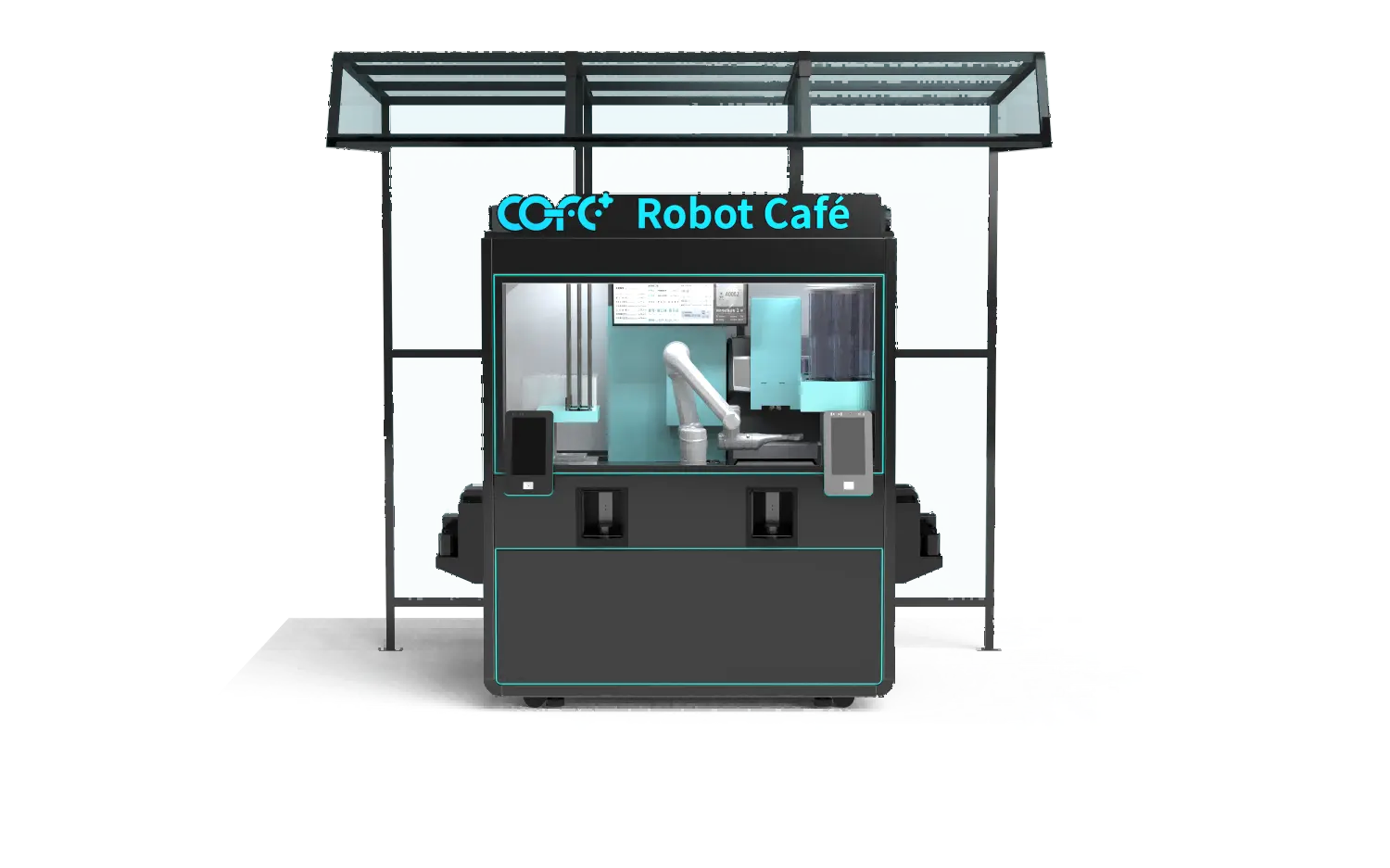
The COFE+ outdoor kiosk is designed for weather-exposed operation, with an operating range from -20°C to 45°C and IP54-rated protection. Training for outdoor sites should still include a visual inspection of the condenser area, drainage path, and air vents before each shift. Leaves, dust, or packaging film around the intake can reduce cooling performance even when the kiosk continues to operate.
Operators should follow first-in-first-out stock rotation for milk, syrups, and other perishable ingredients. They should record the opened date for each container and check the storage temperature shown on the kiosk display. A simple rule is useful: if the operator would not accept the ingredient condition in a normal café, it should not stay in the kiosk.
Cup and lid levels need the same discipline. A kiosk can have enough coffee beans and still stop serving because the cup magazine is empty. Operators should estimate cup demand by time of day and refill before the expected peak.
A local service team does not need to be a robotics engineering group, but it does need clear mechanical, electrical, and network competence. Each team member should be able to operate the manual bypass for water and power, replace a peristaltic pump or seal when authorized, and safely open the service panel without damaging the kiosk.
Training should include lockout and tagout, low-voltage electrical awareness, and safe handling of cleaning chemicals. Even when the kiosk is fully automated, human service work still involves moving parts, hot water, and electrical connections. The team should know the emergency stop location and the correct restart procedure.
The service kit should be standardized across locations.
| Service kit item | Purpose |
|---|---|
| Multimeter and insulated tools | Check power and connection continuity |
| Spare tubing, seals, and filtration elements | Repair common water and ingredient path leaks |
| Food-grade cleaning cloths and sanitizer | Complete on-site hygiene corrections |
| USB or mobile diagnostic access | Read offline logs and apply approved software patches |
| Spare cup, lid, and waste sensors | Replace frequently used consumable sensors |
| Manufacturer service manual and parts list | Follow approved repair and torque steps |
Shanghai Hi-Dolphin Robot Technology Co., Ltd. supports this local structure with cloud monitoring, remote diagnostics, and automatic repair dispatch. The local team still provides the hands, the site knowledge, and the fast first response that remote support cannot replace.
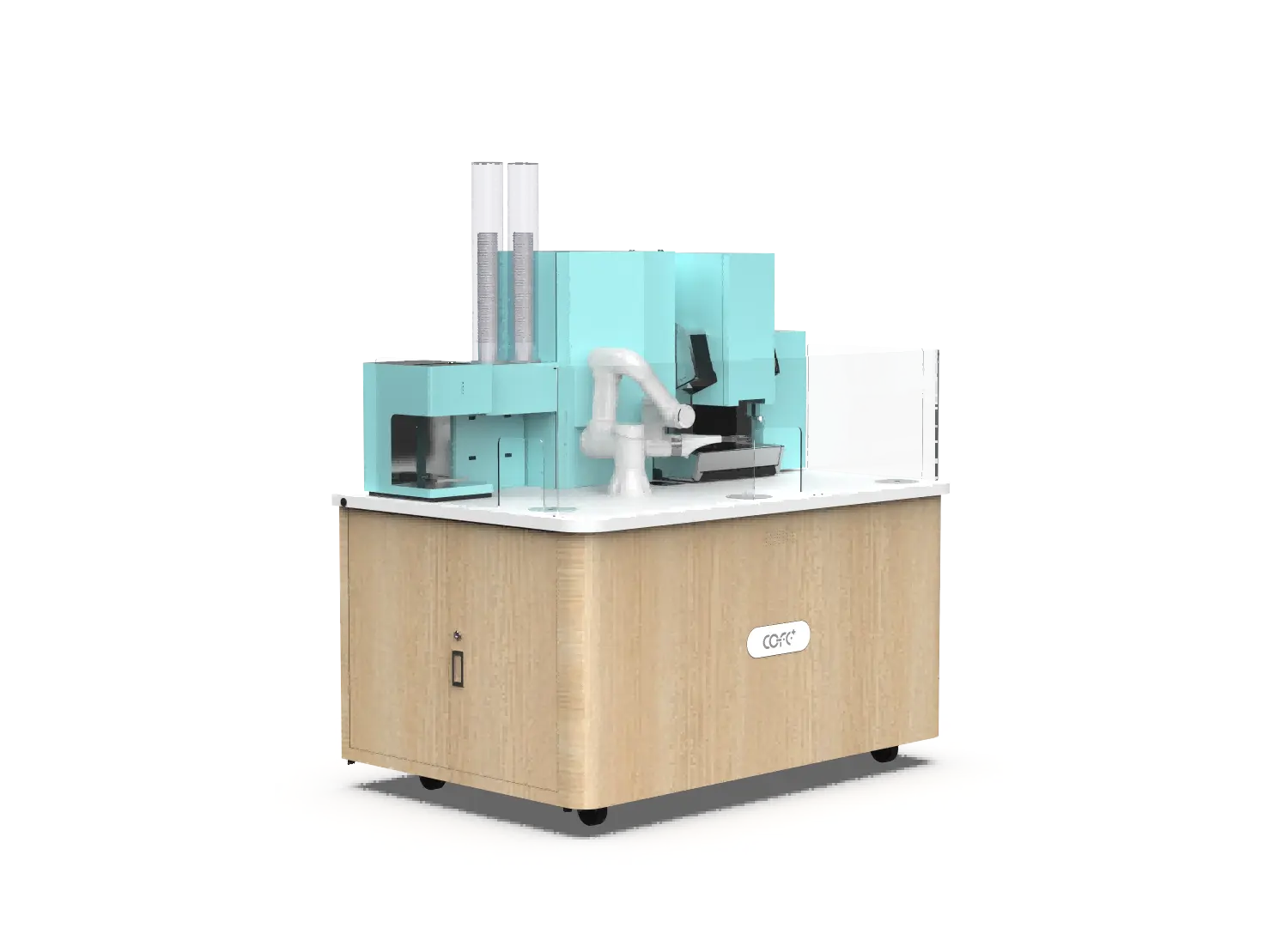
Cleaning training should connect the visible cleaning routine with the kiosk’s automatic sanitation system. The COFE+ system uses high-temperature sterilization and enclosed waste management to reduce manual cleaning workload, but operators still verify that surfaces are clean and dry.
| Cleaning task | Frequency | Operator check |
|---|---|---|
| Drip tray and cup station | Daily | No standing liquid, no sticky residue |
| Touchscreen and exterior | Daily | Clean, dry, and responsive |
| Ingredient cabinet seals | Weekly | No dried milk, syrup, or pest entry points |
| Air intake and condenser area | Weekly for outdoor, monthly for indoor | No dust, leaves, or blocked airflow |
| Automatic sterilization cycle | According to kiosk schedule | Cycle completed without error |
| Drain path and waste enclosure | Daily for high-volume sites | No odor, blockage, or leakage |
Operators should be trained to inspect food-contact materials without opening closed brewing lines. If a milk line shows unusual residue or if the kiosk reports a sterilization failure, the service team should take over and follow the manufacturer’s cleaning procedure.
Hygiene training should also cover personal behavior: hand cleaning before handling ingredients, not placing cleaning tools on food-contact surfaces, and keeping the service area free of personal items. These habits protect the certification and local health inspection results.
Before an operator or service technician works alone, they should pass a practical sign-off. The sign-off should use the kiosk itself, not just a written test.
The checklist should include the most important safety and service actions.
| Competency | Pass condition |
|---|---|
| Safe startup and shutdown | Completes correct sequence without alarms |
| Ingredient refill and rotation | Loads stock, records dates, and restores service |
| Alert reading and response | Reads alert code and selects the right severity response |
| Cleaning verification | Completes visible cleaning and confirms sterilization status |
| Manual service access | Opens service panel and restores closed condition safely |
| Escalation and reporting | Creates a clear record for remote support |
A new operator should work beside an experienced operator for at least three full shifts before independent duty. A service technician should complete at least two supervised repair visits and one independent visit with remote review.
The most useful next step is to prepare a training and service plan for the exact site type you will operate. Review whether the location is indoor or outdoor, the expected daily cup volume, the local electrical and water conditions, and the number of trained people available.
Email sales@hi-dolphin.com or call +86 131 6630 1290 to request the operator training framework, service escalation table, and remote diagnostic handover that match your deployment.
Basic operator training usually takes one to two days. The first day covers the customer journey, touchscreen recovery, ingredient loading, and cleaning. The second day should be a supervised live shift so the operator can practice alert reading, peak-hour refills, and closing records before working alone.
The local service team should first read the alert log and remote diagnosis rather than opening the machine immediately. Power, water supply, drainage, and network connection are the quickest environment checks. If those are normal, the alert code should lead directly to the affected module.
The core operator tasks are the same, but outdoor training adds weather-related checks. Outdoor operators need to check the condenser area, drainage path, and air intake for dust, leaves, or standing water. They also need to monitor extreme temperature conditions and surface hygiene more often.
Operators should keep the daily opening and closing checklist, alert codes, cleaning cycle confirmations, ingredient batch dates, and any photos of visible damage or leaks. The records should show the time, the condition found, and the action taken. This makes remote diagnosis faster and keeps warranty claims clear.
TL;DR — COFE+ is a fully automated robotic coffee kiosk that grinds fresh beans, brews espresso and lattes, creates latt……
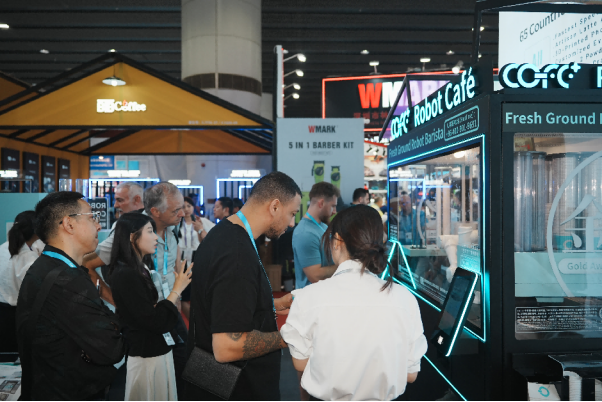
7th-Genertion Smart Robot Coffee Kiosk Arrives at the Belt and Road Core Hub, Ushering in a New Service Era Along t……
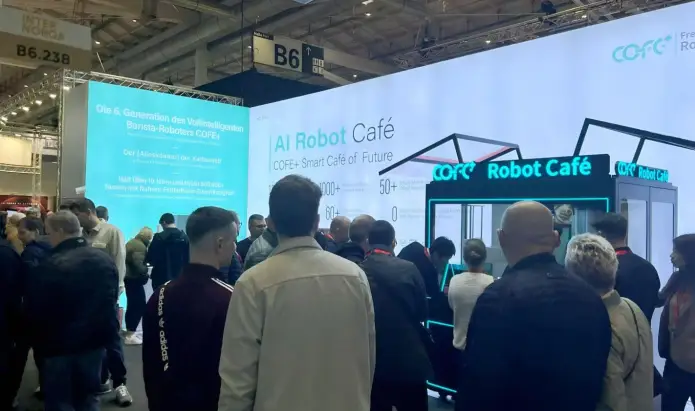
CHICAGO, May 12, 2026 (GLOBE NEWSWIRE) – Shanghai Hi-Dolphin Robot Technology today announced the U.S. debut of its 7th‑……